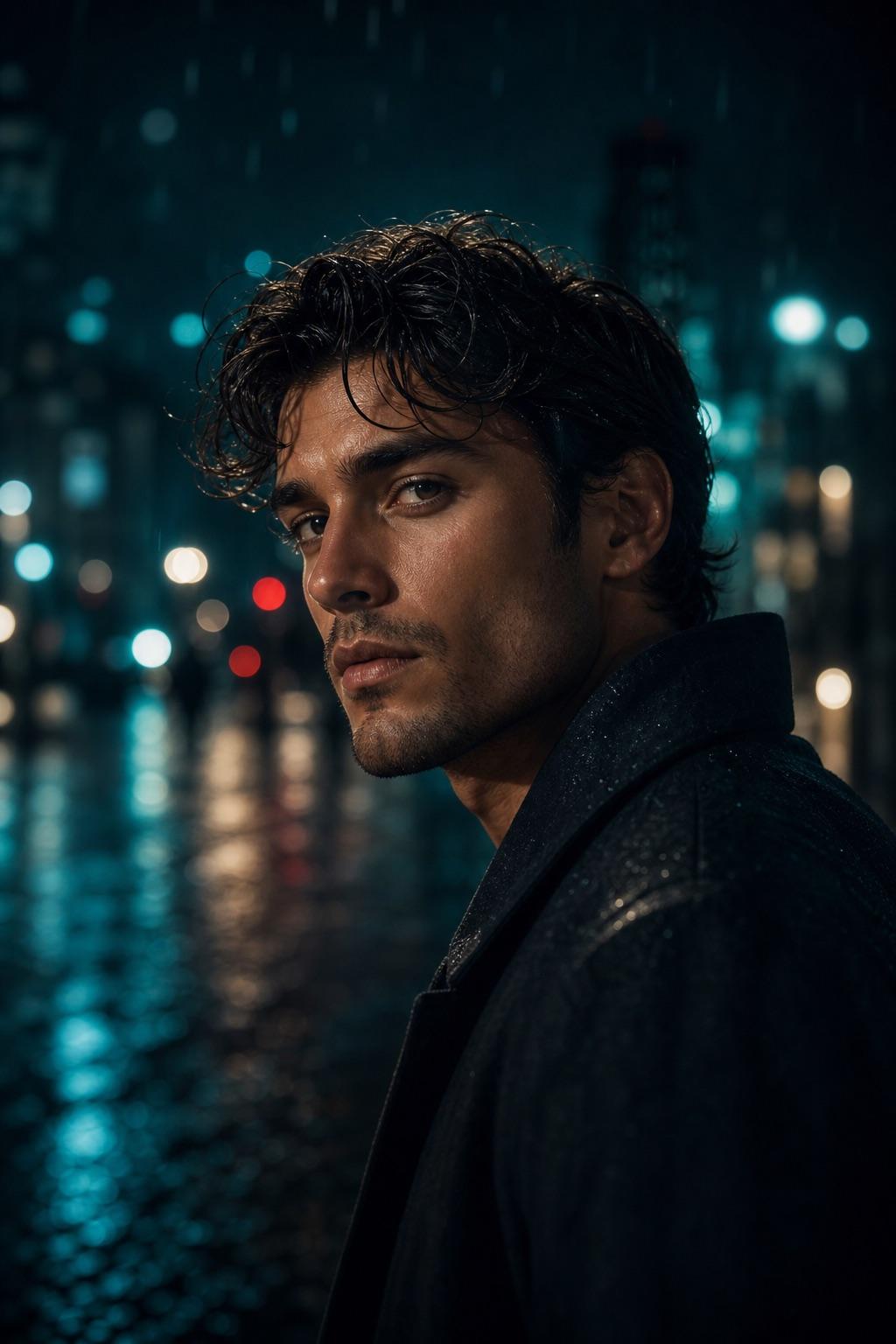
A practical prompt has one clear job
Start by naming the final photo task in plain language. A cinematic portrait, social DP, color grade and couple edit need different framing and preservation rules. When one prompt tries to create a new location, replace clothing, change age, alter identity and apply a preset at the same time, it becomes difficult to tell which instruction caused a bad result. Keep one primary task, then add only the scene and style details that support it.
Use the source image as the constraint
Read the source before editing. Note whether the face is large enough, whether hands are visible, where the light already comes from and which clothing or background details must stay. Remove any template phrase that conflicts with that evidence. If the source is a close portrait, do not request a distant full-body scene. If the face is heavily blurred, a longer identity paragraph cannot recover information that is not present.
Preservation and negative rules do different work
Preservation rules state what must remain recognizable, such as face identity, age, hairstyle, relative height, clothing color or scene objects. Negative constraints describe likely failures, such as duplicate features, waxy skin, distorted hands, fake text or logos. Keep both lists concrete. Repeating the desired style in the negative prompt adds length without making the instruction easier to review.
Revise one decision at a time
When a third-party output drifts, avoid rewriting the entire prompt immediately. First check the most important failure: identity, crop, light, clothing or background. Change one field, run the workflow again and compare. This makes the prompt easier to troubleshoot and reduces accidental changes elsewhere. No prompt guarantees a perfect result, so manual review and permission remain part of the workflow even when the first output looks convincing.
Keep the mobile handoff simple
On a phone, the useful path should take only a few decisions: open the closest Effect, choose Customize in Builder, change the fields that conflict with the source, review the live prompt and copy it. Avoid adding private names or long backstories that do not affect the image. After pasting into a compatible tool, return to the same Effect page when you need to check the preservation or negative rules. The Builder does not place subject text in the URL or analytics properties, and this site does not receive the third-party image result, file or editing history.