
Create a clean social display portrait of one consenting adult man. Preserve his face identity, age, hairstyle, facial hair and natural skin texture. Use a centered head-and-shoulders composition with a simple charcoal background, a calm confident expression, soft studio key light and restrained rim separation. Keep moderate contrast around the face so it stays readable in a small square profile crop. Preserve realistic proportions and source clothing. Do not add sunglasses, weapons, luxury branding, text, logos or an aggressive expression.
Men DP Attitude Prompt
A small display picture needs a readable face more than a complicated scene. This prompt keeps the composition centered, the background simple and the expression confident without turning aggressive.
This site does not upload or generate images. Use the copied prompt in a compatible AI image tool.
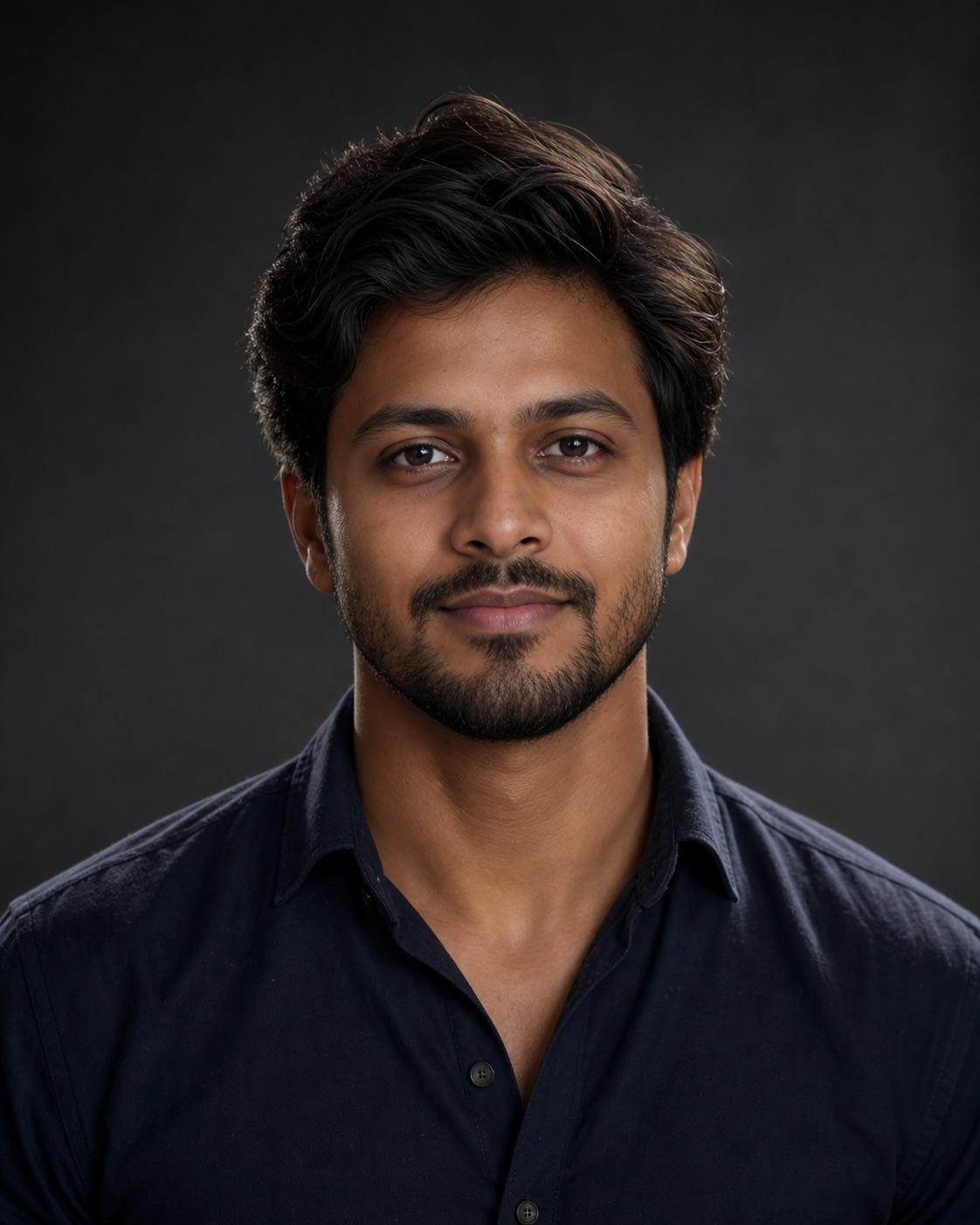
Preservation rules
Keep identity instructions clear
- Keep the face centered inside a square-safe crop.
- Preserve age, facial hair, hairstyle and natural expression.
- Use a simple background with moderate facial contrast.
- Do not add weapons, brands or an aggressive persona.
Variable controls
Change only what helps
- subject
- one consenting adult man
- outfit
- a clean dark casual shirt without logos
- background
- a simple charcoal studio background
- lighting
- soft key light with restrained edge separation
- camera
- centered eye-level head-and-shoulders portrait
- mood
- calm and confident
- aspect Ratio
- 1:1 safe crop within 4:5
Best for
- profile pictures
- creator display photos
- centered social avatars
Avoid if
- you need a full-body scene
- the source face is cropped or obscured
Four-step workflow
Use the prompt in a compatible tool
- 01
Start with a permitted source image
Use your own photo, a licensed image, or a likeness you have clear permission to edit.
- 02
Adjust the useful variables
Change the subject, outfit, setting, lighting, camera direction and crop to match the photo you actually have.
- 03
Copy to a compatible AI tool
Paste the prompt into a tool that accepts image or photo editing instructions. This site does not upload or generate the image.
- 04
Review before sharing
Check identity, hands, skin texture, clothing, background details and consent before you post or export the result.
Quick answers
Effect questions
Does this page generate or upload an image?
No. It provides a prompt and an example visual direction. Copy the prompt into a compatible AI image tool.
How do I keep the face readable?
Use a centered head-and-shoulders crop, simple background and moderate contrast around the face.
Related effects
Continue with a nearby task
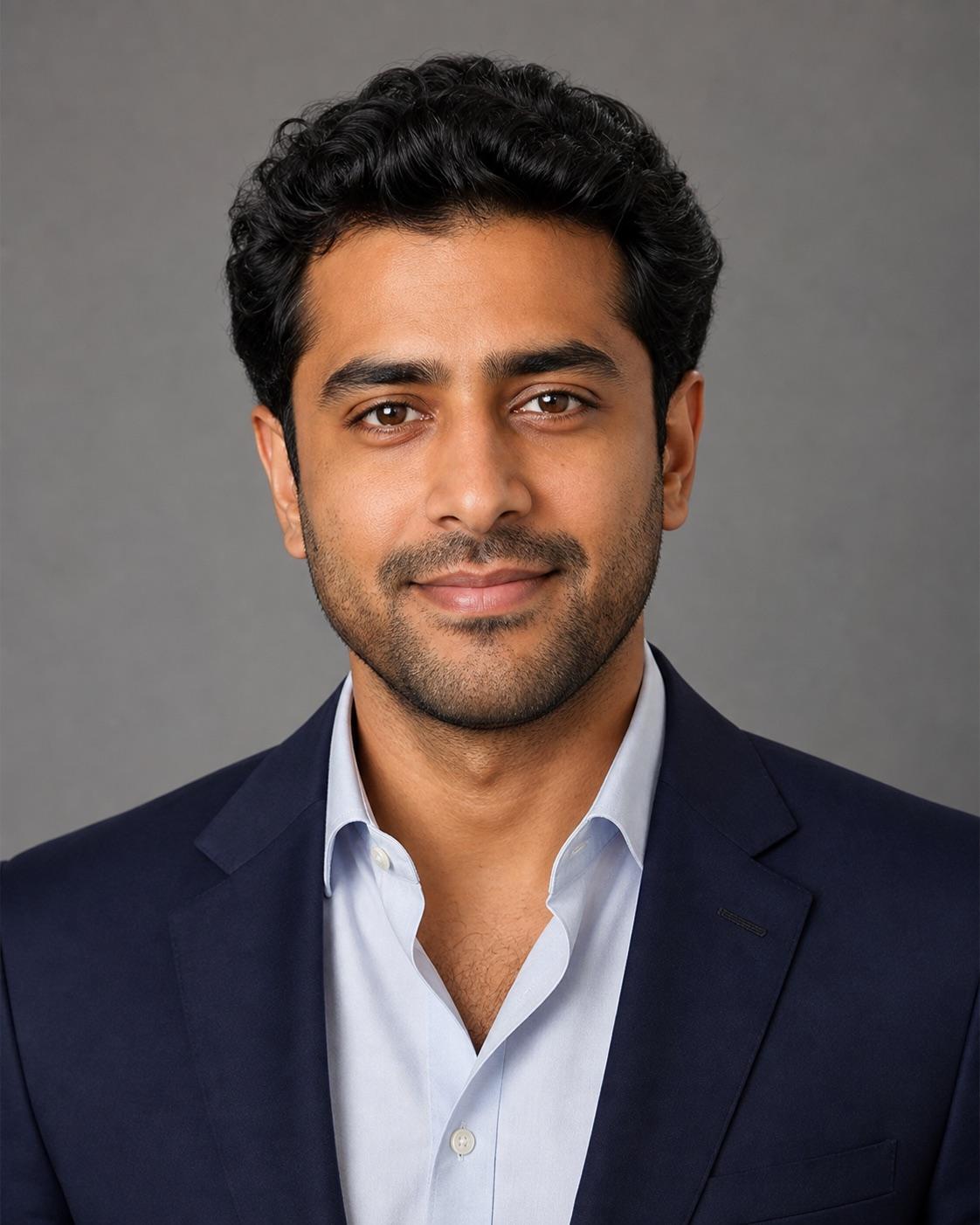
Professional Headshot DP Prompt
A professional DP should look approachable and credible at thumbnail size. This prompt keeps the background quiet, the expression natural and the face centered inside a square-safe crop.
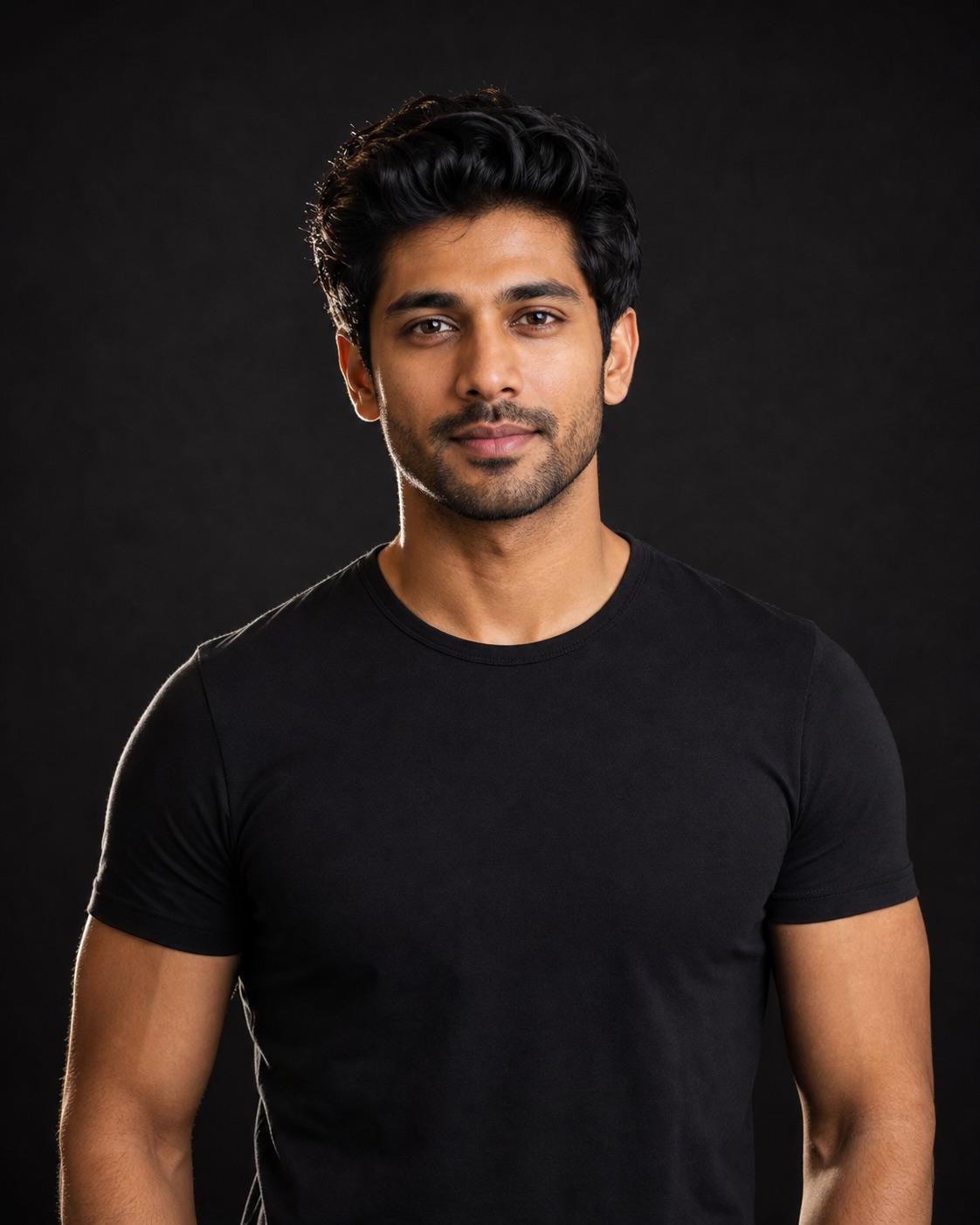
Black Shirt Attitude DP Prompt
The attitude comes from posture, eye direction and light rather than weapons, luxury props or an angry expression. A plain black shirt and restrained rim light keep the face readable.
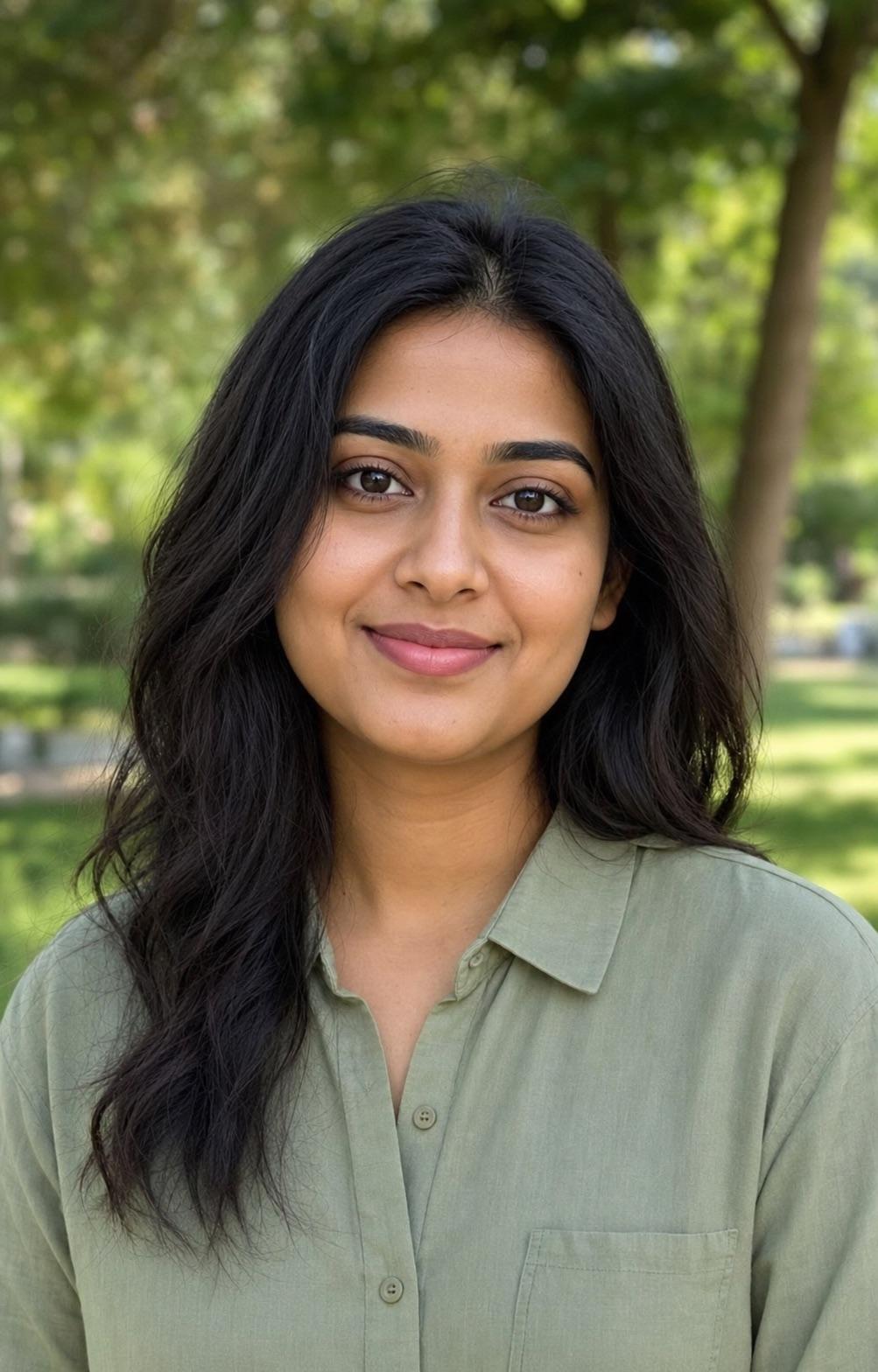
Outdoor Nature Profile DP Prompt
A nature DP should feel open without letting foliage compete with the face. This prompt uses a quiet park, soft green blur and neutral facial light for a friendly profile image.
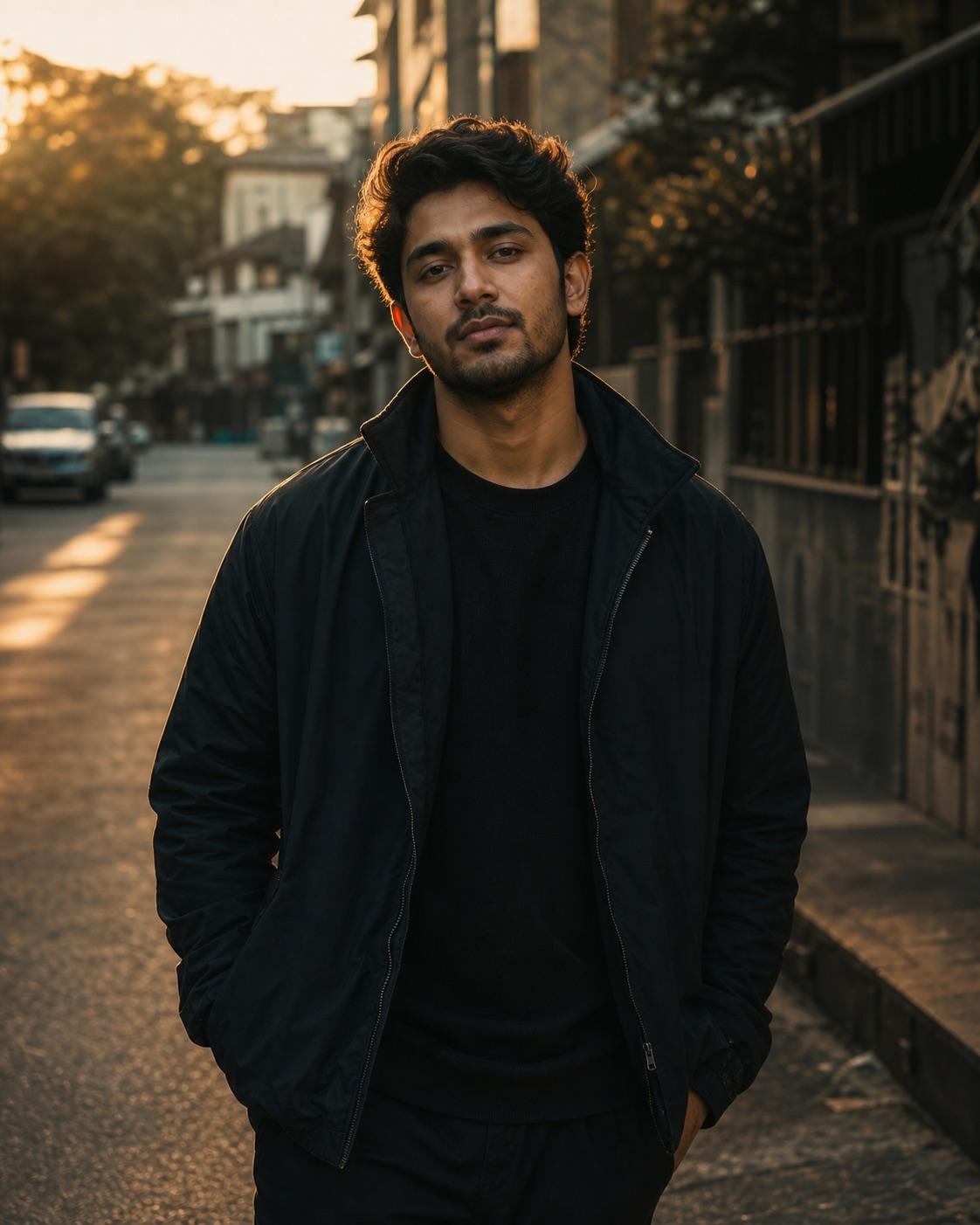
RSP Editing Boy Cinematic Prompt
This workflow is written for a consenting adult man. It combines simple streetwear, a quiet urban setting and golden-hour edge light while keeping the face natural and readable on a phone.