
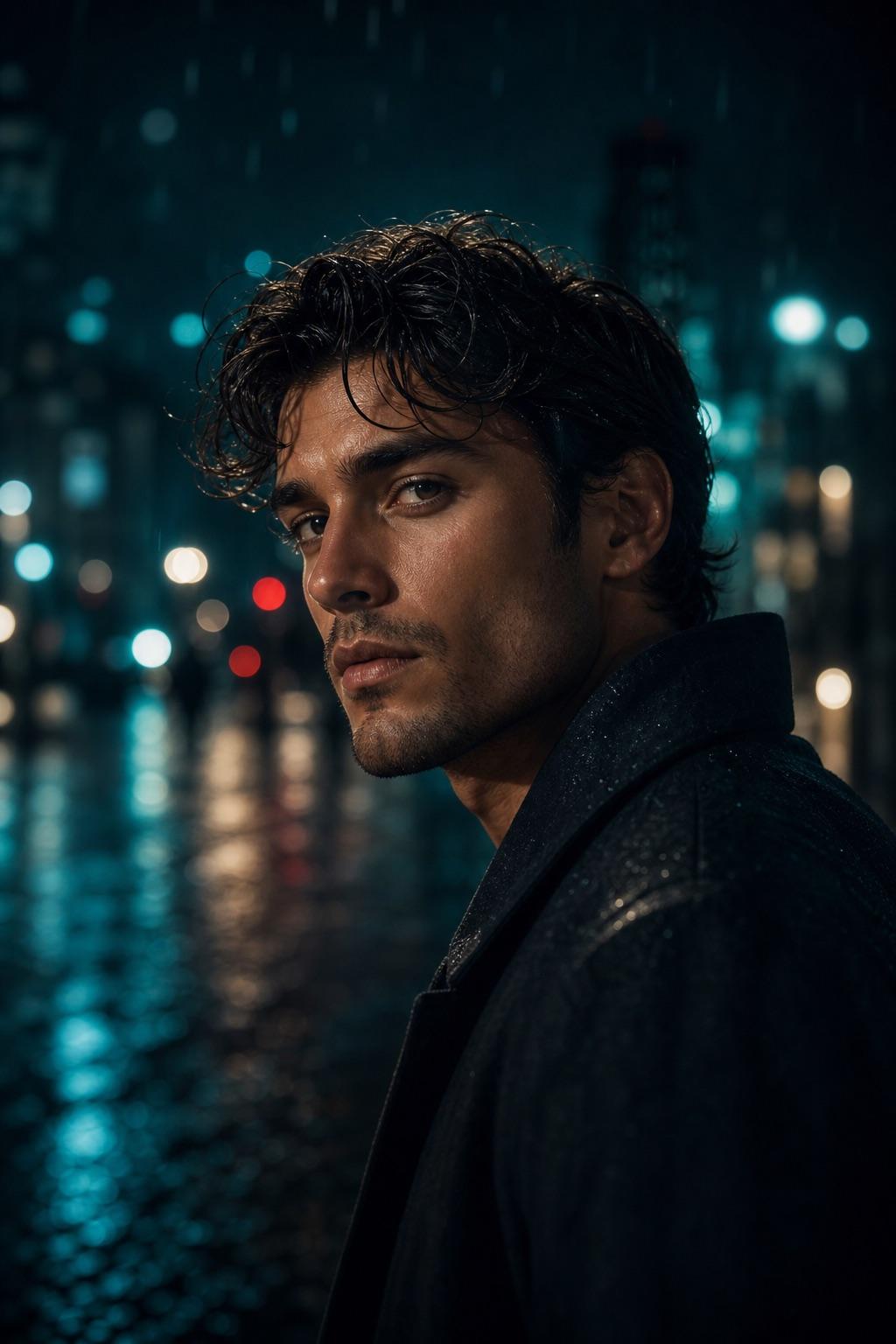
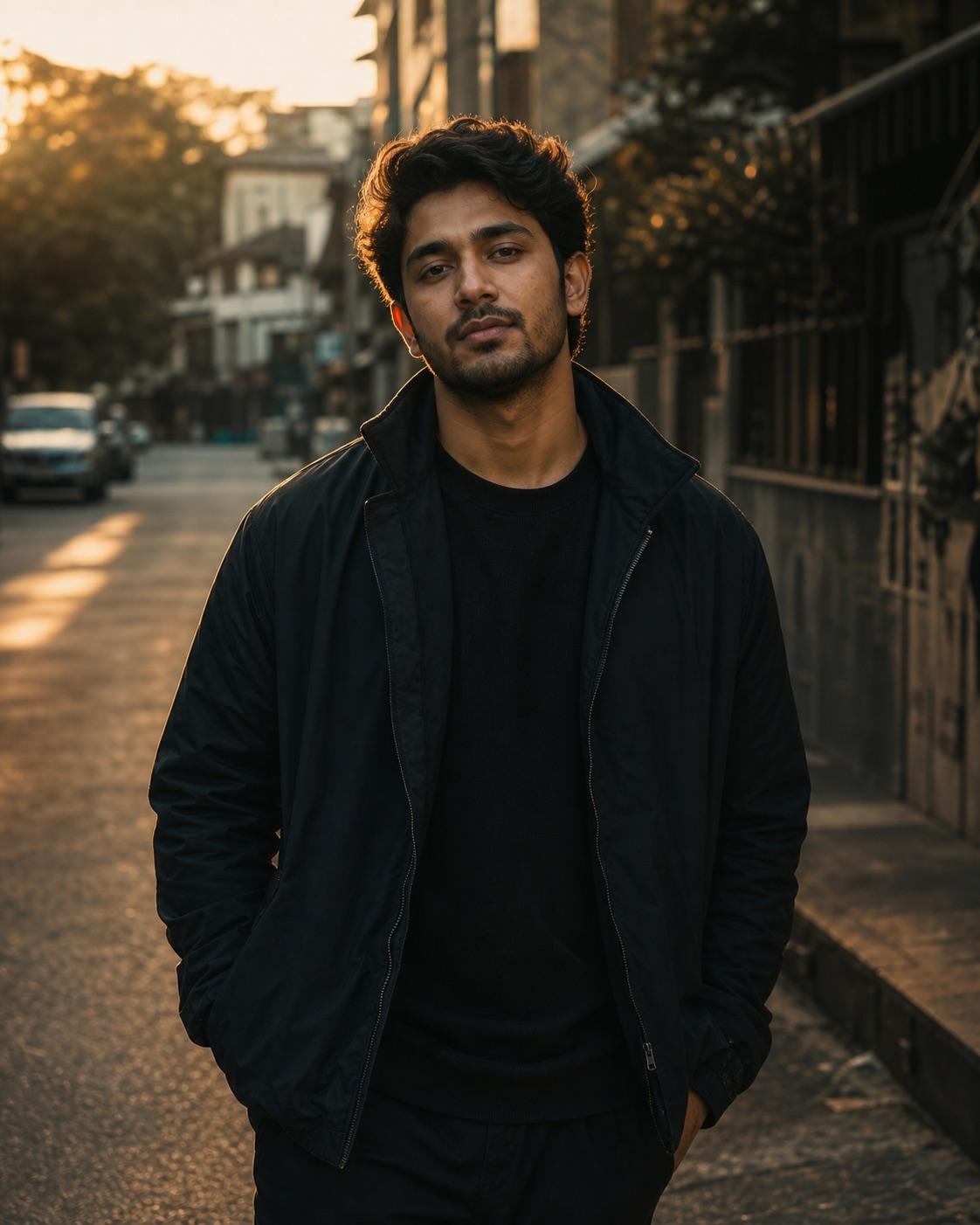
Edit the consenting adult portrait into a restrained cinematic scene. Preserve the person's face identity, hairstyle, age, body proportions and recognizable source details. Use controlled directional light, deep but readable shadows, realistic skin texture, gentle background separation, subtle filmic color contrast and an eye-level portrait lens. Keep the clothing believable, the anatomy natural and the composition suitable for a 4:5 mobile post. Change only the requested visual treatment; do not replace the person or invent text, logos or accessories.
RSP Editing Cinematic Portrait Prompt
Build a balanced cinematic portrait without locking the subject to one gender, outfit or location. The prompt focuses on believable light, readable facial detail and a clean social crop.
This site does not upload or generate images. Use the copied prompt in a compatible AI image tool.
Preservation rules
Keep identity instructions clear
- Keep face identity, hairstyle, age and body proportions recognizable.
- Preserve source-specific clothing details unless the outfit is intentionally changed.
- Keep skin texture natural and facial shadows readable.
- Do not add text, logos or unrelated accessories.
Variable controls
Change only what helps
- subject
- one consenting adult portrait subject
- outfit
- the source outfit with its original color and texture
- background
- a simple urban or studio background with gentle separation
- lighting
- controlled side light with readable shadow detail
- camera
- eye-level 50mm portrait framing
- mood
- calm, cinematic and natural
- aspect Ratio
- 4:5
Best for
- editorial portraits
- cinematic profile posts
- moody social photos
Avoid if
- you need an exact documentary reproduction
- the source image is too small or heavily blurred
Four-step workflow
Use the prompt in a compatible tool
- 01
Start with a permitted source image
Use your own photo, a licensed image, or a likeness you have clear permission to edit.
- 02
Adjust the useful variables
Change the subject, outfit, setting, lighting, camera direction and crop to match the photo you actually have.
- 03
Copy to a compatible AI tool
Paste the prompt into a tool that accepts image or photo editing instructions. This site does not upload or generate the image.
- 04
Review before sharing
Check identity, hands, skin texture, clothing, background details and consent before you post or export the result.
Quick answers
Effect questions
Does this page generate or upload an image?
No. It provides a prompt and an example visual direction. Copy the prompt into a compatible AI image tool.
What should stay unchanged?
Keep face identity, hairstyle, body proportions and source-specific details unless requesting a safe change.
Related effects
Continue with a nearby task
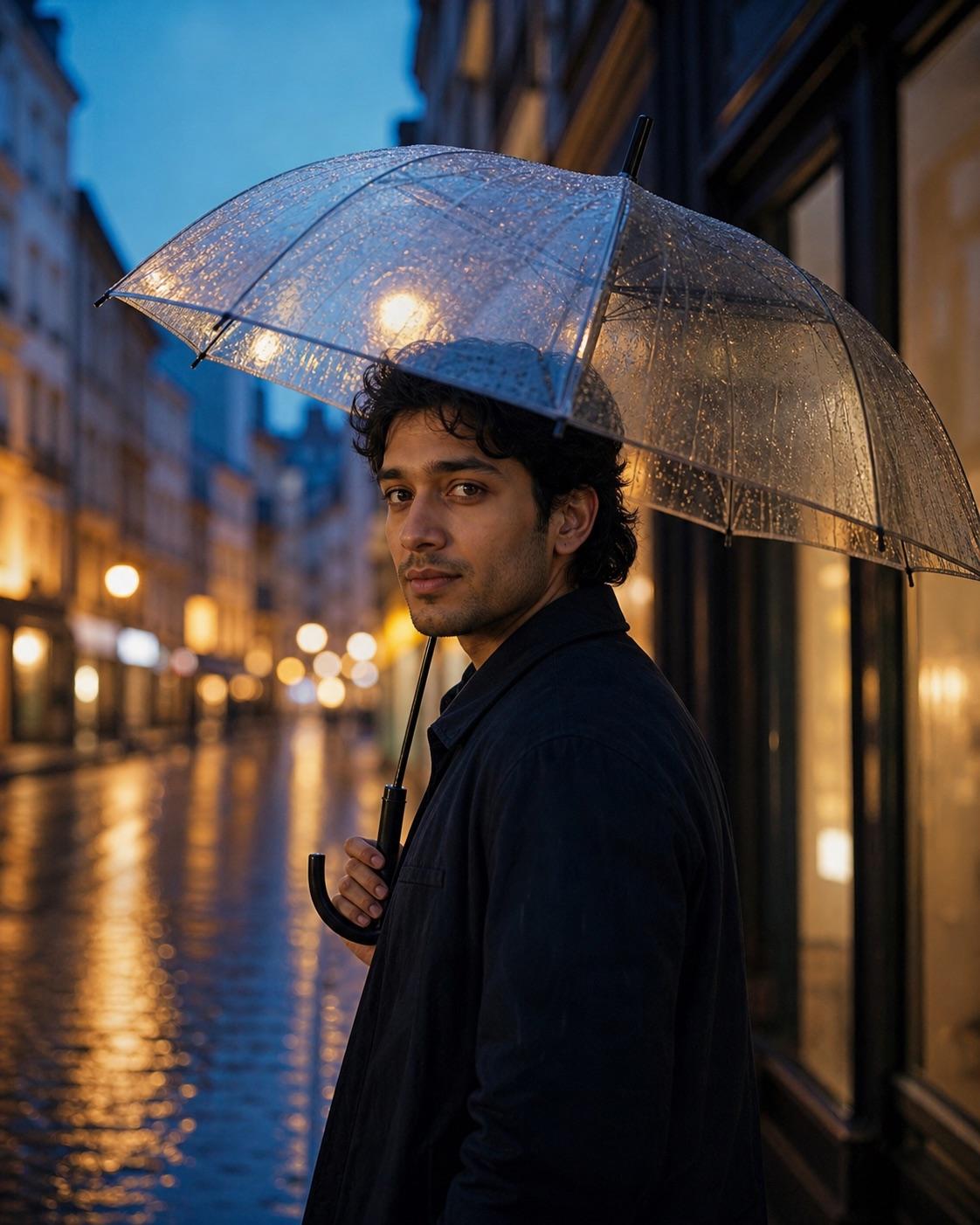
Cinematic Rain Portrait Prompt
Rain adds texture and reflections, but the face still needs to remain the focal point. This workflow controls the umbrella, wet street and blue-hour light without burying the subject in darkness.
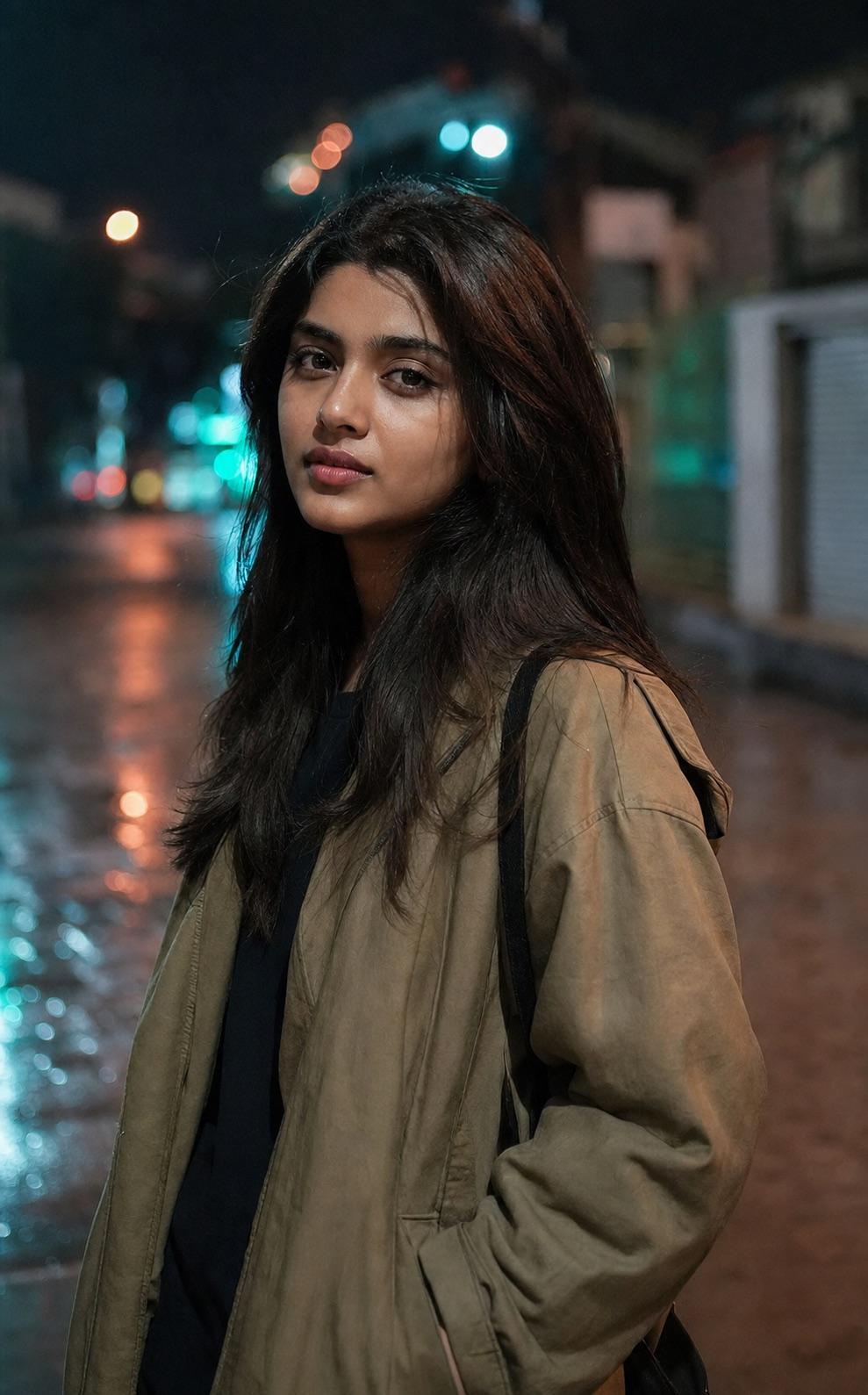
Neon Night Street Portrait Prompt
Neon should shape the background and edges rather than recolor the person's skin. This prompt keeps the palette restrained and the face neutral enough to remain believable.
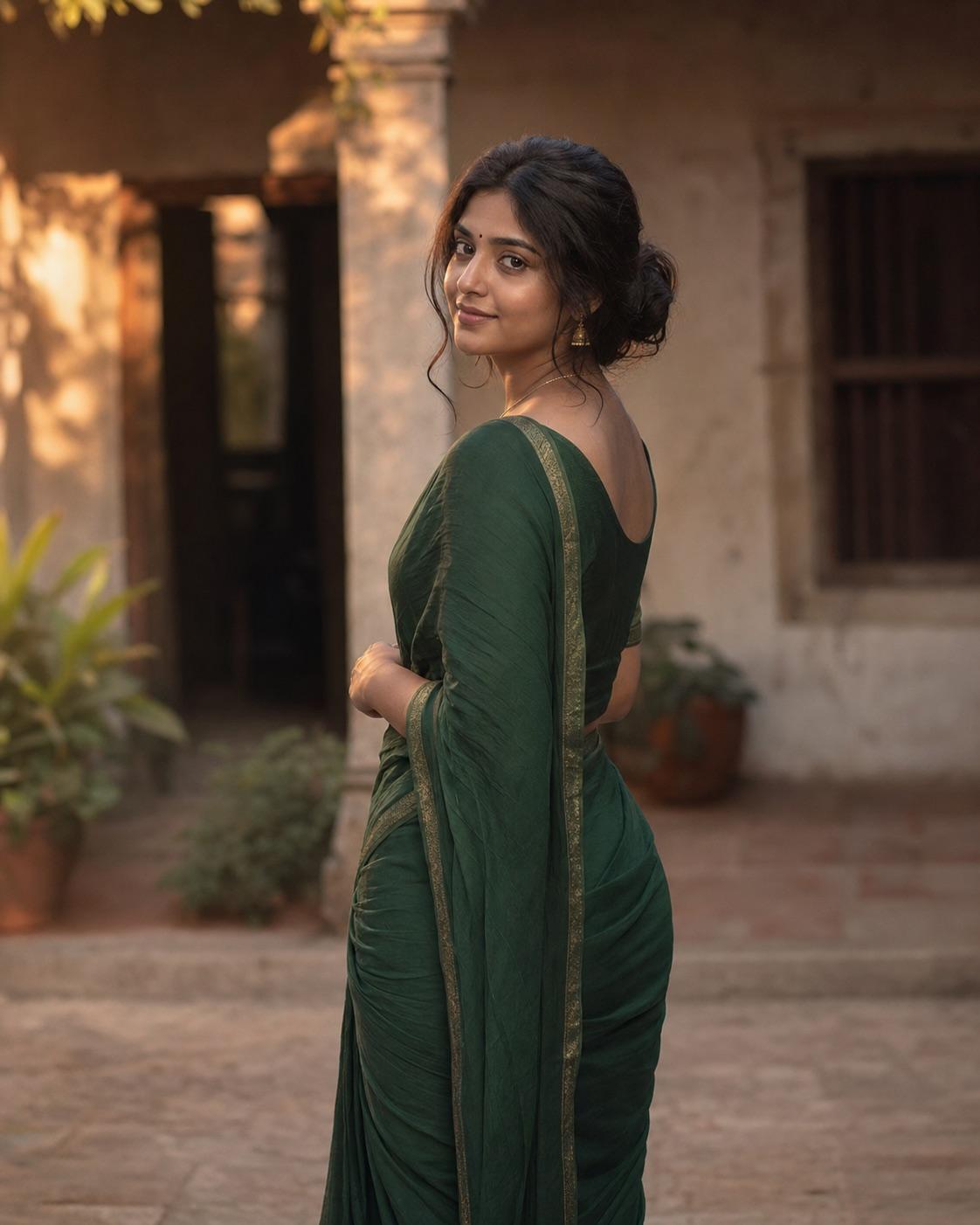
Traditional Outfit Cinematic Portrait Prompt
Traditional clothing needs accurate fabric and respectful styling, not fantasy decoration. This workflow uses a simple heritage setting and warm light while preserving the adult subject's identity and the source garment details.
RSP Editing Boy Cinematic Prompt
This workflow is written for a consenting adult man. It combines simple streetwear, a quiet urban setting and golden-hour edge light while keeping the face natural and readable on a phone.