
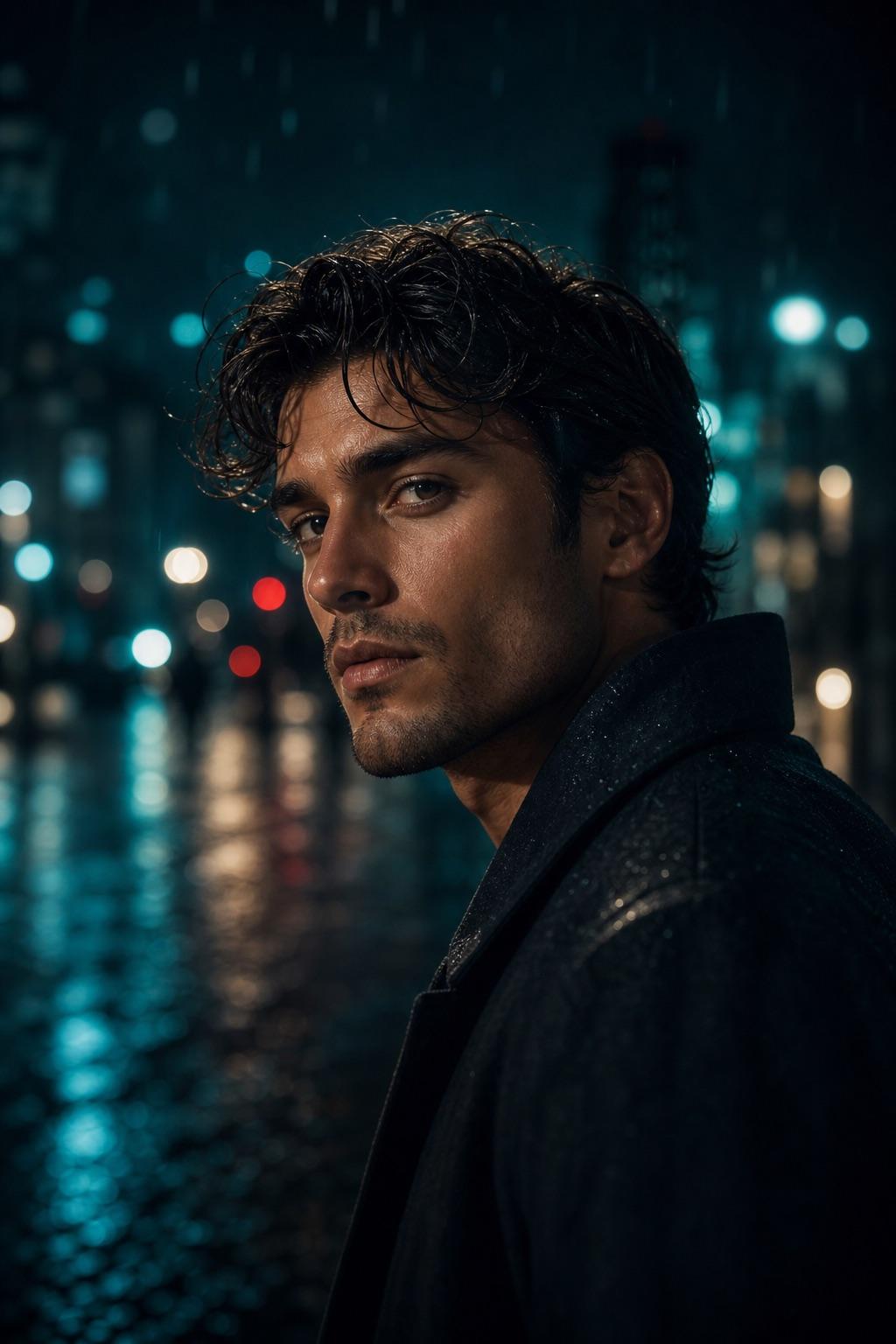
RSP Editing Cinematic Portrait Prompt
Build a balanced cinematic portrait without locking the subject to one gender, outfit or location. The prompt focuses on believable light, readable facial detail and a clean social crop.
Prompt category
Explore cinematic RSP editing prompts for classic portraits, rain, neon night streets, traditional outfits, couples and mobile framing.
Choose a task-specific cinematic prompt, then adjust the subject, light, camera and preservation rules. Start with a flexible portrait, an adult man or woman workflow, a couple composition, or a scene-led direction for rain, neon night streets or traditional clothing. Each effect opens a complete workflow and can prefill the free Builder. A clear source face, believable clothing detail and a usable crop give the third-party tool better information than a long list of dramatic adjectives.
7 prompt scenesChoose an effect
Build a balanced cinematic portrait without locking the subject to one gender, outfit or location. The prompt focuses on believable light, readable facial detail and a clean social crop.
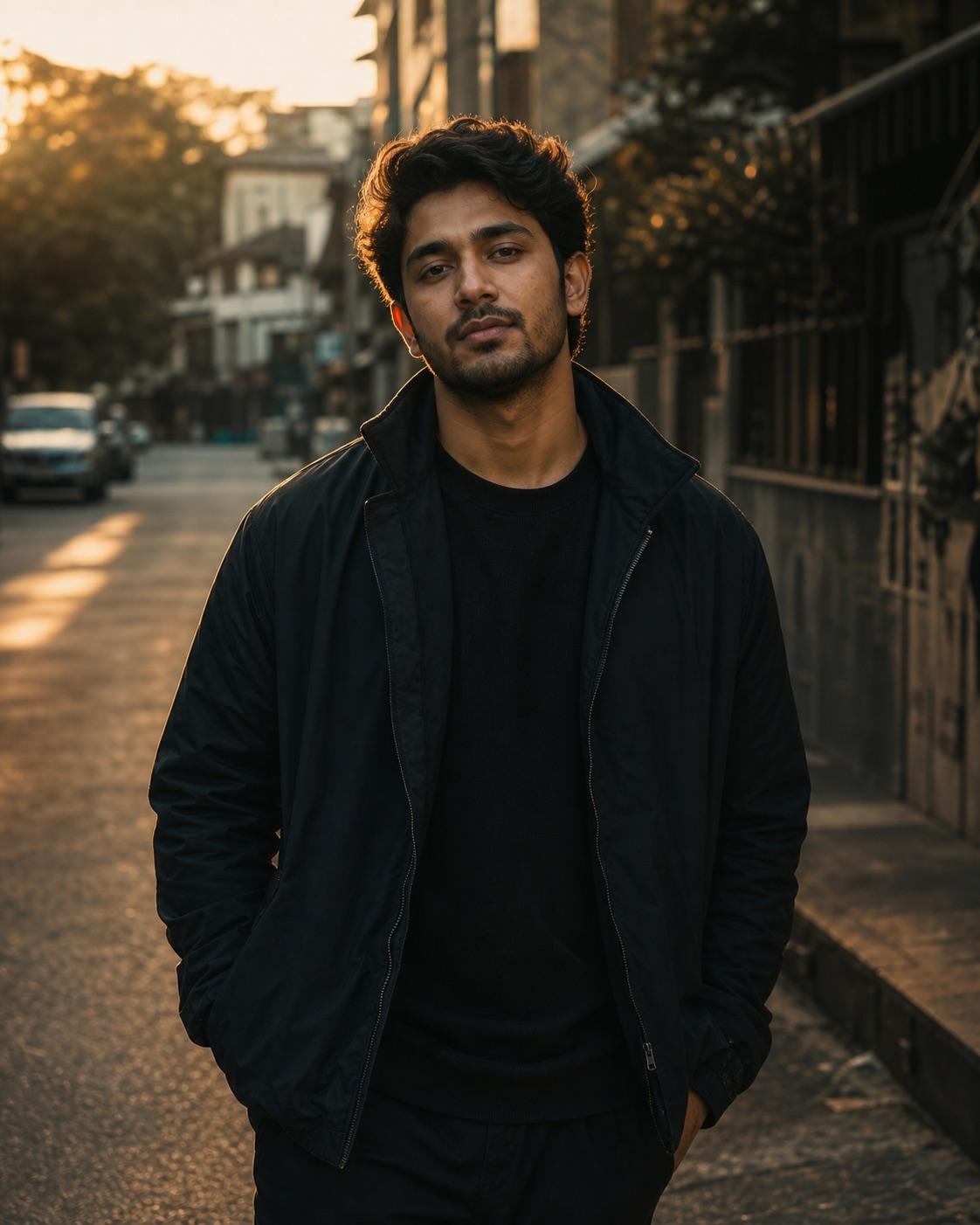
This workflow is written for a consenting adult man. It combines simple streetwear, a quiet urban setting and golden-hour edge light while keeping the face natural and readable on a phone.
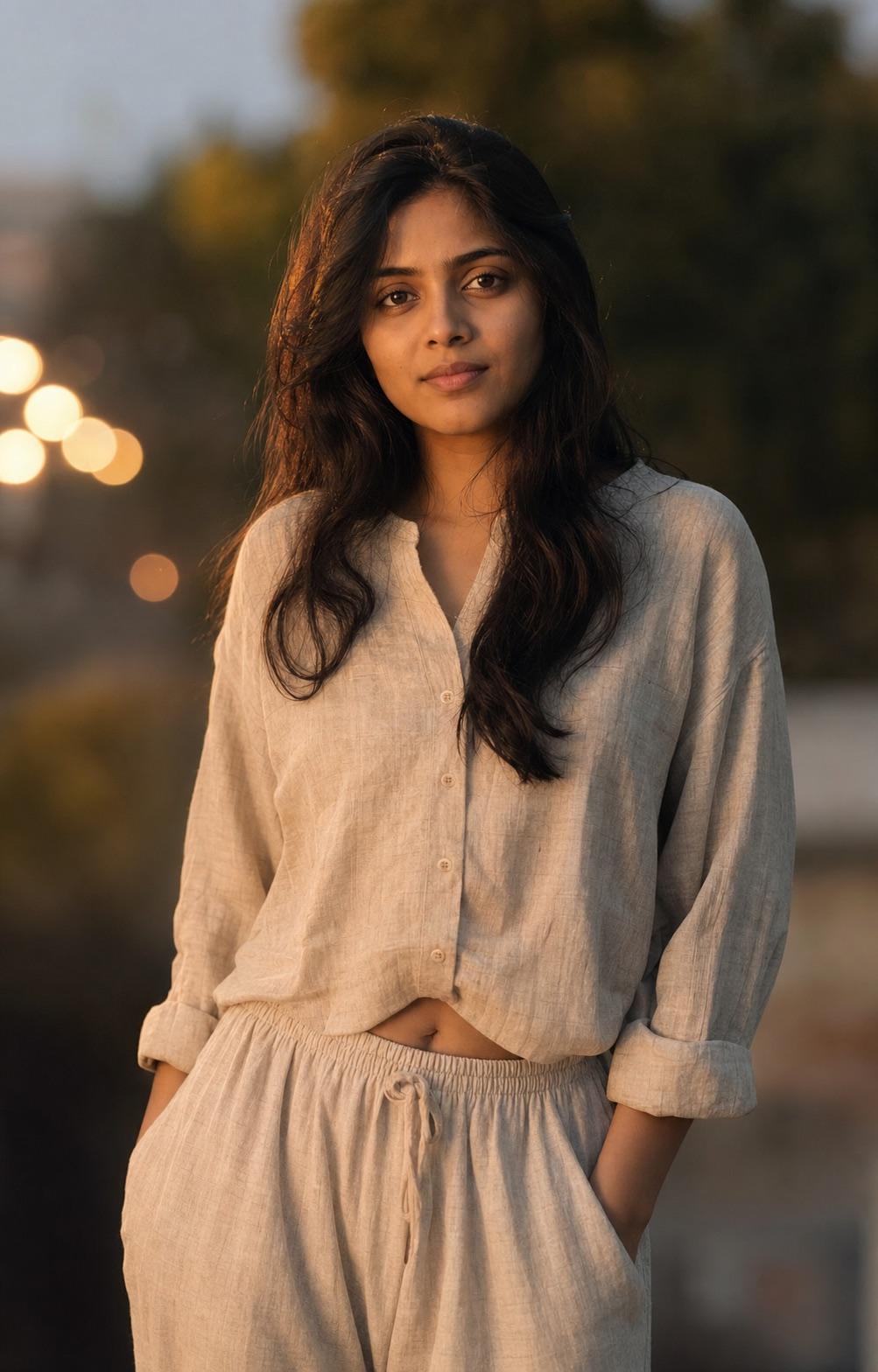
This effect is specifically limited to a consenting adult woman. It uses soft side light and controlled bokeh while protecting hair edges, clothing texture and natural skin detail.
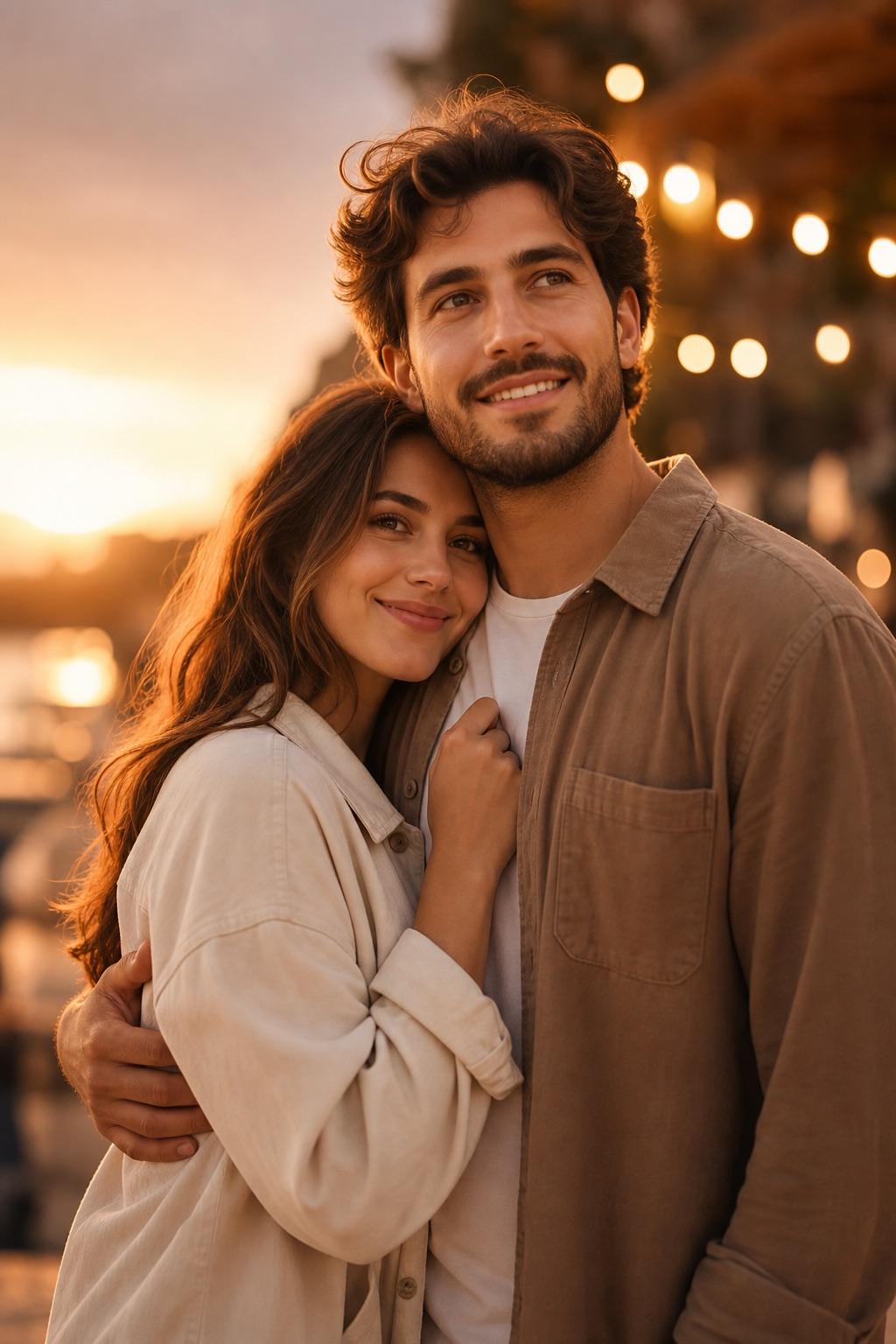
Two-person edits need separate identity anchors and a balanced composition. This workflow describes each consenting adult independently, then protects relative height, pose and natural expression.
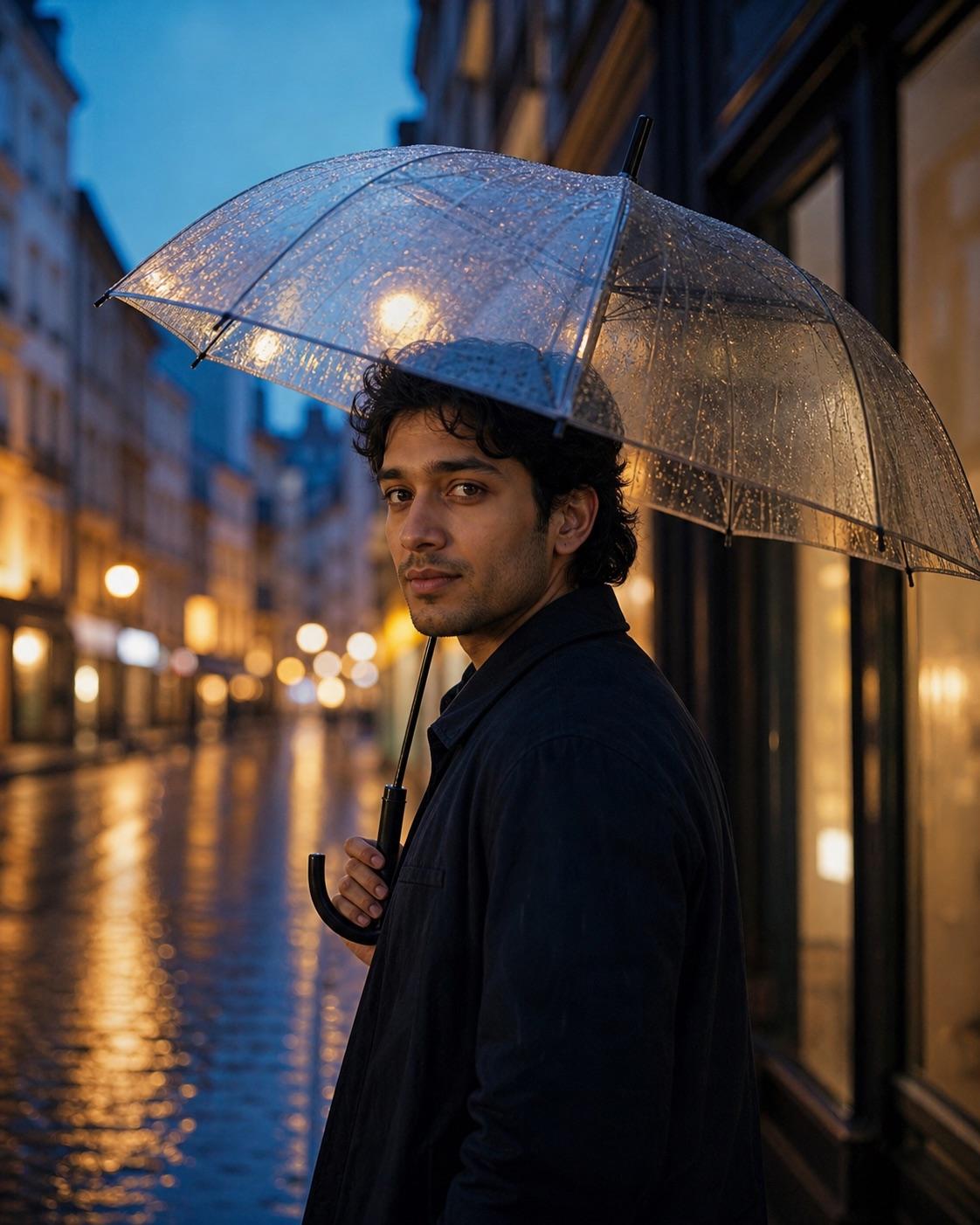
Rain adds texture and reflections, but the face still needs to remain the focal point. This workflow controls the umbrella, wet street and blue-hour light without burying the subject in darkness.
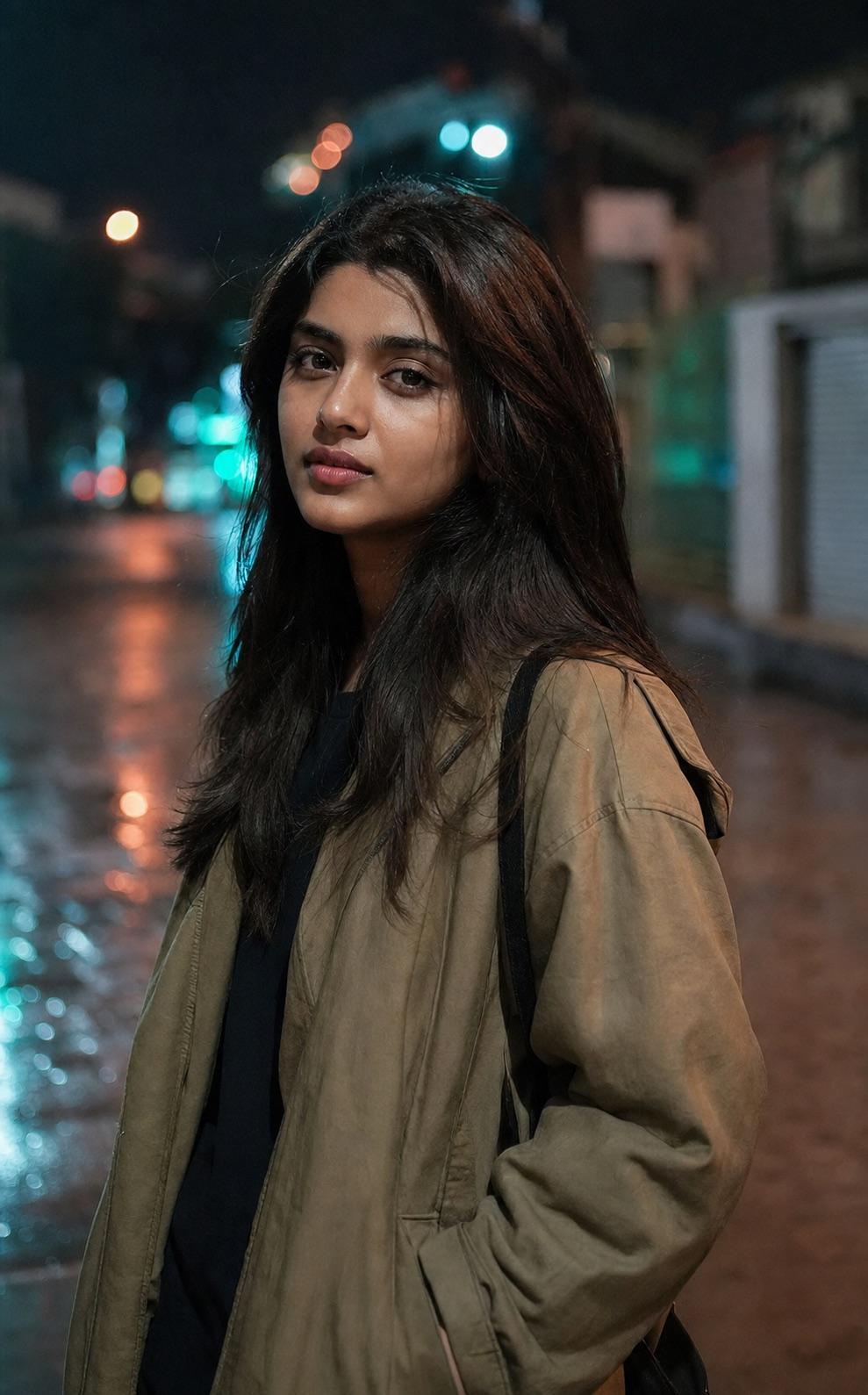
Neon should shape the background and edges rather than recolor the person's skin. This prompt keeps the palette restrained and the face neutral enough to remain believable.
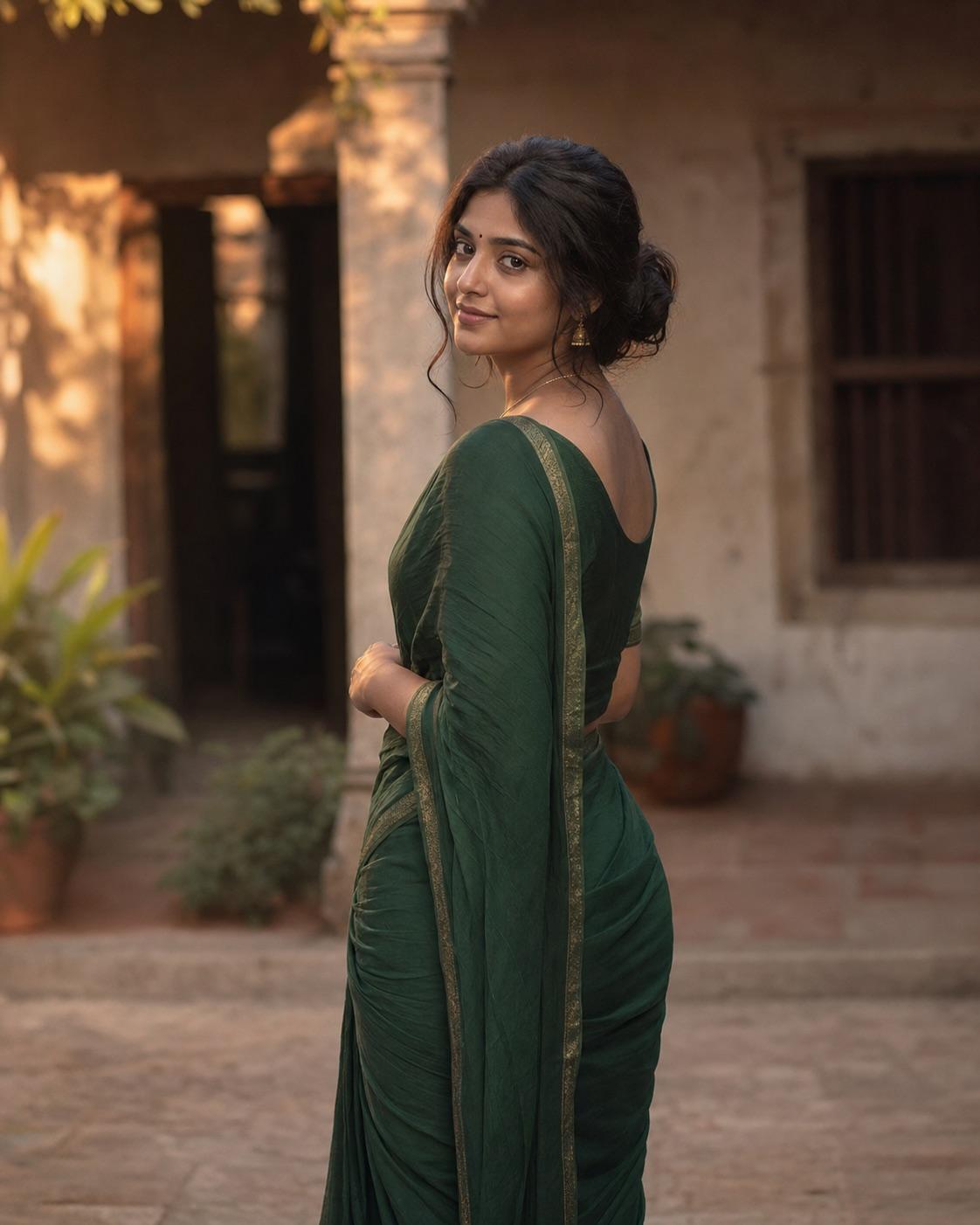
Traditional clothing needs accurate fabric and respectful styling, not fantasy decoration. This workflow uses a simple heritage setting and warm light while preserving the adult subject's identity and the source garment details.
Use when needed
Use a subject-specific page when identity or multi-person composition needs extra rules, and a scene page when rain, neon light or traditional clothing changes the review checklist. Rain needs a visible face beneath the umbrella, neon needs neutral skin light, and traditional clothing needs respectful fabric and garment preservation.
Keep the light direction and crop concrete. Name where the key light comes from, whether facial shadows remain readable, how much background separation is needed and which mobile crop is intended. A restrained prompt is easier to review than a list of unrelated cinematic adjectives, and it is easier to revise one lighting or framing decision at a time.
Name the details that must stay unchanged: face identity, age, hairstyle, body proportions, skin texture and source-specific clothing. Avoid prompts that simultaneously request a different person, age or ethnicity. Preservation language reduces avoidable drift but cannot guarantee an exact result, so compare the output with the permitted source before sharing it.
Quick answers
Yes. The library and builder are available without signup. Third-party tools may have separate terms or charges.
Use the general portrait for flexibility, choose a subject workflow for an adult man, woman or couple, or choose rain, neon night or traditional outfit when the scene needs its own controls.