
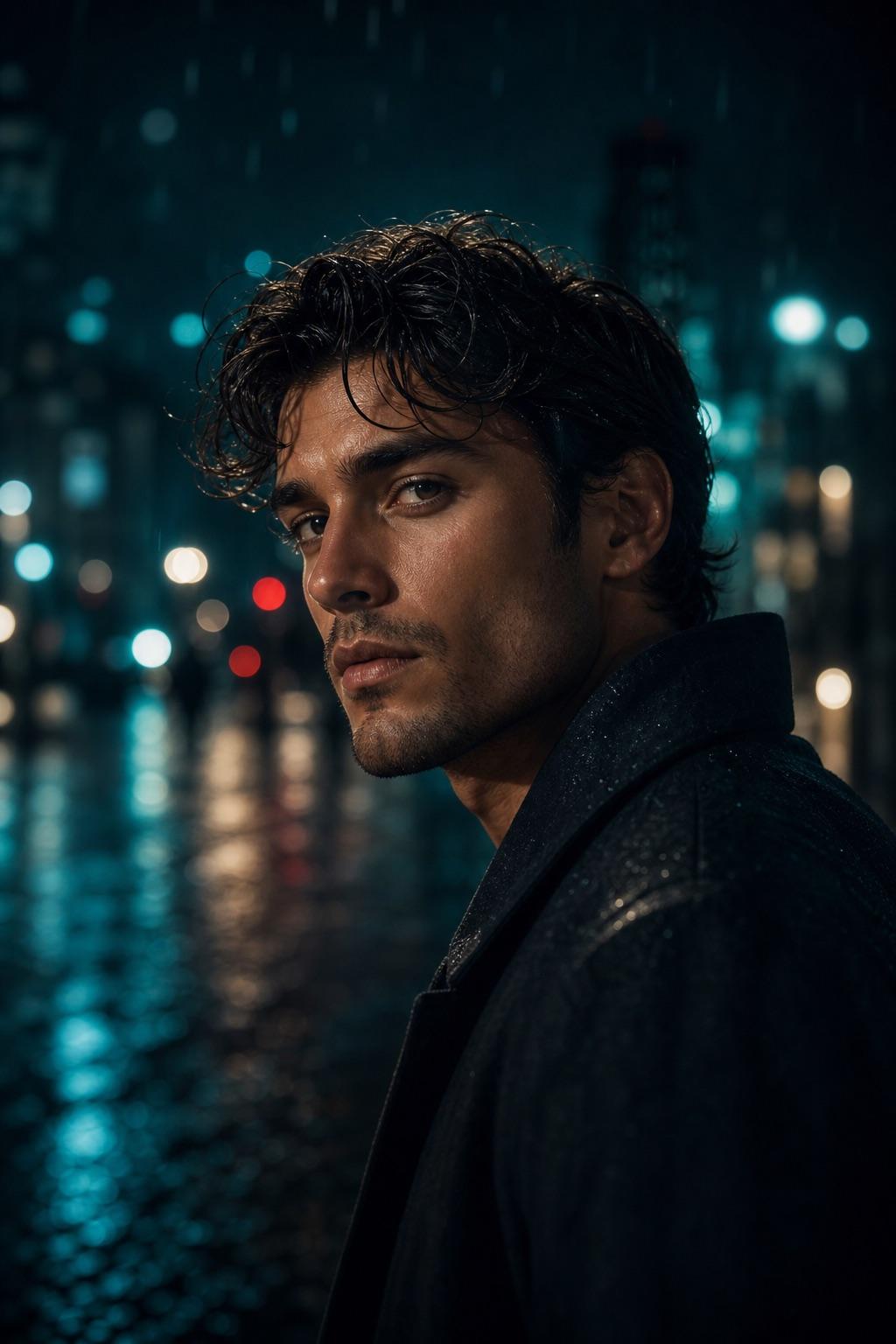
RSP Editing Cinematic Portrait Prompt
Build a balanced cinematic portrait without locking the subject to one gender, outfit or location. The prompt focuses on believable light, readable facial detail and a clean social crop.
Copy-ready prompts and structured workflows for cinematic portraits, Lightroom presets, social profile DPs, and aesthetic photo edits. 100% free and identity-preserving.
Independent prompt resource. No image uploads stored on servers.
or drop a photo, paste, or test with sample below
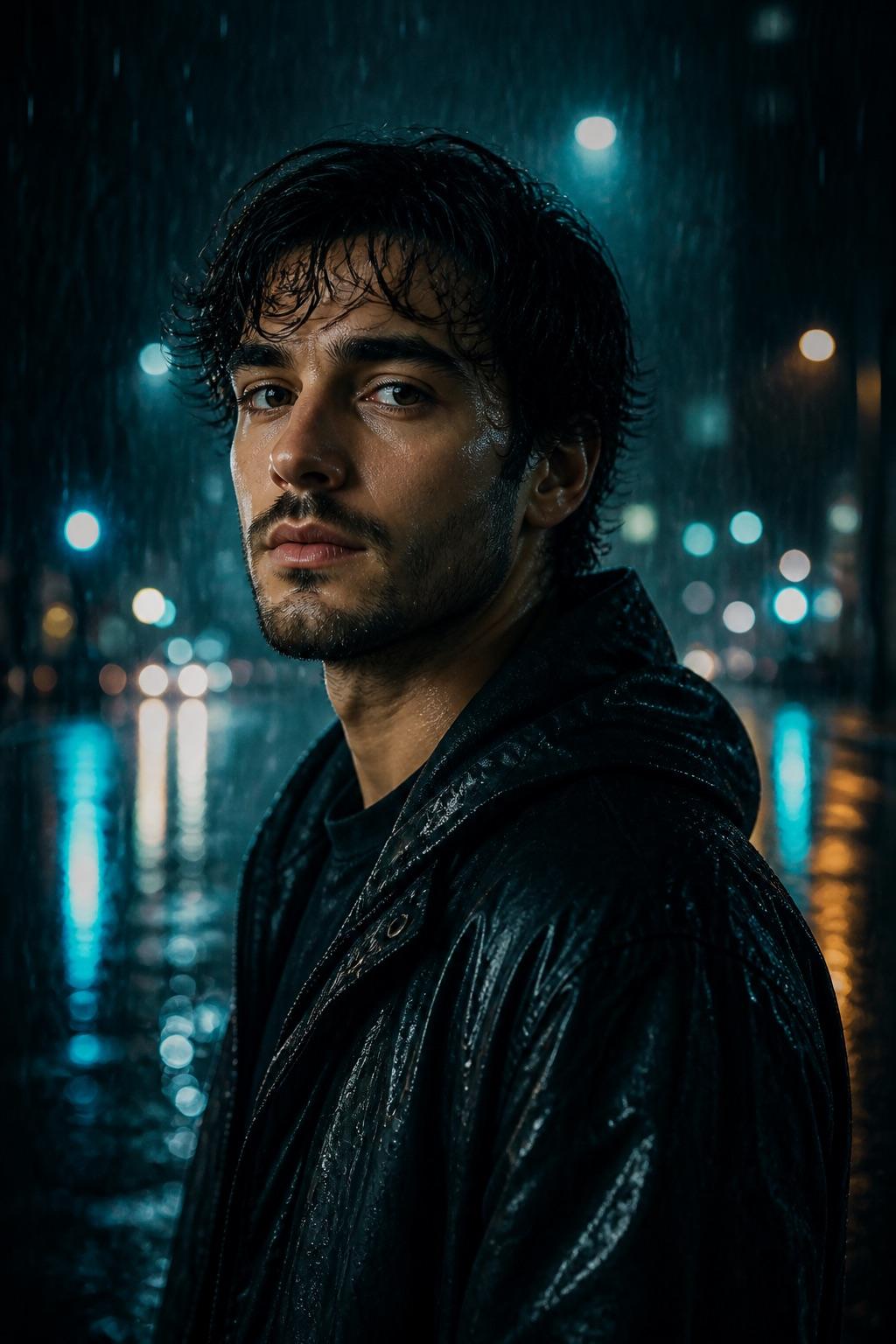 AI Enhanced
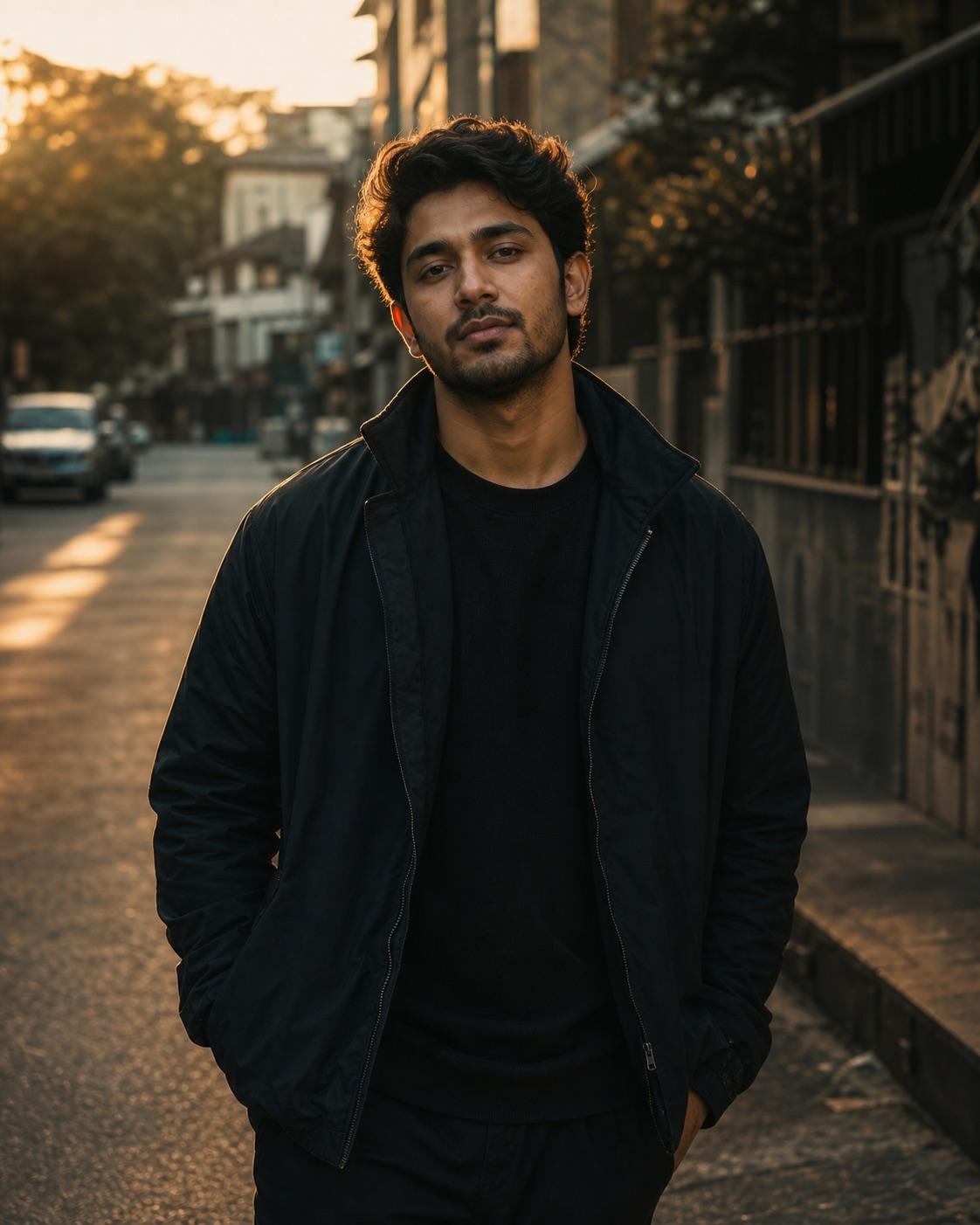 Original Photo
See how structured prompts preserve subject identity while elevating lighting, mood, and color.
BeforeAI Enhanced ResultControlled shadow depth, eye-level lens focus, soft moody backlight, preserving exact face features.
Edit the consenting adult portrait into a moody cinematic evening scene with soft anamorphic bokeh, directional rim lighting, 35mm film grain, keeping exact facial identity.
Explore high-performing prompts with controlled lighting, lens direction, and preservation rules.
Build a balanced cinematic portrait without locking the subject to one gender, outfit or location. The prompt focuses on believable light, readable facial detail and a clean social crop.
This workflow is written for a consenting adult man. It combines simple streetwear, a quiet urban setting and golden-hour edge light while keeping the face natural and readable on a phone.
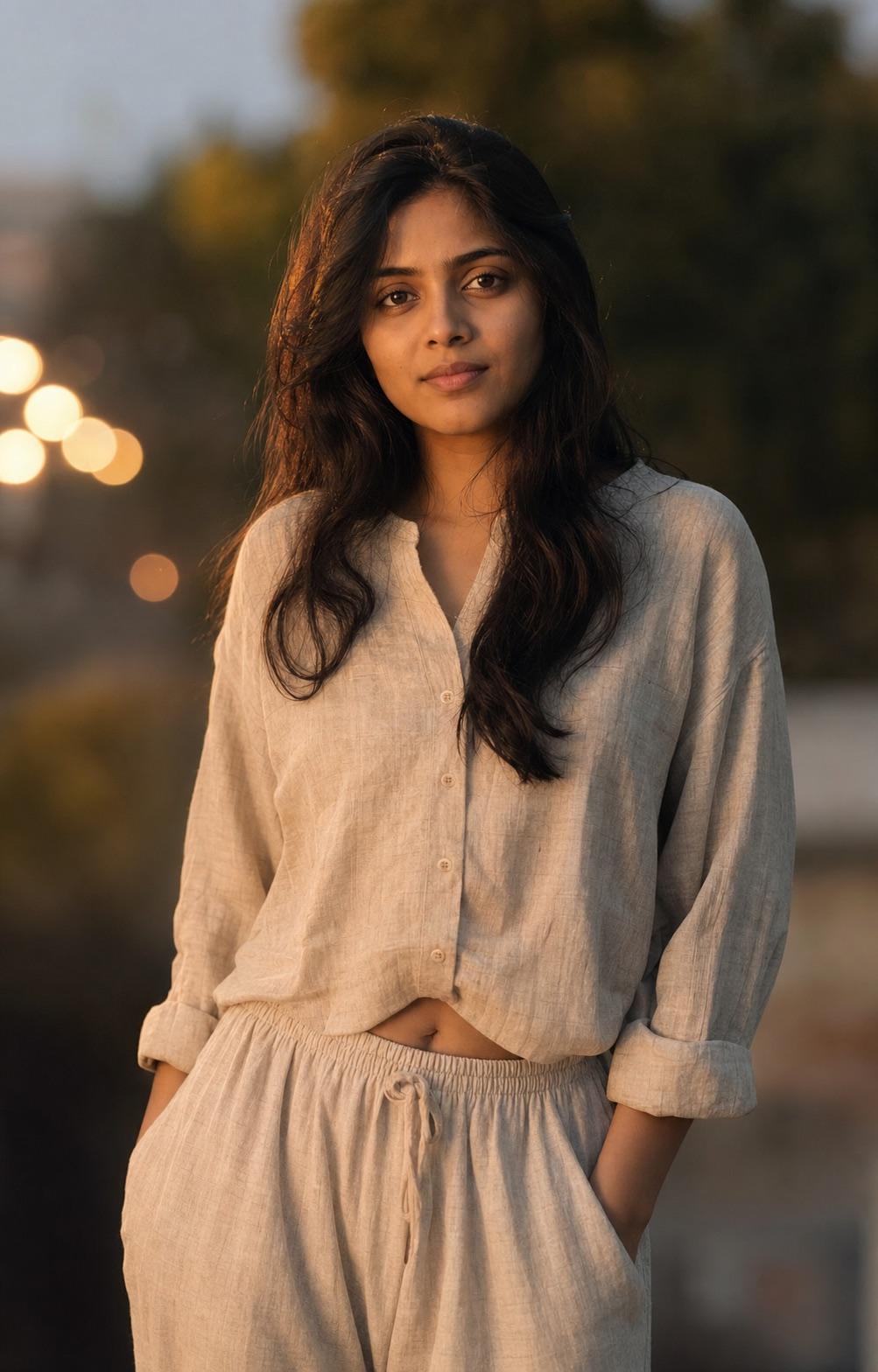
This effect is specifically limited to a consenting adult woman. It uses soft side light and controlled bokeh while protecting hair edges, clothing texture and natural skin detail.
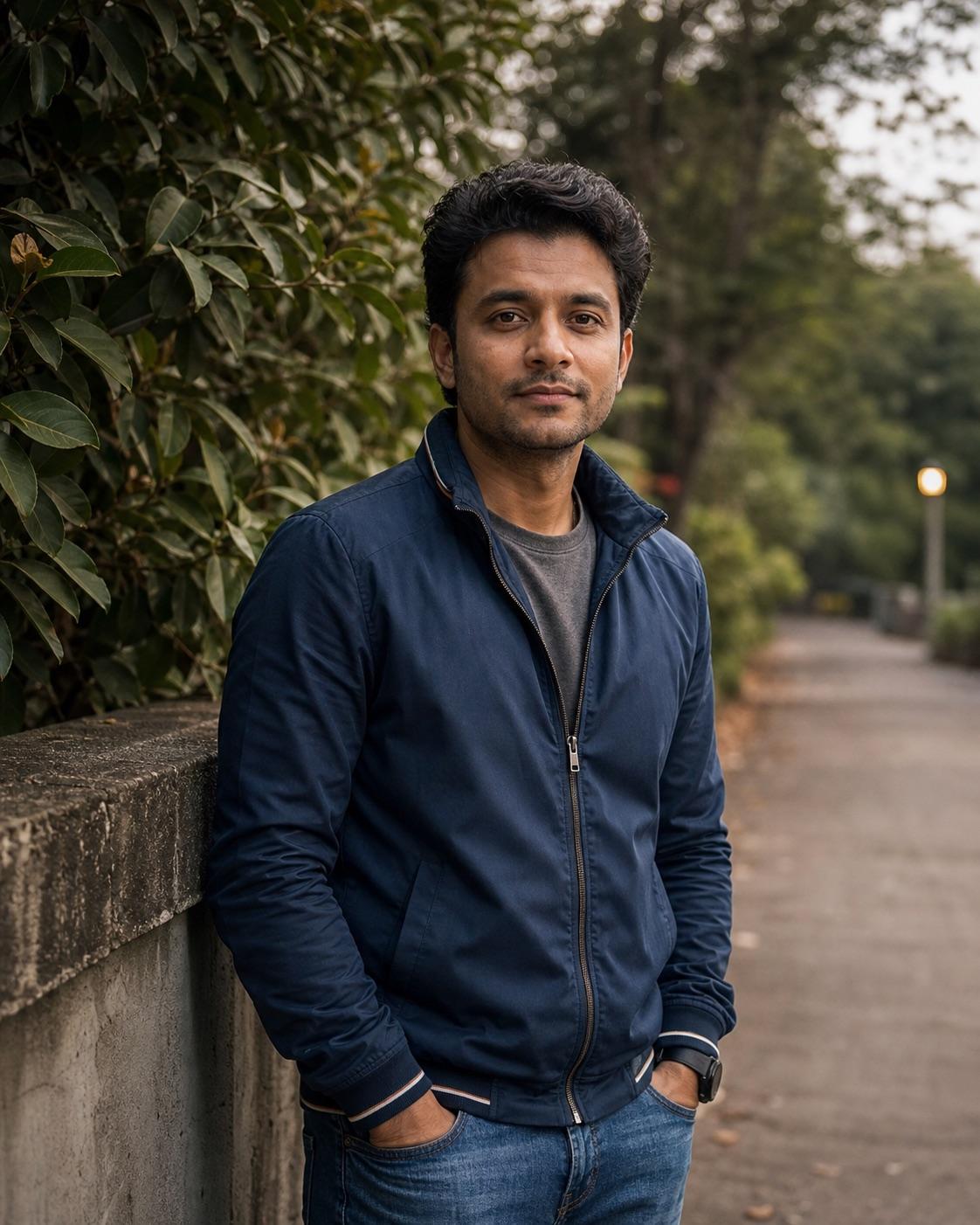
Use this prompt when the person and scene should stay intact and only the color treatment changes. It describes highlight warmth, shadow depth and skin-tone protection without pretending to be an official preset file.
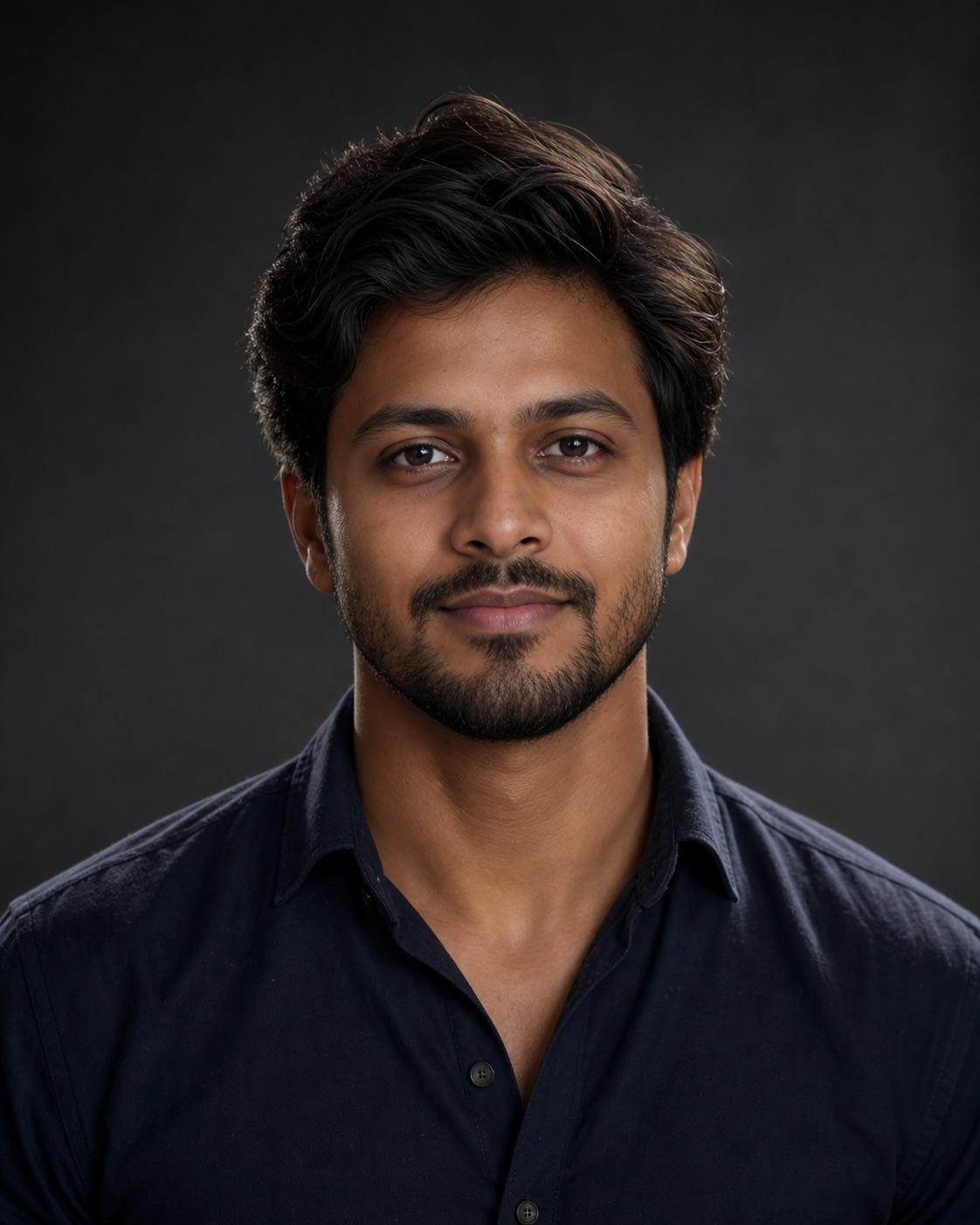
A small display picture needs a readable face more than a complicated scene. This prompt keeps the composition centered, the background simple and the expression confident without turning aggressive.
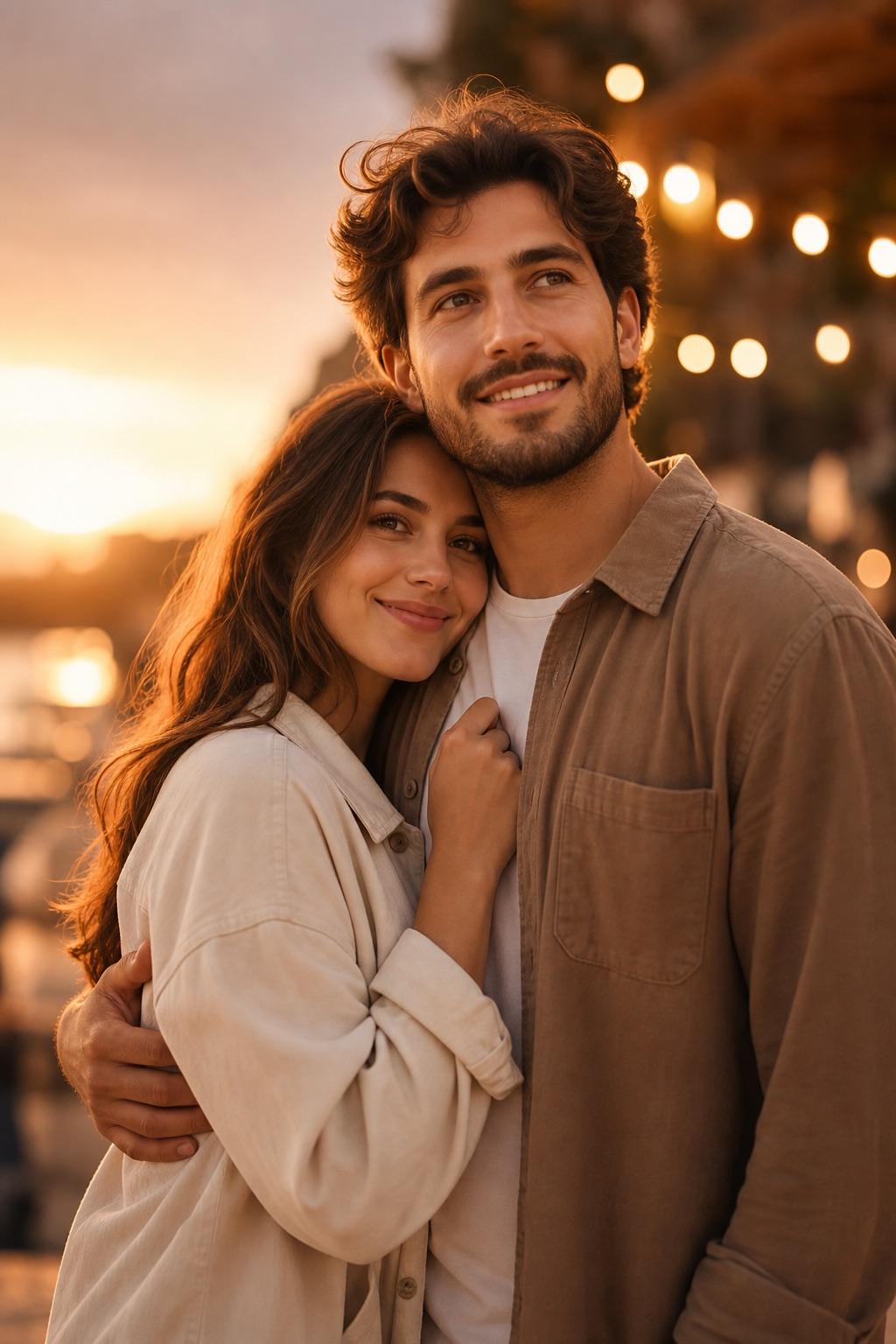
Two-person edits need separate identity anchors and a balanced composition. This workflow describes each consenting adult independently, then protects relative height, pose and natural expression.
Follow three simple steps to achieve studio-quality AI photo edits.
Choose from our library of adult cinematic portraits, color grades, social profile DPs, or couple photo presets.
Adjust visual parameters in the Builder to match your photo while keeping strict preservation rules intact.
Paste into Bing Image Creator, Midjourney, or Photoshop AI. Inspect identity, anatomical detail, and lighting.
Explore cinematic RSP editing prompts for classic portraits, rain, neon night streets, traditional outfits, couples and mobile framing.
Browse RSP preset prompts for balanced cinematic color, golden hour warmth, moody greens and black-and-white portrait grading.
Find social DP prompts for attitude portraits, professional headshots, black-shirt studio photos and natural outdoor profile crops.
Browse safe AI photo editing prompts for babies, kids, first birthdays, Holi, siblings and parent-child portraits under guardian control.