These prompt workflows are written for parents, legal guardians and authorized family photographers, not for children to use independently. Choose the closest real family task, keep each child's actual age and identity recognizable, and change only the scene, light, clothing or crop that the guardian has approved. Every prompt excludes adult styling, mature makeup, revealing clothing, romantic framing, age transformation and sexualized content. AI Editor RSP provides text and entirely synthetic visual examples only; it never asks for, uploads, stores or generates a child's photo.
A flexible starting point for parents and family photographers who want a polished child portrait without changing who the child is. The prompt keeps age, identity and clothing appropriate while leaving room to adjust light, background and crop.
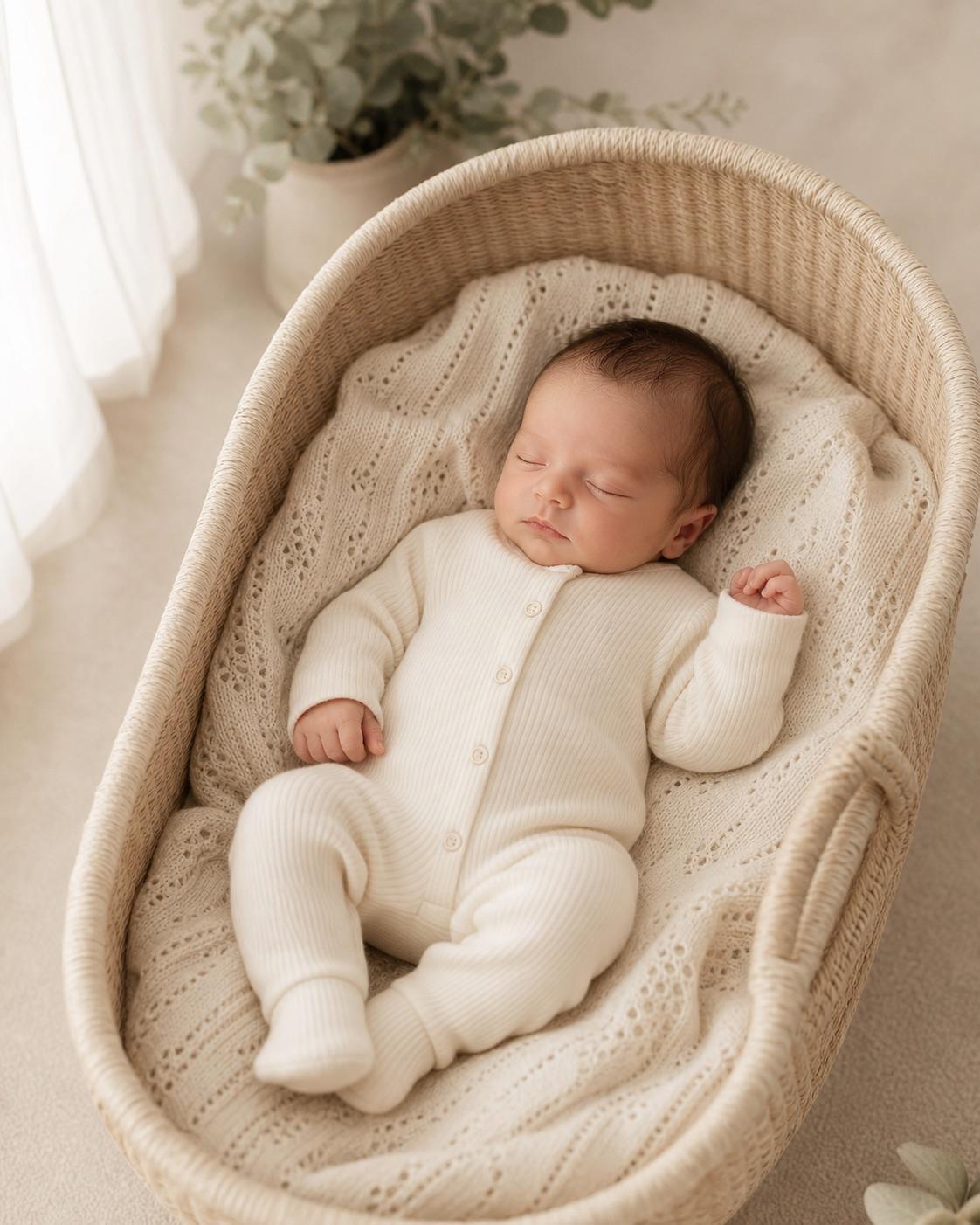
Create a gentle baby portrait direction without pretending the baby can sit, stand or pose beyond their real developmental stage. Safety, support and a simple scene come before elaborate props.
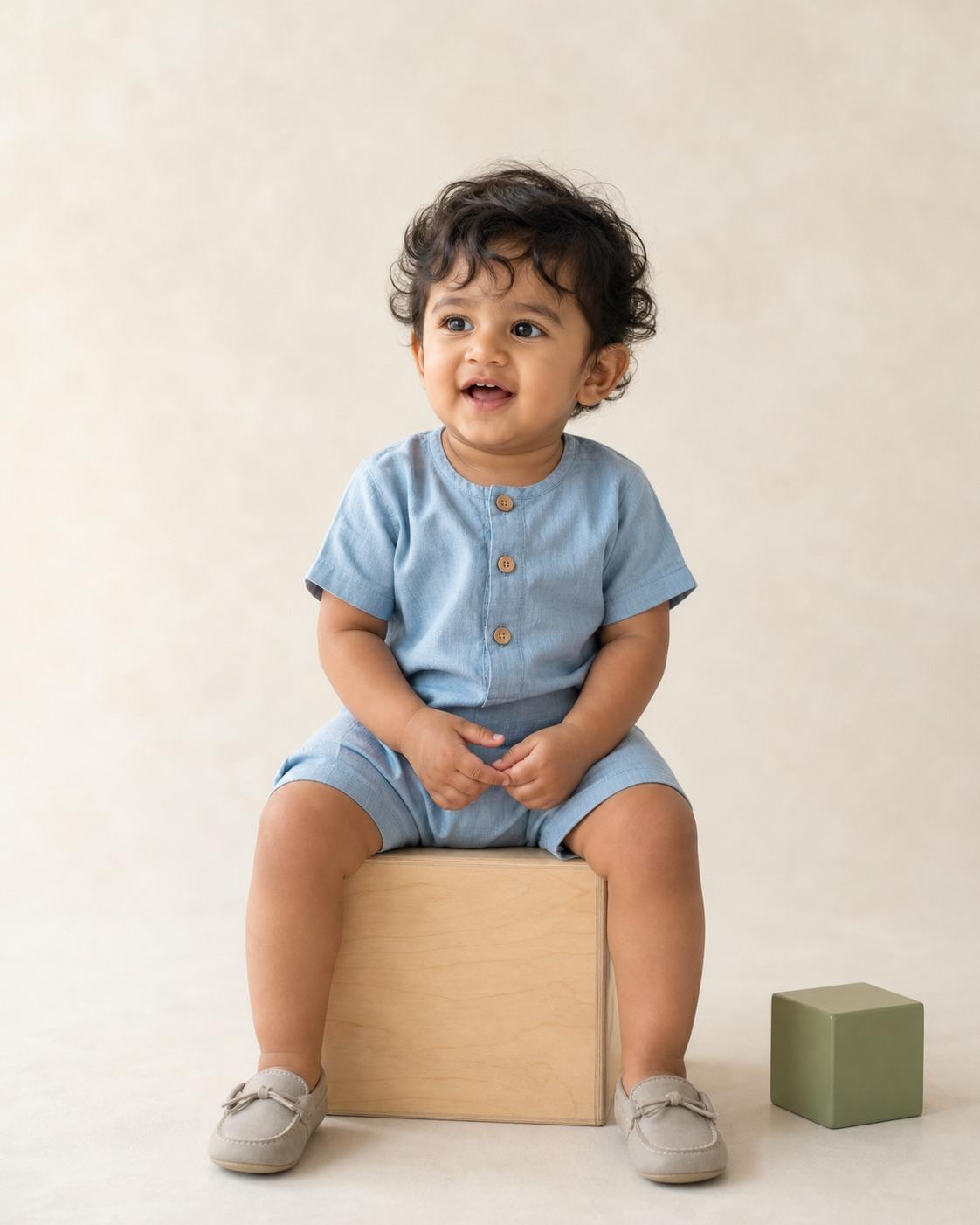
This variation uses a light blue and neutral palette without forcing stereotypes or changing the baby. The source pose and developmental stage remain the hard constraints.
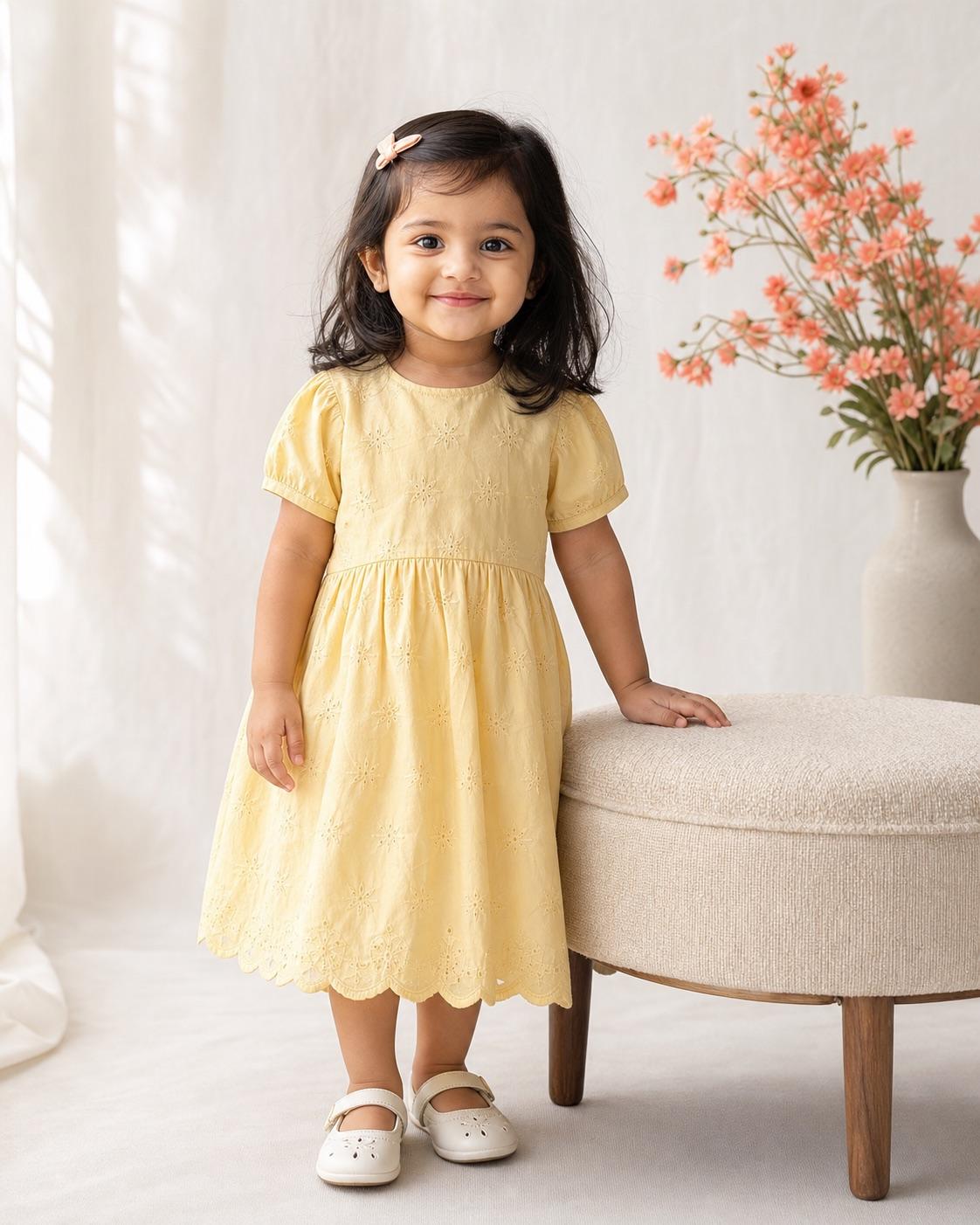
A soft baby girl portrait can use color and texture without adding makeup, jewelry or adult beauty cues. The prompt keeps the baby's real features and safe source position unchanged.
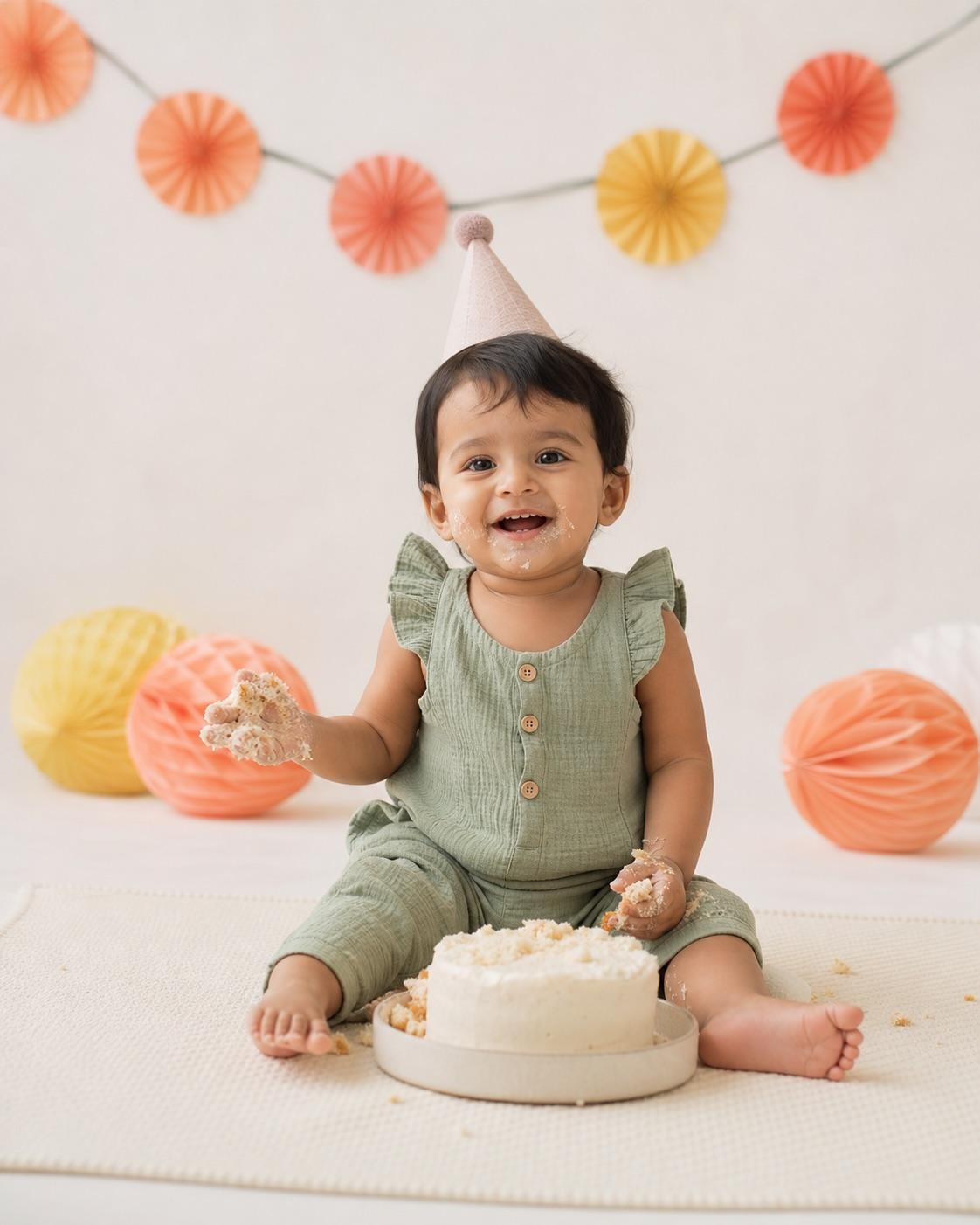
A first-birthday edit should celebrate the real milestone instead of turning it into a crowded fantasy set. This prompt uses a stable floor-level scene, simple decorations and an age-accurate expression.
Use Holi color as a background and clothing accent rather than covering the child's face. The prompt protects natural skin tone, visibility and age-appropriate festival clothing.
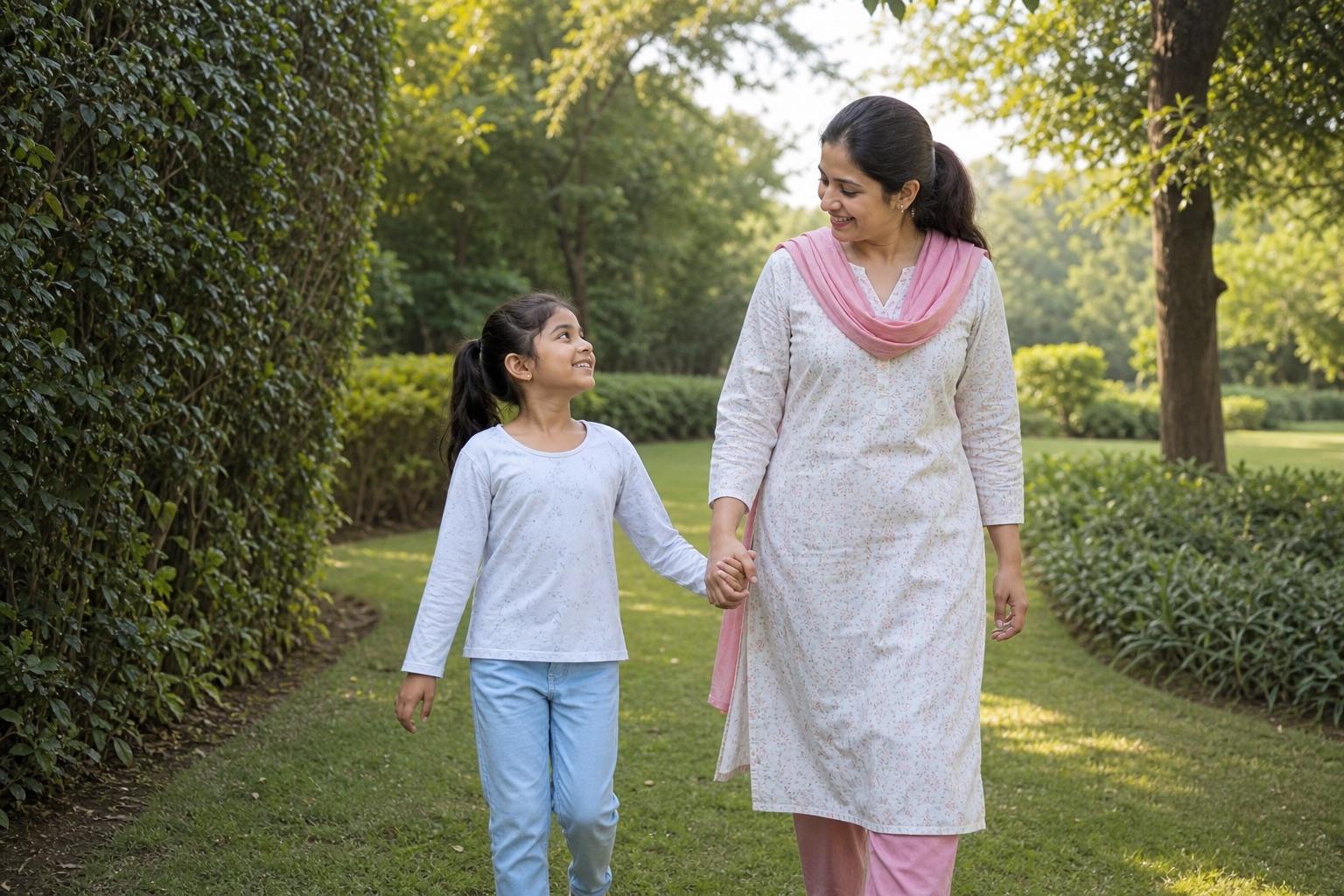
Two-generation portraits need separate identity rules for the adult and child. This workflow keeps the relationship unmistakably familial and the child's styling appropriate to their actual age.
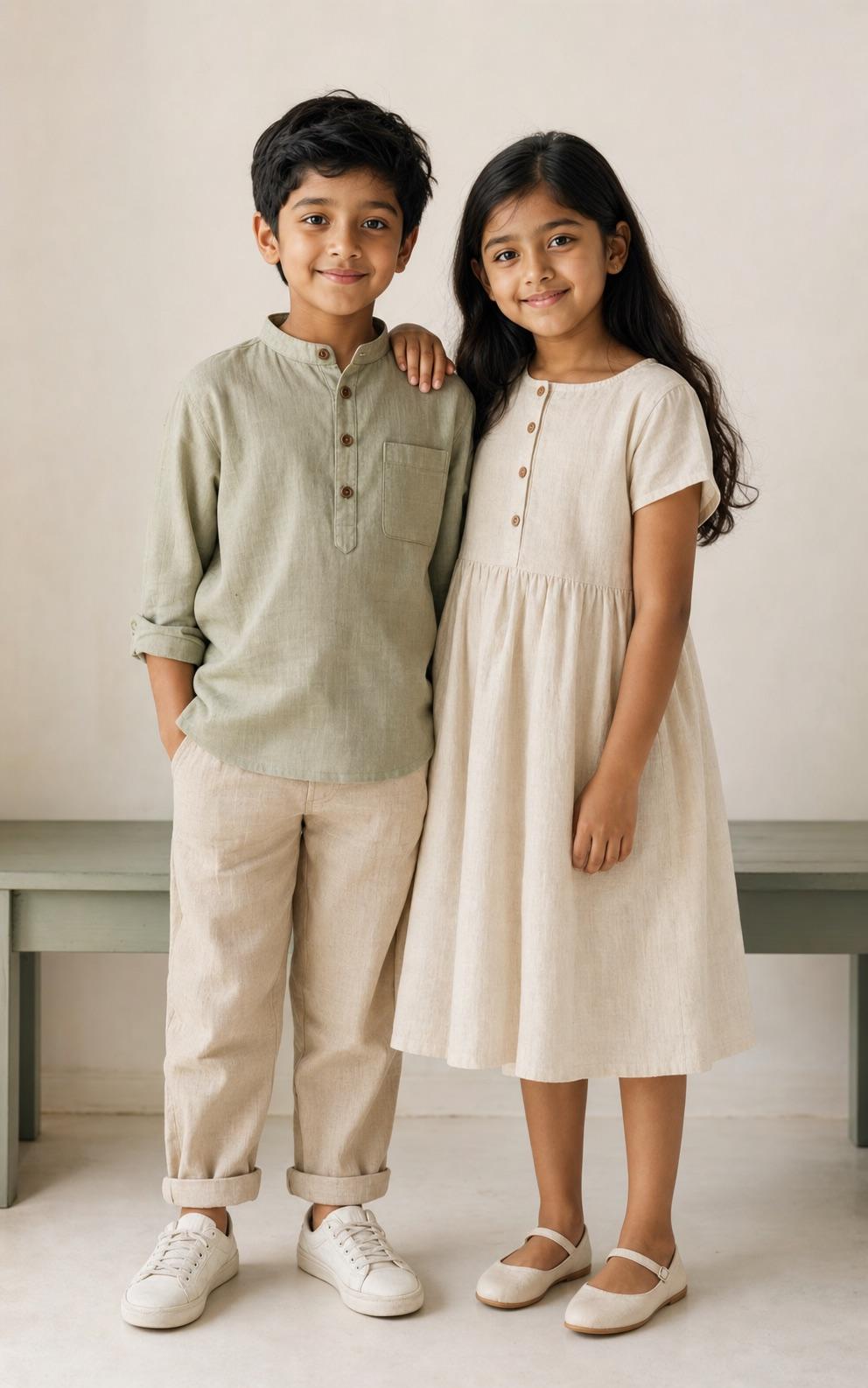
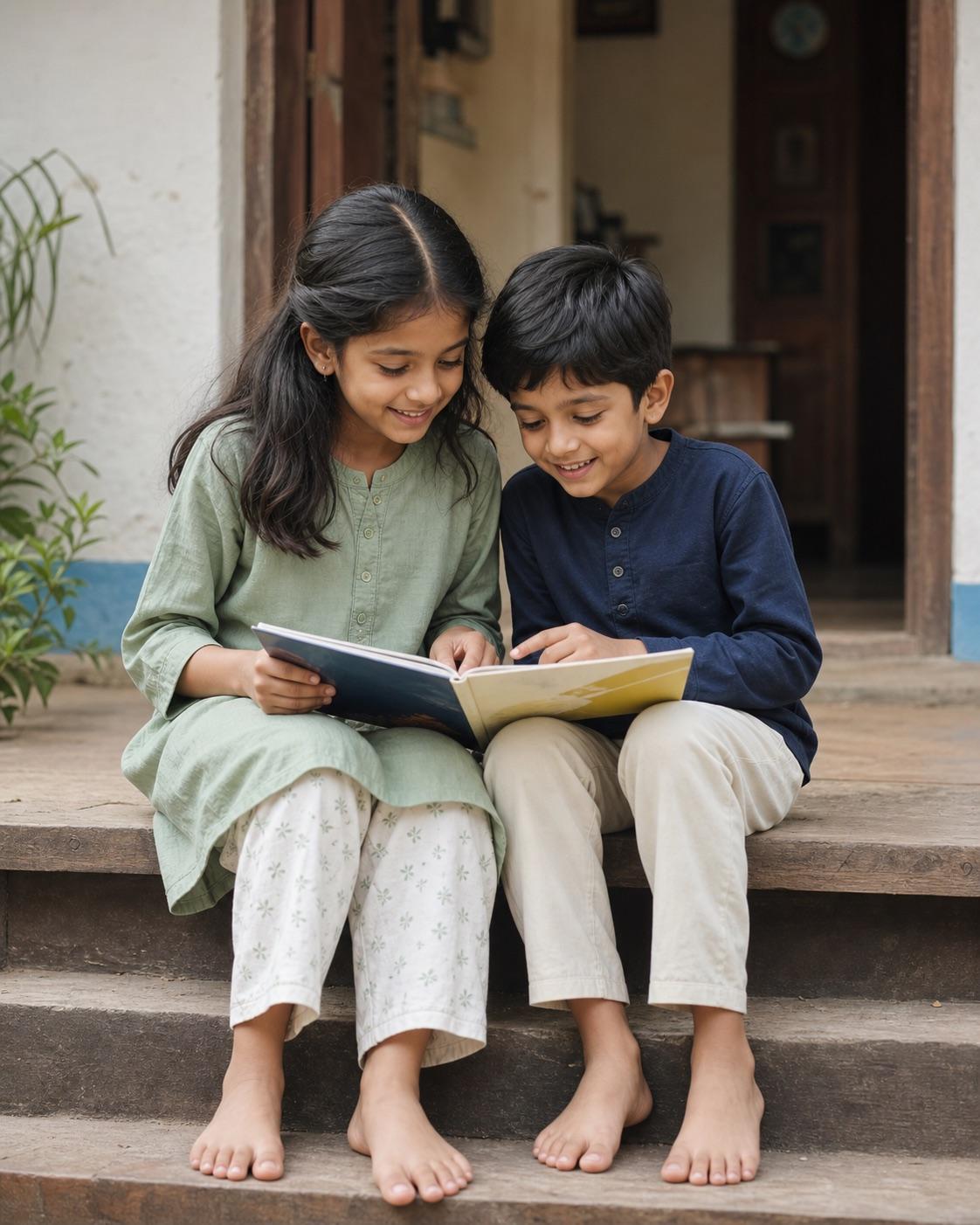
Sibling photos need separate identity anchors and believable age differences. The prompt protects each child's face and keeps the interaction playful, ordinary and clearly familial.
A parent or legal guardian should control the source image, prompt and sharing decision. An authorized family photographer may use the workflow only within the permission they were given. Do not place a child's real name, birth date, school, home address, account handle or other private detail in the prompt; none of those details are needed to describe light, clothing or composition.
Preserve real age and identity
Keep the child's face, actual age, skin tone, hairstyle and body proportions recognizable. For siblings or parent-child portraits, describe each person separately so faces do not merge. Reject outputs that make a child older, thinner, more muscular, more mature or more adult-looking, even when the rest of the image appears polished.
Keep every scene age-appropriate
Use modest clothing, natural family expressions and ordinary child or family activities. Babies must remain in safe source positions that match their developmental stage. Festival color should stay away from eyes and mouths. No prompt in this category should introduce mature makeup, revealing clothing, romantic posing, sexualized content or unsafe props.
Quick answers
Category questions
Are these prompts for children to use?
No. The category is intended for adults who are parents, legal guardians or authorized family photographers.
Does AI Editor RSP upload or store child photos?
No. The site is prompt-only and provides entirely synthetic visual examples. It does not accept photo uploads or run image generation.
What changes are never appropriate?
Do not adultify or sexualize a child, change their age or body, add mature makeup or revealing clothing, create romantic framing, or expose private identifying details.