

RSP Lightroom Preset Prompt
Use this prompt when the person and scene should stay intact and only the color treatment changes. It describes highlight warmth, shadow depth and skin-tone protection without pretending to be an official preset file.
Prompt category
Browse RSP preset prompts for balanced cinematic color, golden hour warmth, moody greens and black-and-white portrait grading.
Preset-style prompts should control tone without replacing the person or scene. Start with the balanced cinematic grade, then choose golden-hour warmth, subdued forest greens or a midtone-rich black-and-white treatment. Treat every prompt as a repeatable grading direction rather than a downloadable preset file: the same words may require different controls in different compatible tools. Preview the result at normal brightness and on a small phone screen before accepting it.
4 prompt scenesChoose an effect
Use this prompt when the person and scene should stay intact and only the color treatment changes. It describes highlight warmth, shadow depth and skin-tone protection without pretending to be an official preset file.

A useful warm preset protects skin and highlight detail instead of turning the whole frame orange. This direction adds warmth selectively while keeping greens and shadows believable.
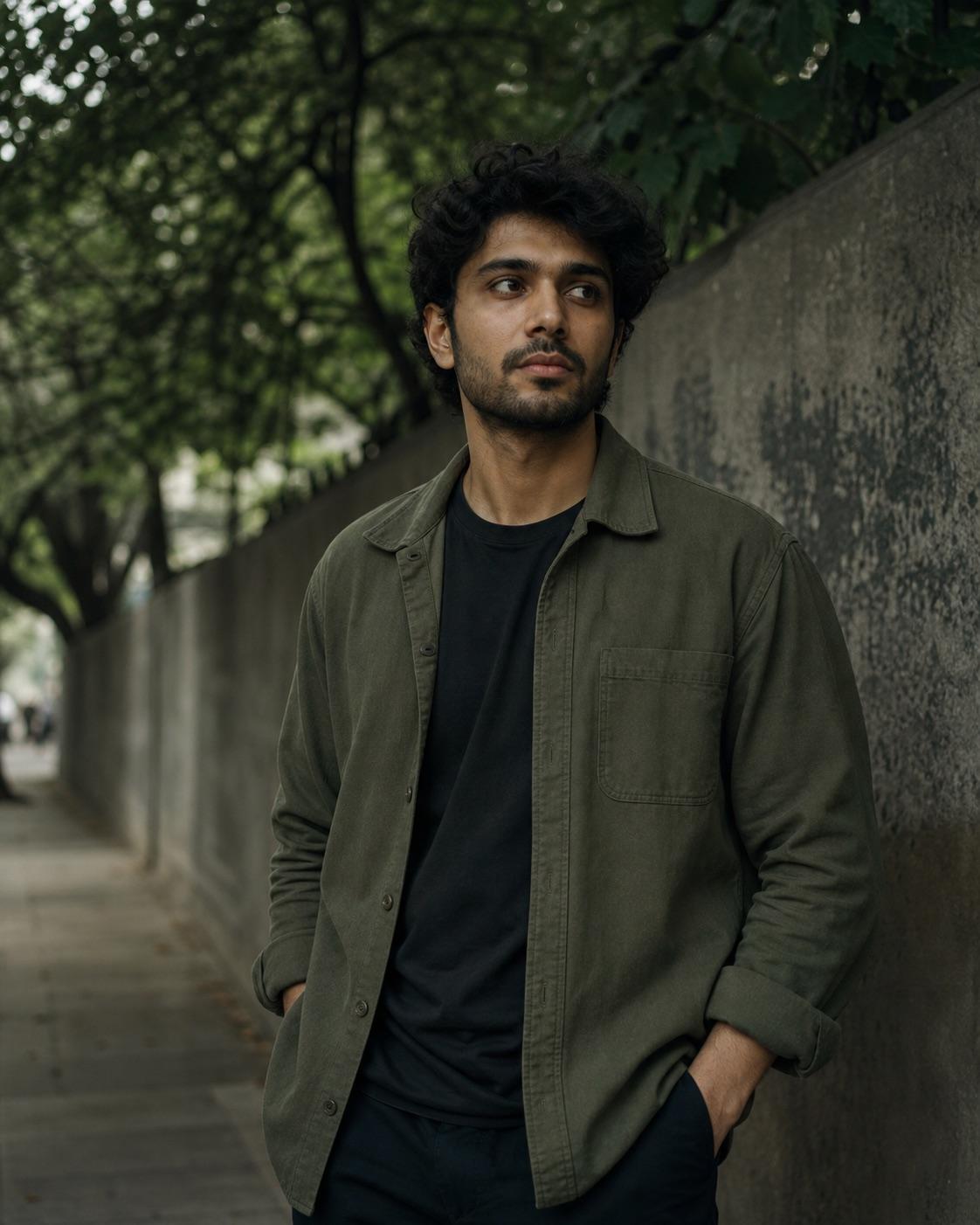
A green grade should organize the environment without tinting the face. This preset direction subdues foliage, deepens shadows carefully and protects neutral skin.
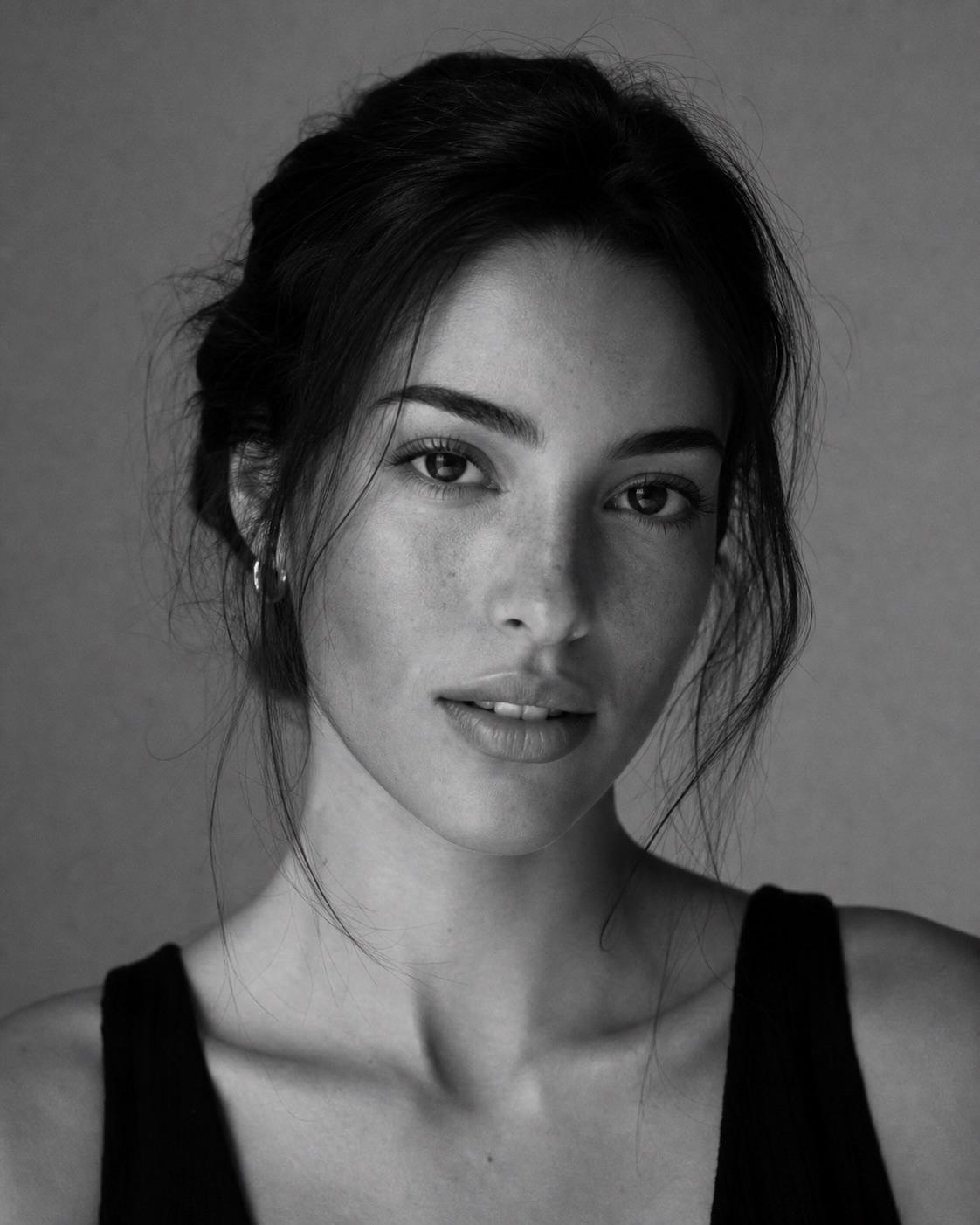
Monochrome works through tonal separation, not a simple saturation slider. This workflow protects eyes, skin texture and clothing edges while building a classic midtone-rich grade.
Use when needed
Describe highlights, shadows, contrast, saturation and grain separately so the final direction remains restrained. For example, request slightly warm highlights and deeper shadows with retained detail instead of simply asking for a dramatic look. Concrete tone instructions make it easier to notice orange skin, clipped highlights, crushed blacks or halos during review.
State that skin tones and clothing color relationships must remain believable while greens or background distractions are reduced. Ask the tool to preserve the original person, pose, objects and composition. If the source already has mixed lighting, protect neutral facial detail before pushing shadow color, because a strong grade should not erase the information needed to recognize the subject.
This is a text workflow, not a downloadable preset file. Translate the same tone direction into the controls your chosen tool supports, then reduce the strength when the result looks processed. The page is independent and not affiliated with Adobe or Lightroom; those names describe a familiar color-grading workflow, not an official preset, endorsement or guaranteed compatibility.
Quick answers
Yes. The library and builder are available without signup. Third-party tools may have separate terms or charges.
No. They are independent text prompts and workflow directions, not Adobe or Lightroom preset files.
Use golden hour for selective warmth, moody green for foliage-heavy scenes, black and white for tonal structure, or the balanced RSP preset for a flexible cinematic grade.