
Convert the permitted source portrait into a restrained black-and-white grade without changing the person, pose, clothing, background, crop or light direction. Build clear tonal separation across the face, hair, clothing and background. Keep eyes readable, skin texture natural, highlights controlled and midtones rich. Deepen blacks carefully without losing hair or clothing edges, and add only subtle fine grain. Preserve face identity and actual age. Do not add vintage damage, scratches, color tint, extreme clarity, blown skin highlights, crushed eyes, text, logos or a before-and-after layout.
Black and White Portrait Preset Prompt
Monochrome works through tonal separation, not a simple saturation slider. This workflow protects eyes, skin texture and clothing edges while building a classic midtone-rich grade.
This site does not upload or generate images. Use the copied prompt in a compatible AI image tool.
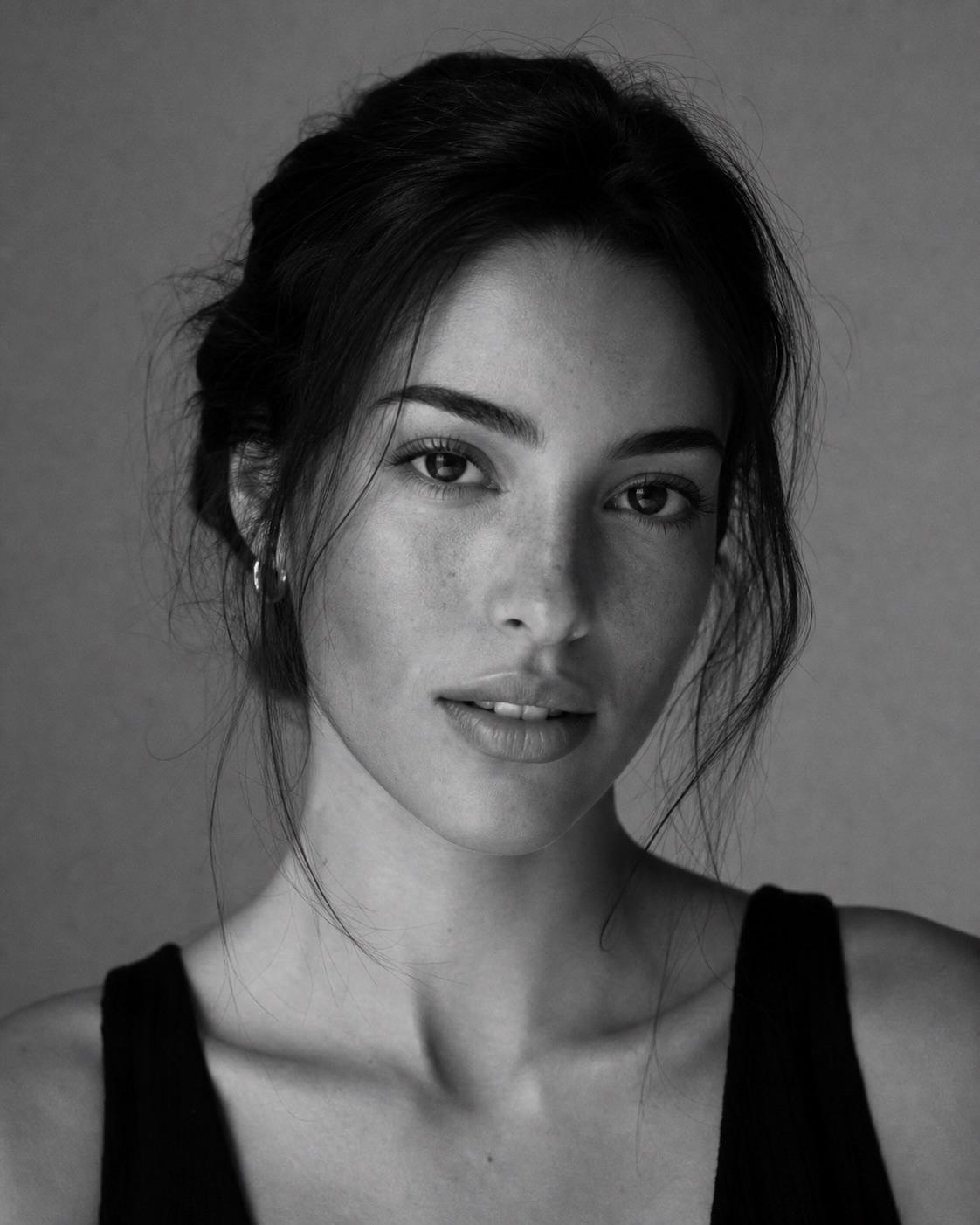
Preservation rules
Keep identity instructions clear
- Change tone only; keep identity, scene, pose and composition unchanged.
- Protect eyes, skin texture and hair detail.
- Use midtone separation rather than extreme contrast.
- Do not add faux vintage damage or color tint.
Variable controls
Change only what helps
- subject
- the permitted source portrait with identity and age preserved
- outfit
- the source clothing separated clearly from the background
- background
- the original background rendered in distinct gray tones
- lighting
- the original light with controlled highlights and readable shadows
- camera
- keep source framing and perspective unchanged
- mood
- timeless, direct and restrained
- aspect Ratio
- source ratio
Best for
- studio portraits
- timeless profile photos
- high-contrast clothing
Avoid if
- the source has clipped skin highlights
- subject and background have no tonal separation
Four-step workflow
Use the prompt in a compatible tool
- 01
Start with a permitted source image
Use your own photo, a licensed image, or a likeness you have clear permission to edit.
- 02
Adjust the useful variables
Change the subject, outfit, setting, lighting, camera direction and crop to match the photo you actually have.
- 03
Copy to a compatible AI tool
Paste the prompt into a tool that accepts image or photo editing instructions. This site does not upload or generate the image.
- 04
Review before sharing
Check identity, hands, skin texture, clothing, background details and consent before you post or export the result.
Quick answers
Effect questions
Why use midtones in a black-and-white portrait?
Midtones retain skin, hair and clothing detail while still giving the image clear monochrome structure.
Should I add scratches or film damage?
Not by default. Fine grain is enough for texture without turning the portrait into a fake antique image.
Related effects
Continue with a nearby task
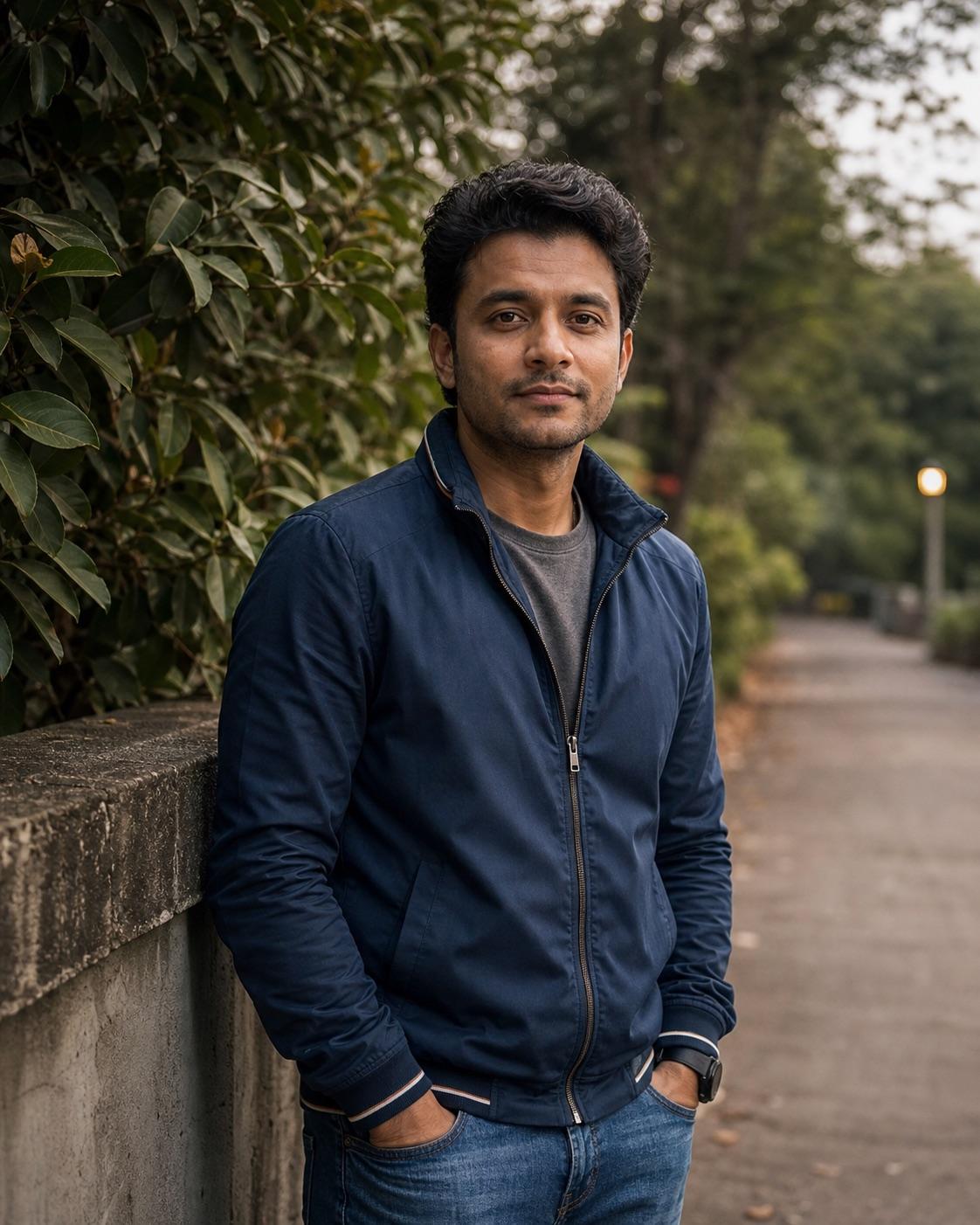
RSP Lightroom Preset Prompt
Use this prompt when the person and scene should stay intact and only the color treatment changes. It describes highlight warmth, shadow depth and skin-tone protection without pretending to be an official preset file.
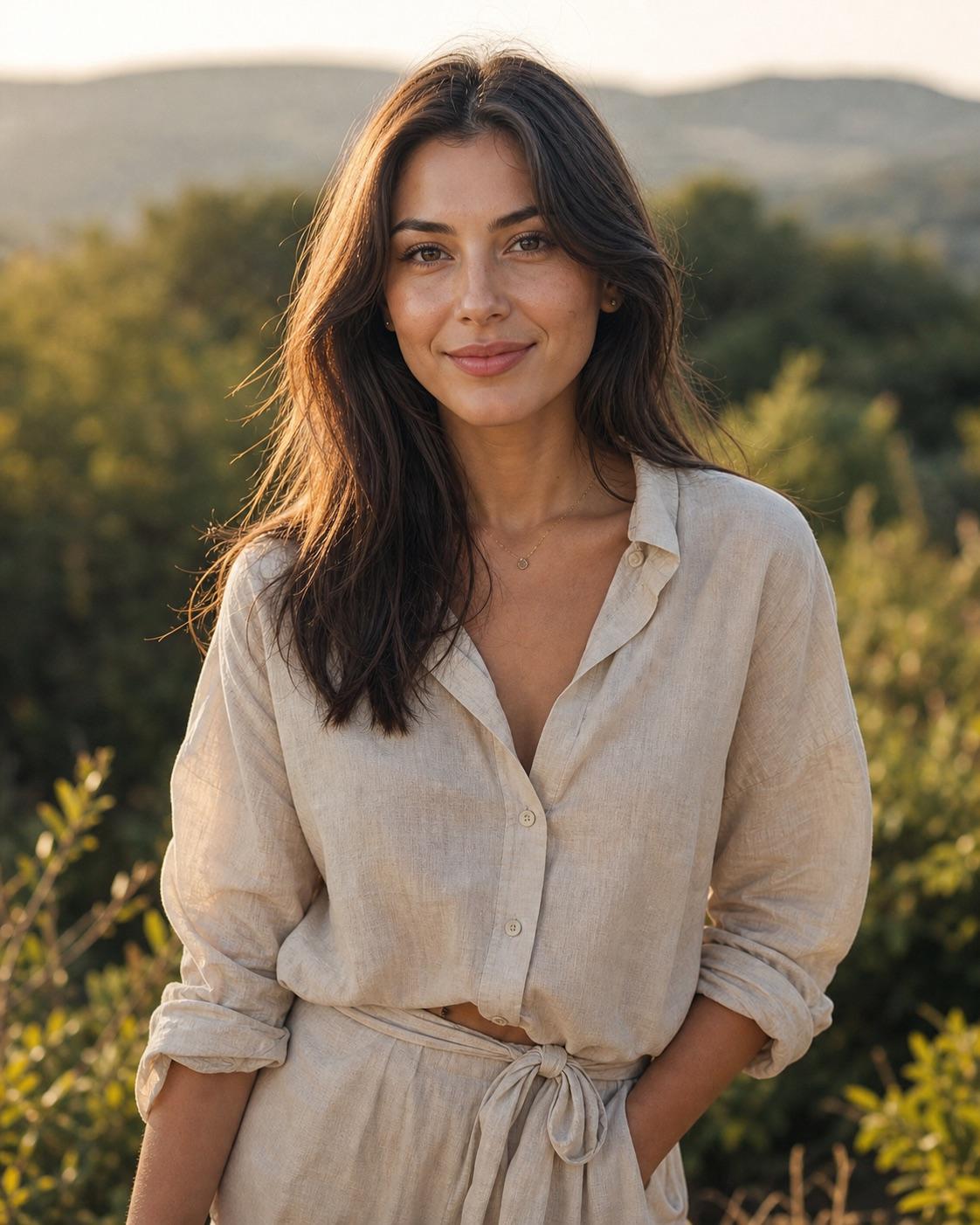
Warm Golden Hour Preset Prompt
A useful warm preset protects skin and highlight detail instead of turning the whole frame orange. This direction adds warmth selectively while keeping greens and shadows believable.
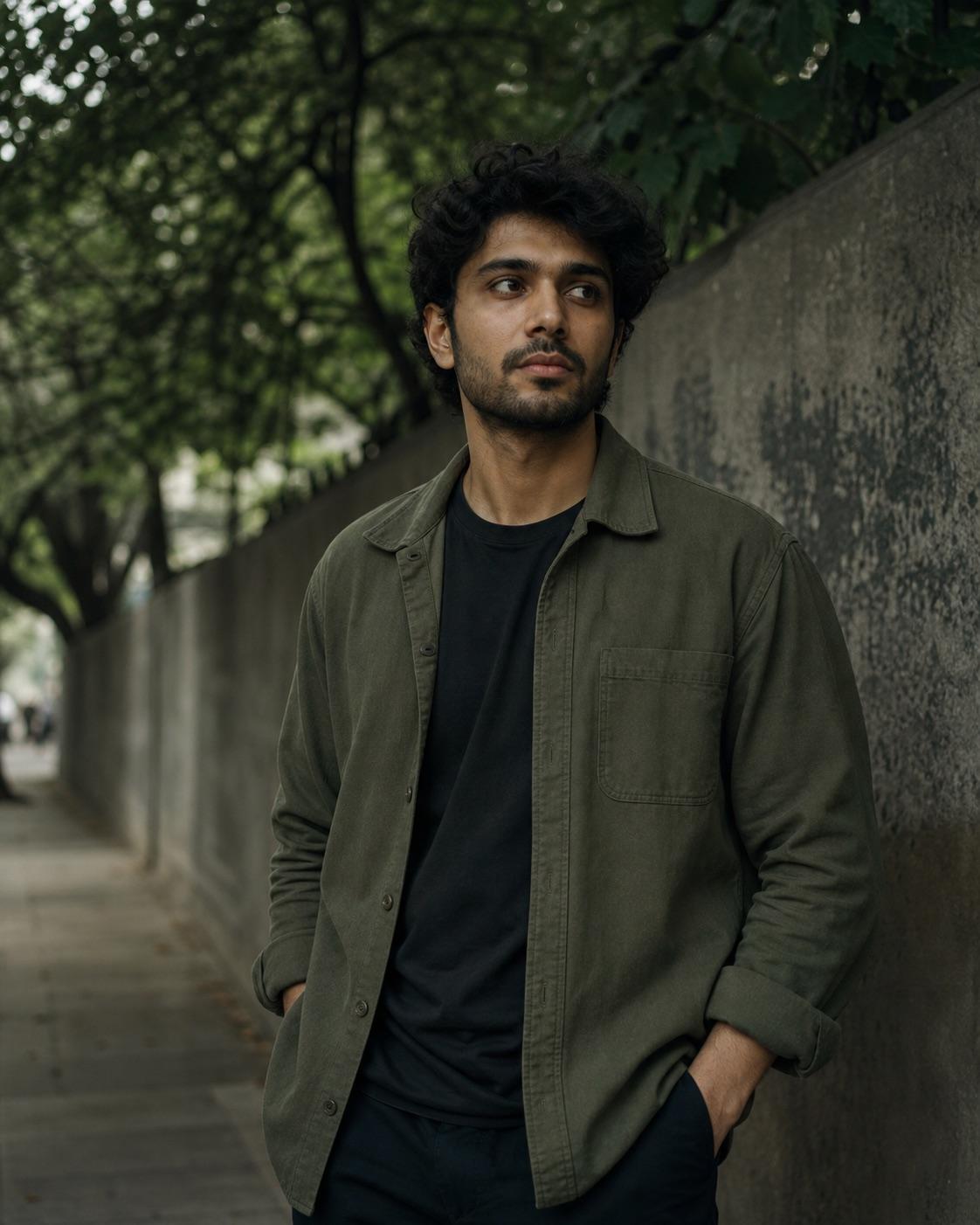
Moody Green Preset Prompt
A green grade should organize the environment without tinting the face. This preset direction subdues foliage, deepens shadows carefully and protects neutral skin.

Professional Headshot DP Prompt
A professional DP should look approachable and credible at thumbnail size. This prompt keeps the background quiet, the expression natural and the face centered inside a square-safe crop.