
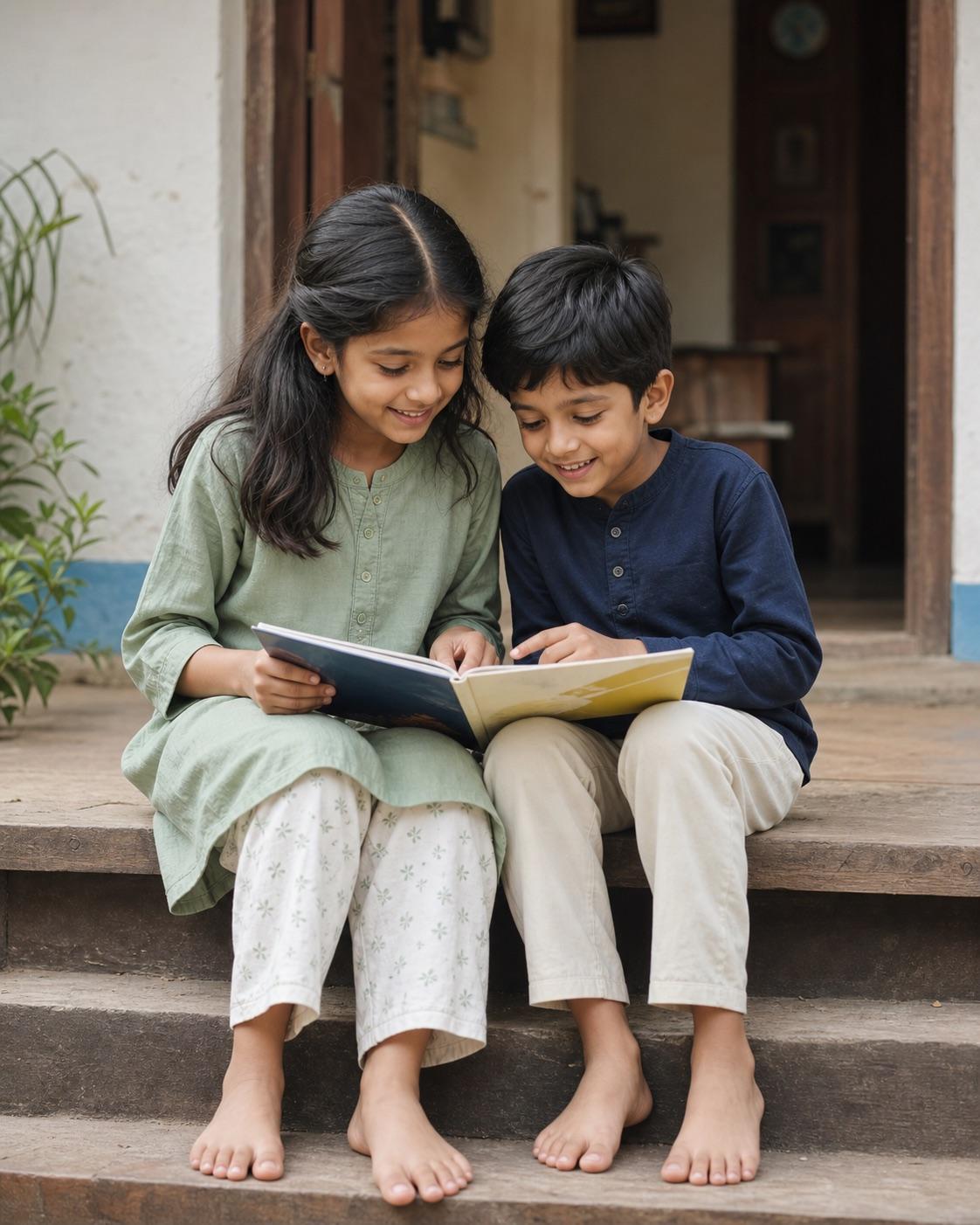
With parent or legal guardian permission, edit the authorized photo of two siblings into a relaxed natural family portrait. Describe and preserve each child separately: keep both face identities, actual ages, skin tones, hairstyles, relative height and body proportions recognizable. Use modest age-appropriate everyday clothing, a simple outdoor setting, soft daylight and an eye-level two-person composition. Keep the interaction clearly sibling-like, such as standing side by side, laughing together or sharing a safe seated activity, with both faces equally readable in a 4:5 crop. Do not merge features, make the children look like twins if they are not, change age or skin tone, add adult styling, makeup, revealing clothing, romantic posing, text, logos or unrelated people.
Kids & Family AI Photo Prompts
Siblings AI Photo Editing Prompts
Sibling photos need separate identity anchors and believable age differences. The prompt protects each child's face and keeps the interaction playful, ordinary and clearly familial.
This site does not upload or generate images. Use the copied prompt in a compatible AI image tool.
Preservation rules
Keep identity instructions clear
- A parent or legal guardian must authorize the edit for both children.
- Describe and preserve each sibling as a separate identity.
- Keep actual ages, relative height, skin tones and proportions recognizable.
- Use a clearly familial, non-romantic and age-appropriate interaction.
Variable controls
Change only what helps
- subject
- two siblings in an authorized family photo, described separately
- outfit
- comfortable coordinated everyday clothing appropriate to each child's age
- background
- a simple outdoor family setting without identifying location details
- lighting
- soft even daylight with both faces readable
- camera
- eye-level two-person portrait with balanced spacing
- mood
- playful, relaxed and familial
- aspect Ratio
- 4:5
Best for
- sibling portraits
- brother and sister albums
- family holiday photos
Avoid if
- either child's guardian has not approved the edit
- one face is too small or hidden to review
Four-step workflow
Use the prompt in a compatible tool
- 01
Confirm parent or guardian permission
Use only a family photo you are authorized to edit. A parent or legal guardian should control the workflow and decide whether the result may be shared.
- 02
Keep the child's real age and identity
Describe the requested scene while preserving the child's face, actual age, skin tone, hairstyle, body proportions and age-appropriate clothing.
- 03
Copy to a compatible AI tool
Paste the prompt into a tool that accepts photo editing instructions. This site does not upload, store or generate a child's image.
- 04
Review privately before sharing
Check identity, hands, clothing, background details and privacy. Reject adult styling, age changes, revealing clothing, romantic framing or any result that could embarrass or endanger the child.
Quick answers
Effect questions
How do I stop sibling faces from blending?
Describe each child separately and preserve each face, age, hairstyle, skin tone and relative height.
Can I make siblings look the same age?
No. Preserve their actual ages and natural relative height rather than forcing a twin effect.
Related effects
Continue with a nearby task
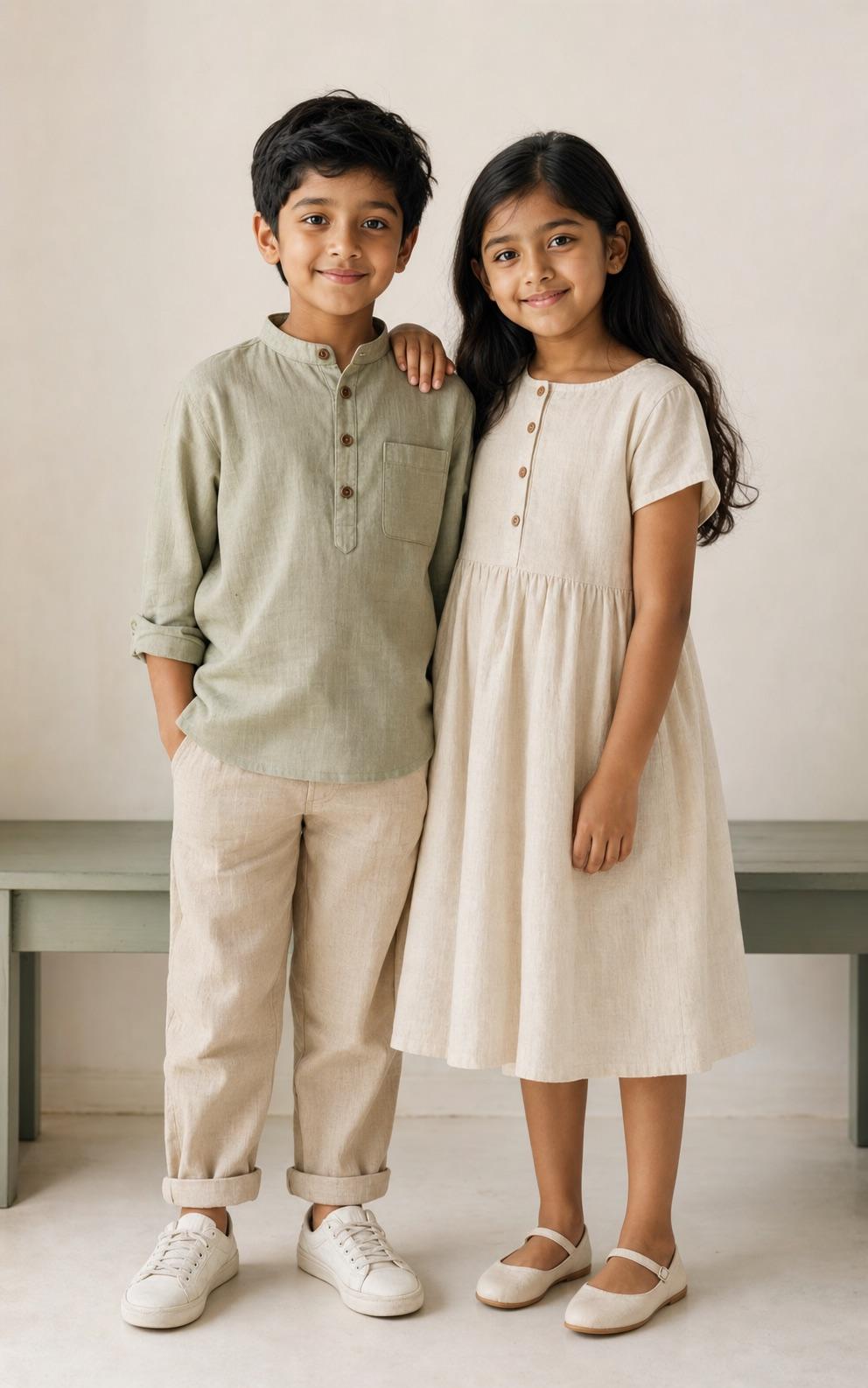
Kids AI Photo Editing Prompts
A flexible starting point for parents and family photographers who want a polished child portrait without changing who the child is. The prompt keeps age, identity and clothing appropriate while leaving room to adjust light, background and crop.
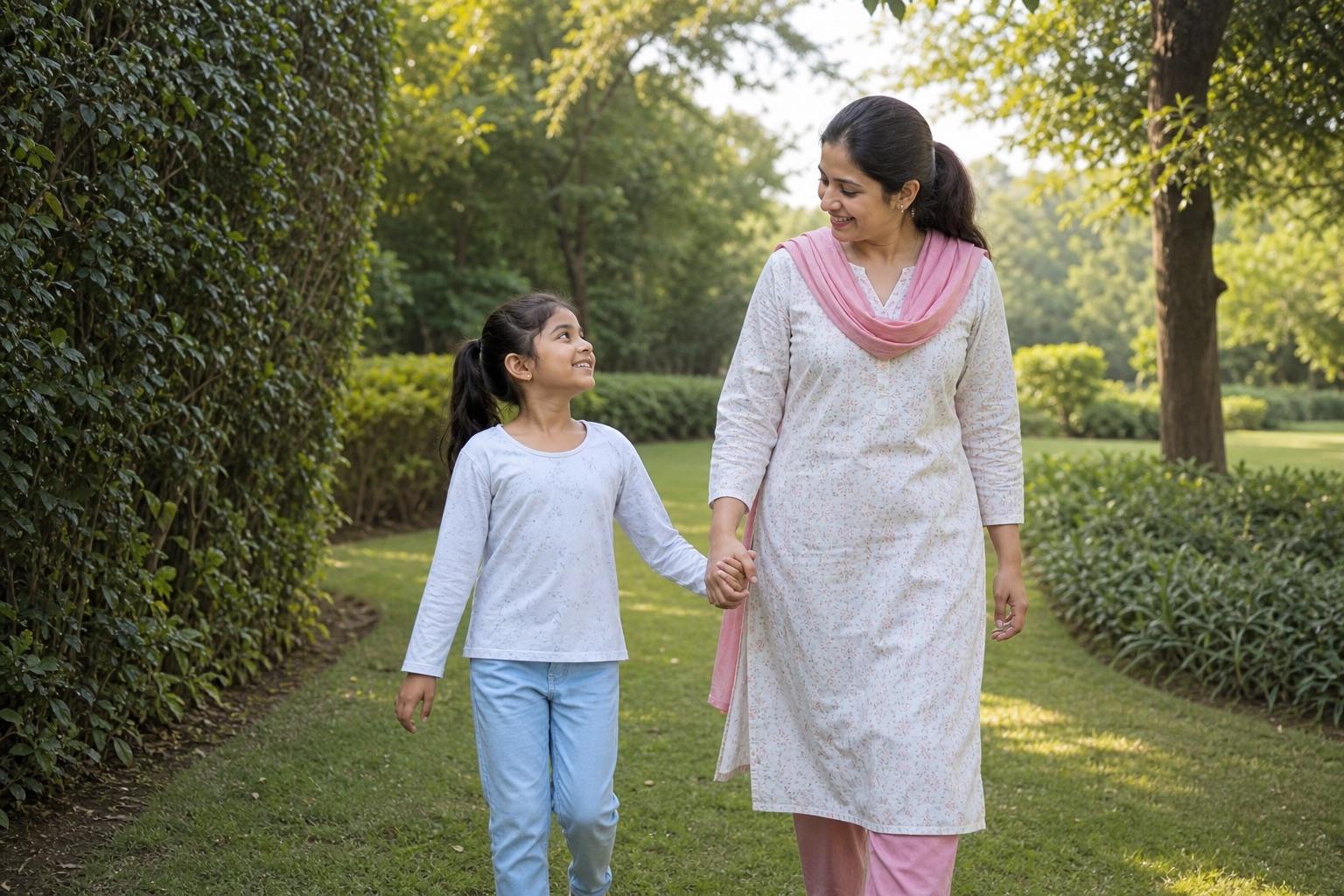
Parent and Child AI Portrait Prompts
Two-generation portraits need separate identity rules for the adult and child. This workflow keeps the relationship unmistakably familial and the child's styling appropriate to their actual age.

Holi Kids AI Photo Editing Prompts
Use Holi color as a background and clothing accent rather than covering the child's face. The prompt protects natural skin tone, visibility and age-appropriate festival clothing.
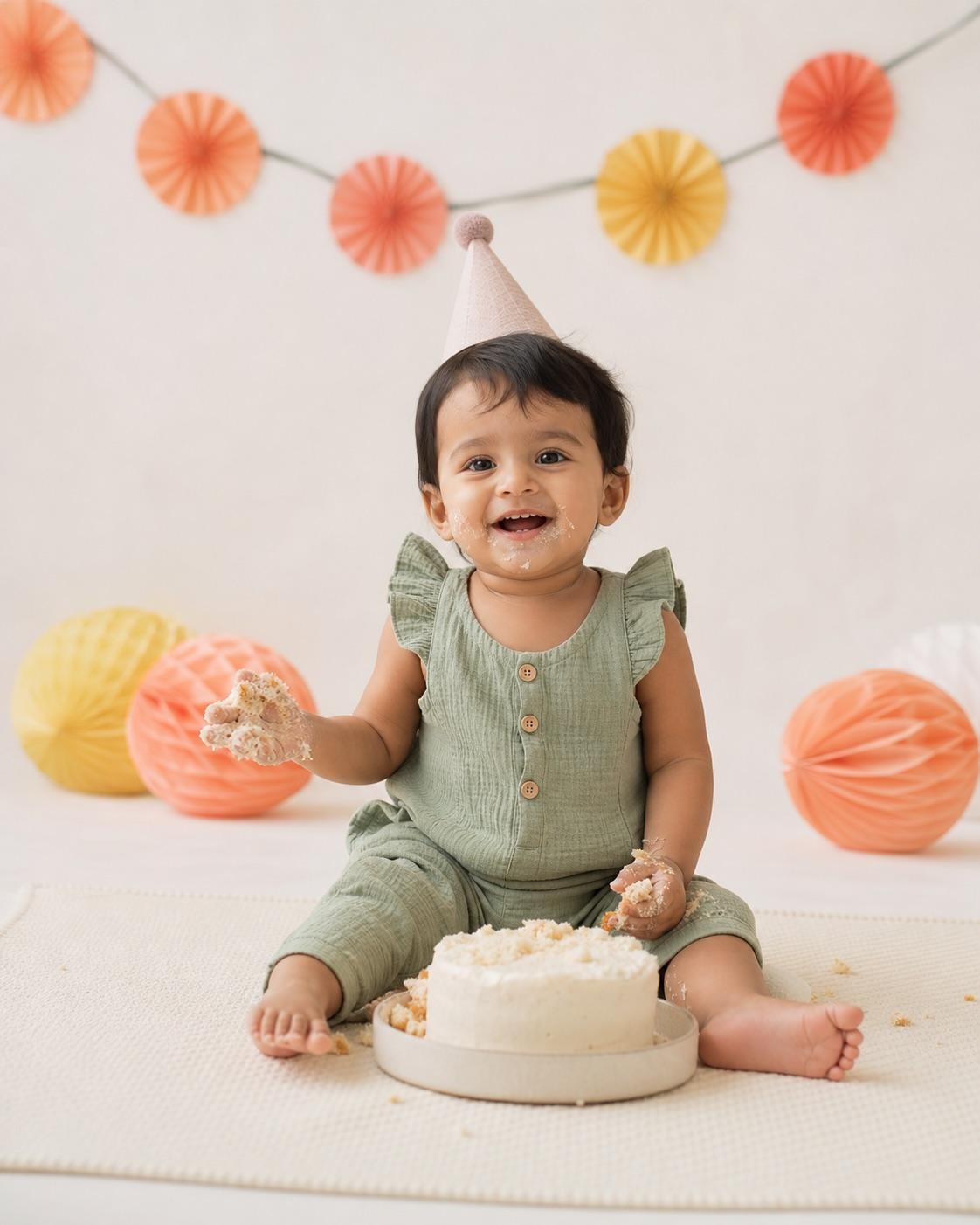
First Birthday AI Photo Prompts
A first-birthday edit should celebrate the real milestone instead of turning it into a crowded fantasy set. This prompt uses a stable floor-level scene, simple decorations and an age-accurate expression.