
With parent or legal guardian permission, edit the authorized photo into a warm first-birthday milestone portrait. Preserve the child's exact face identity, real one-year-old age, skin tone, hair, body proportions and natural expression. Keep the child safely seated on the floor in the supported source pose, wearing a comfortable full-coverage outfit. Add a simple cream backdrop, a small fabric number-one decoration, a few large soft balloons secured in the background and diffused daylight. Keep the face clear, hands natural and the 4:5 composition uncluttered. Do not add lit candles, sharp props, choking hazards, adult styling, makeup, jewelry, age transformation, revealing clothing, text beyond the simple number decoration, logos or unsafe posing.
Kids & Family AI Photo Prompts
First Birthday AI Photo Prompts
A first-birthday edit should celebrate the real milestone instead of turning it into a crowded fantasy set. This prompt uses a stable floor-level scene, simple decorations and an age-accurate expression.
This site does not upload or generate images. Use the copied prompt in a compatible AI image tool.
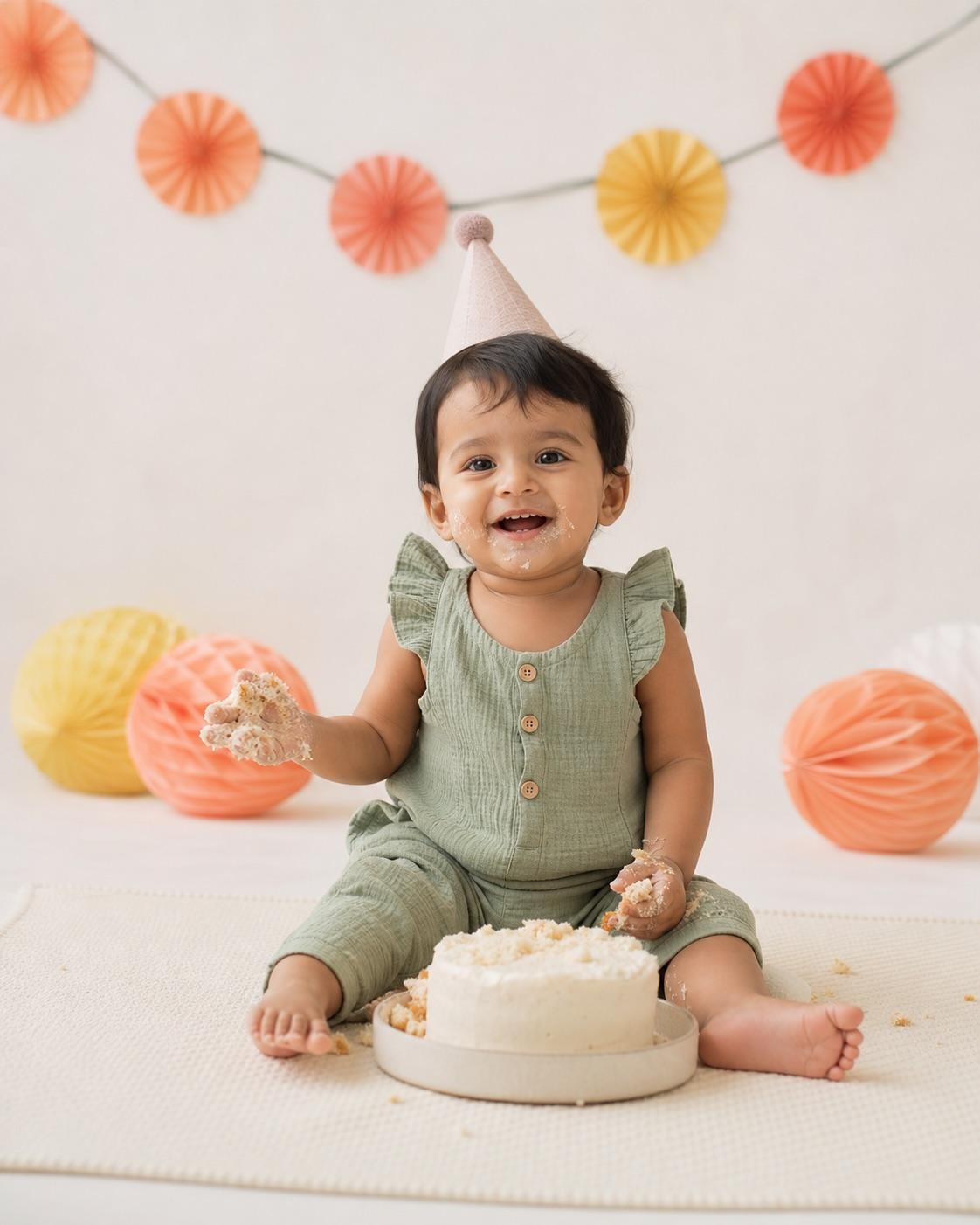
Preservation rules
Keep identity instructions clear
- Parent or legal guardian permission is required.
- Keep the child's real first-birthday age, identity, skin tone and proportions.
- Use a stable floor-level pose and keep decorations away from the face and body.
- Remove private name, date, school or location details from the prompt and final image.
Variable controls
Change only what helps
- subject
- one one-year-old child in an authorized family photo
- outfit
- a comfortable full-coverage birthday outfit without jewelry
- background
- a simple cream backdrop with a fabric number one and secured soft balloons
- lighting
- bright diffused daylight
- camera
- eye-level floor portrait with a clear 4:5 crop
- mood
- joyful, simple and age-appropriate
- aspect Ratio
- 4:5
Best for
- first birthday albums
- simple cake-free milestone portraits
- family celebration posts
Avoid if
- decorations obscure the child's face
- the scene includes unsafe candles, sharp props or choking hazards
Four-step workflow
Use the prompt in a compatible tool
- 01
Confirm parent or guardian permission
Use only a family photo you are authorized to edit. A parent or legal guardian should control the workflow and decide whether the result may be shared.
- 02
Keep the child's real age and identity
Describe the requested scene while preserving the child's face, actual age, skin tone, hairstyle, body proportions and age-appropriate clothing.
- 03
Copy to a compatible AI tool
Paste the prompt into a tool that accepts photo editing instructions. This site does not upload, store or generate a child's image.
- 04
Review privately before sharing
Check identity, hands, clothing, background details and privacy. Reject adult styling, age changes, revealing clothing, romantic framing or any result that could embarrass or endanger the child.
Quick answers
Effect questions
Can I include the child's name and birthday?
The visual edit does not need private identifying details. Add any text later only if the guardian chooses and understands the sharing context.
Why avoid lit candles?
The prompt is a visual workflow, not safety advice. A simple candle-free scene avoids implying that a baby should be physically posed near a flame.
Related effects
Continue with a nearby task
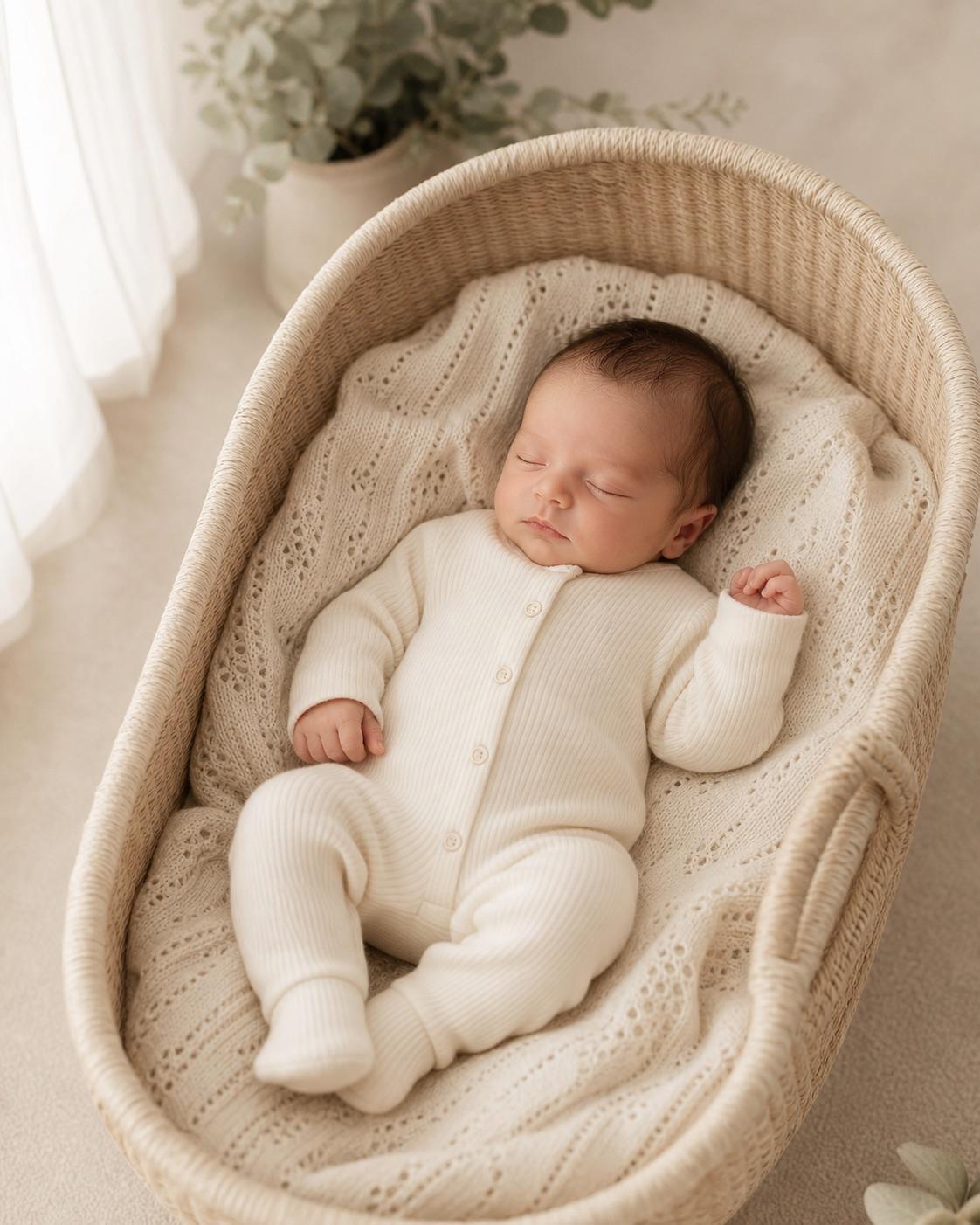
Baby Photoshoot AI Prompts
Create a gentle baby portrait direction without pretending the baby can sit, stand or pose beyond their real developmental stage. Safety, support and a simple scene come before elaborate props.
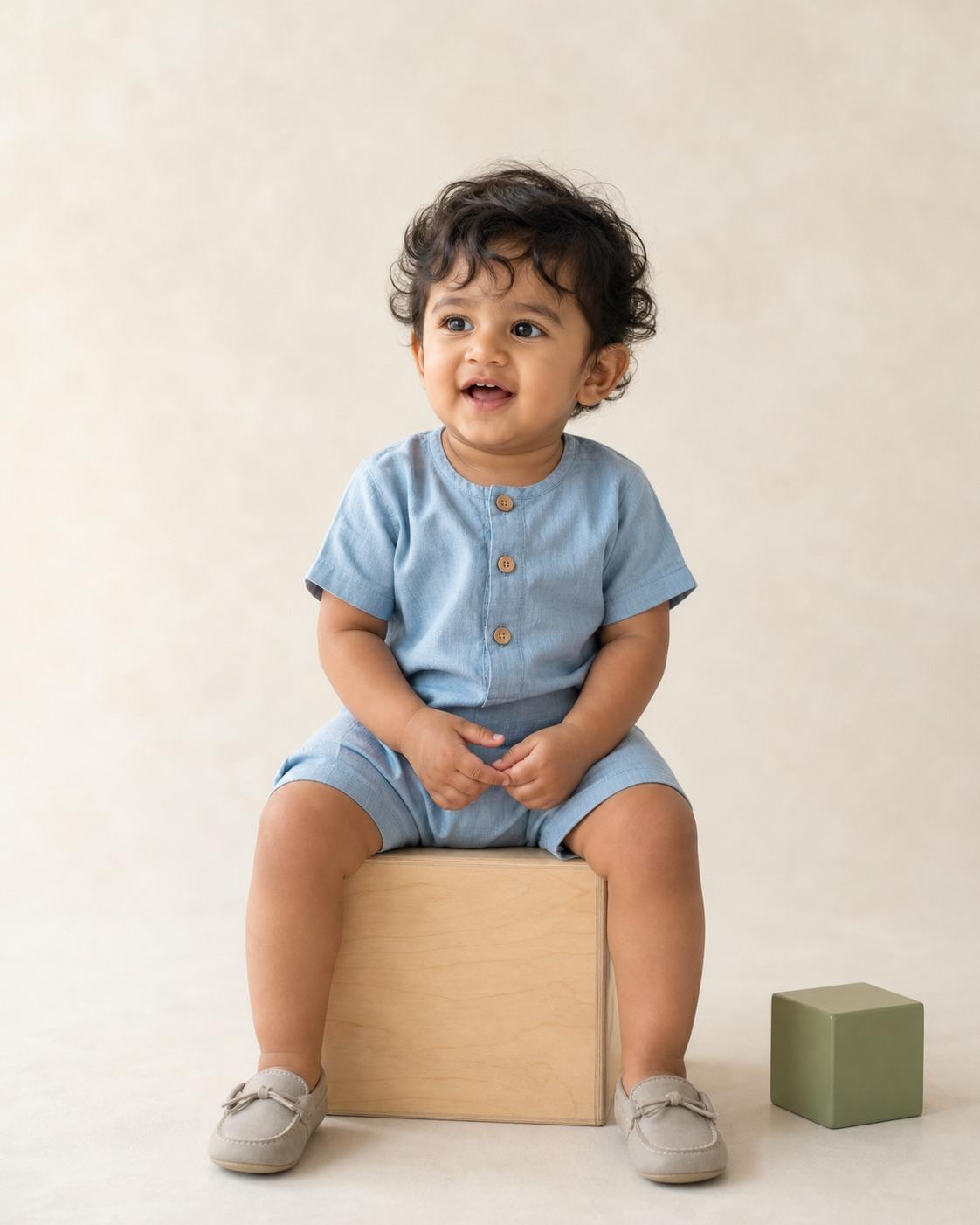
Baby Boy AI Photo Editing Prompts
This variation uses a light blue and neutral palette without forcing stereotypes or changing the baby. The source pose and developmental stage remain the hard constraints.
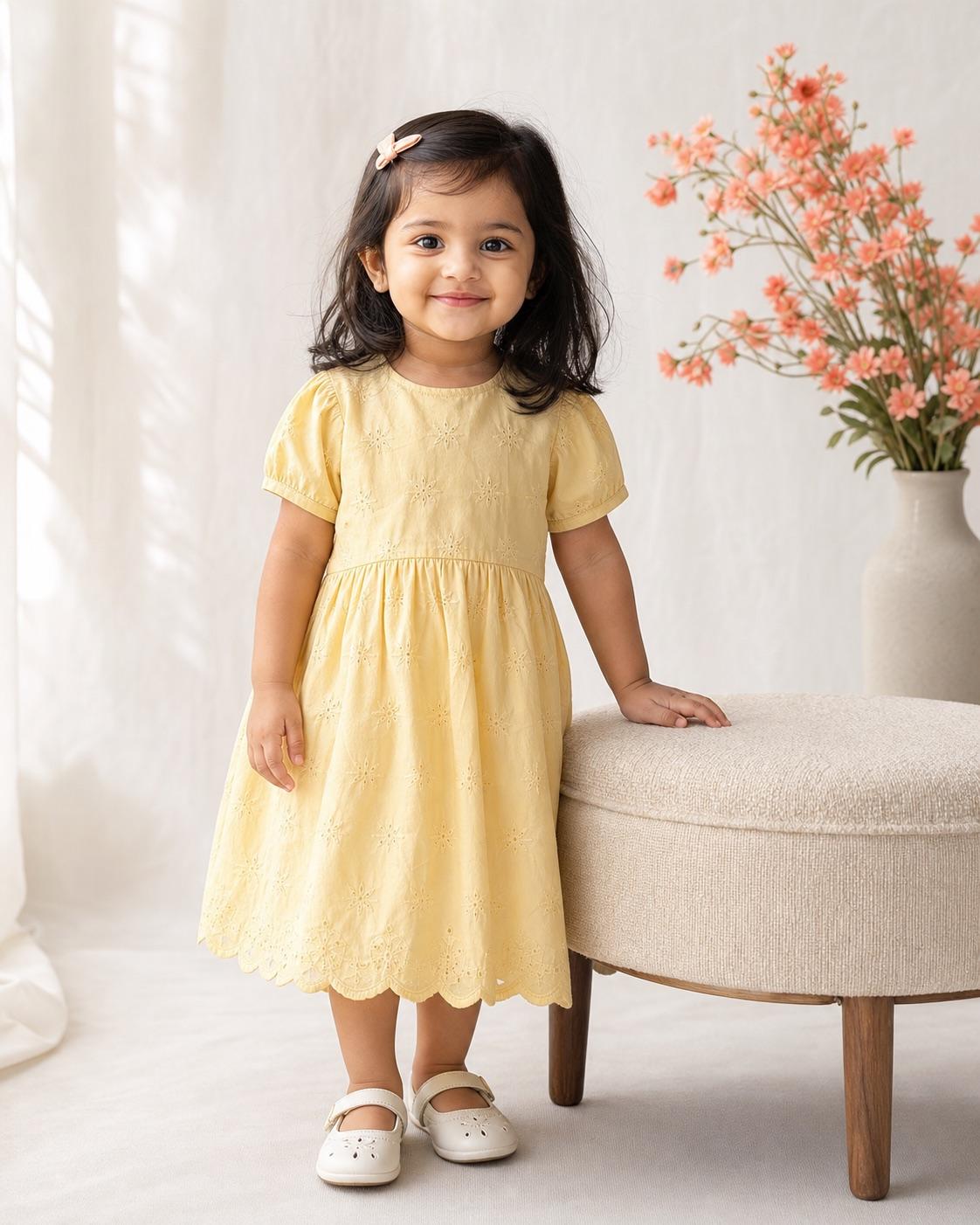
Baby Girl AI Photo Editing Prompts
A soft baby girl portrait can use color and texture without adding makeup, jewelry or adult beauty cues. The prompt keeps the baby's real features and safe source position unchanged.
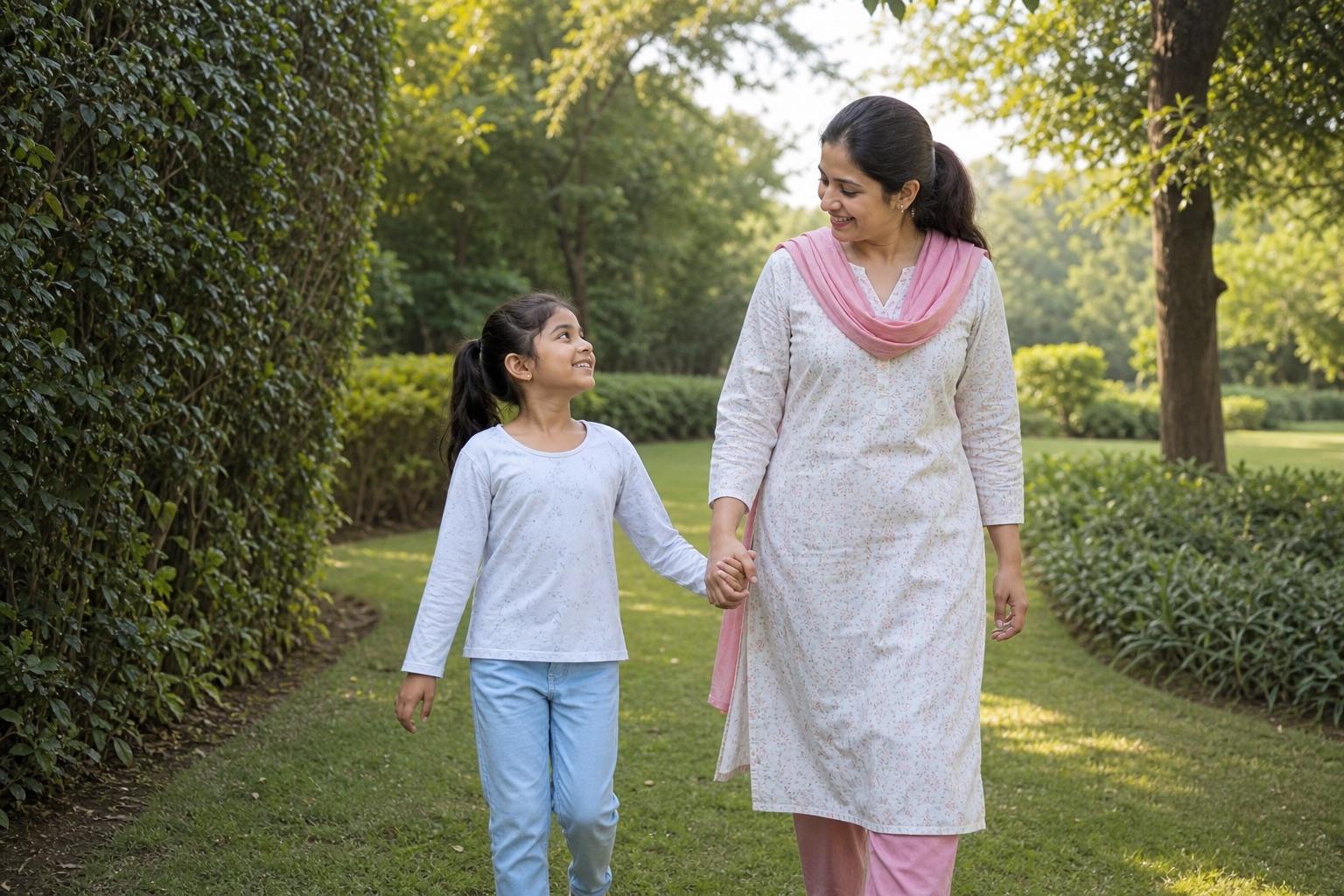
Parent and Child AI Portrait Prompts
Two-generation portraits need separate identity rules for the adult and child. This workflow keeps the relationship unmistakably familial and the child's styling appropriate to their actual age.