Permission must cover the edit and the audience
Permission to take a family photo does not automatically cover every AI edit or public post. The adult controlling the workflow should know which image is being used, what will change and where the result may appear. A photographer working for a family should stay within the agreed purpose and should not reuse a child's image as a public example without separate permission. AI Editor RSP does not receive the image, but the third-party tool you choose may have its own storage and training terms.
Real age is a preservation rule
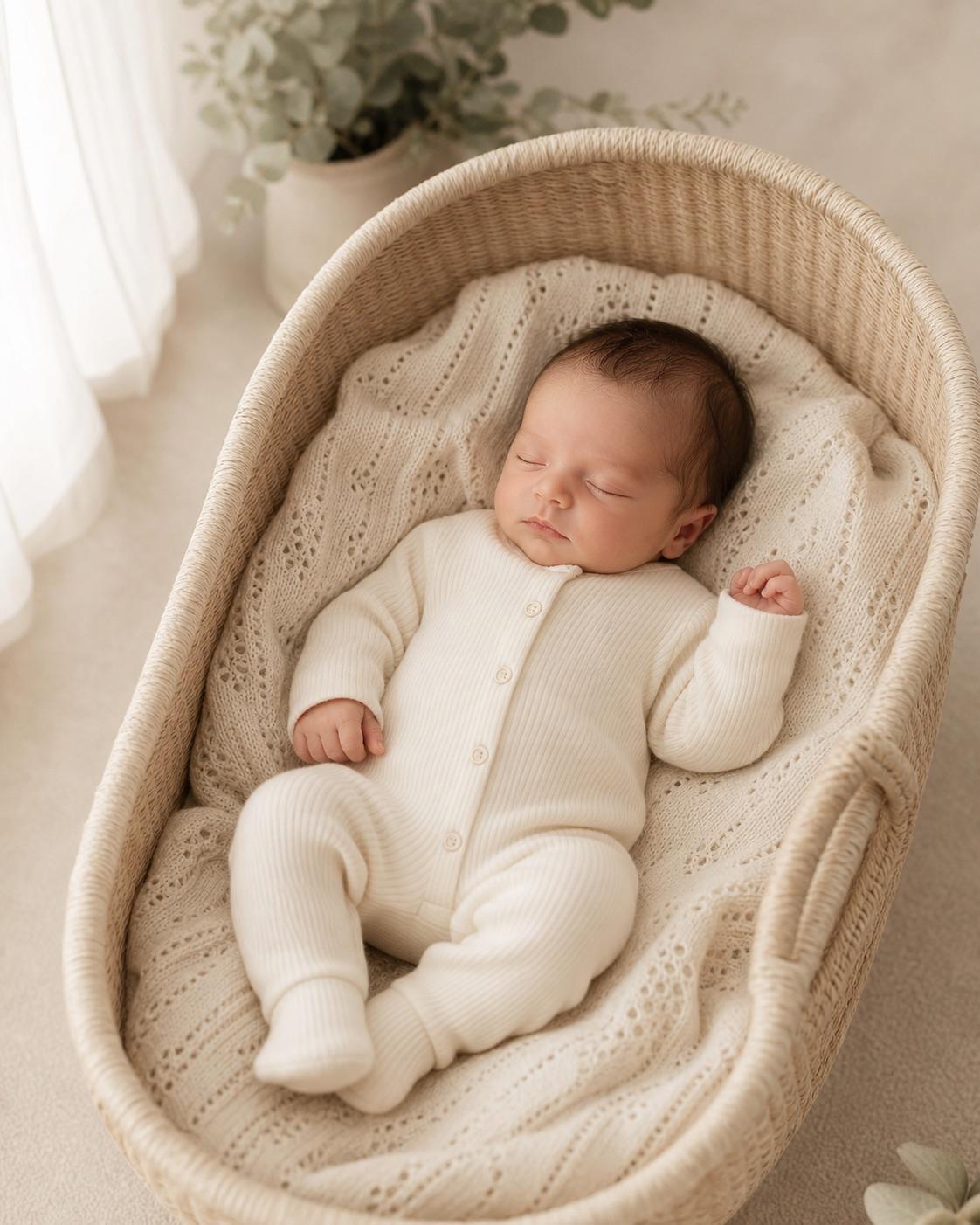
For a child, age is not a style variable. Keep developmental stage, facial structure, height and body proportions consistent with the authorized source. Do not request older-looking features, adult body shape, muscles, slimming, mature expression or age regression. Baby poses must match what the source safely shows; a generated picture is never an instruction for physically posing or supporting a baby.
Age-appropriate presentation is specific
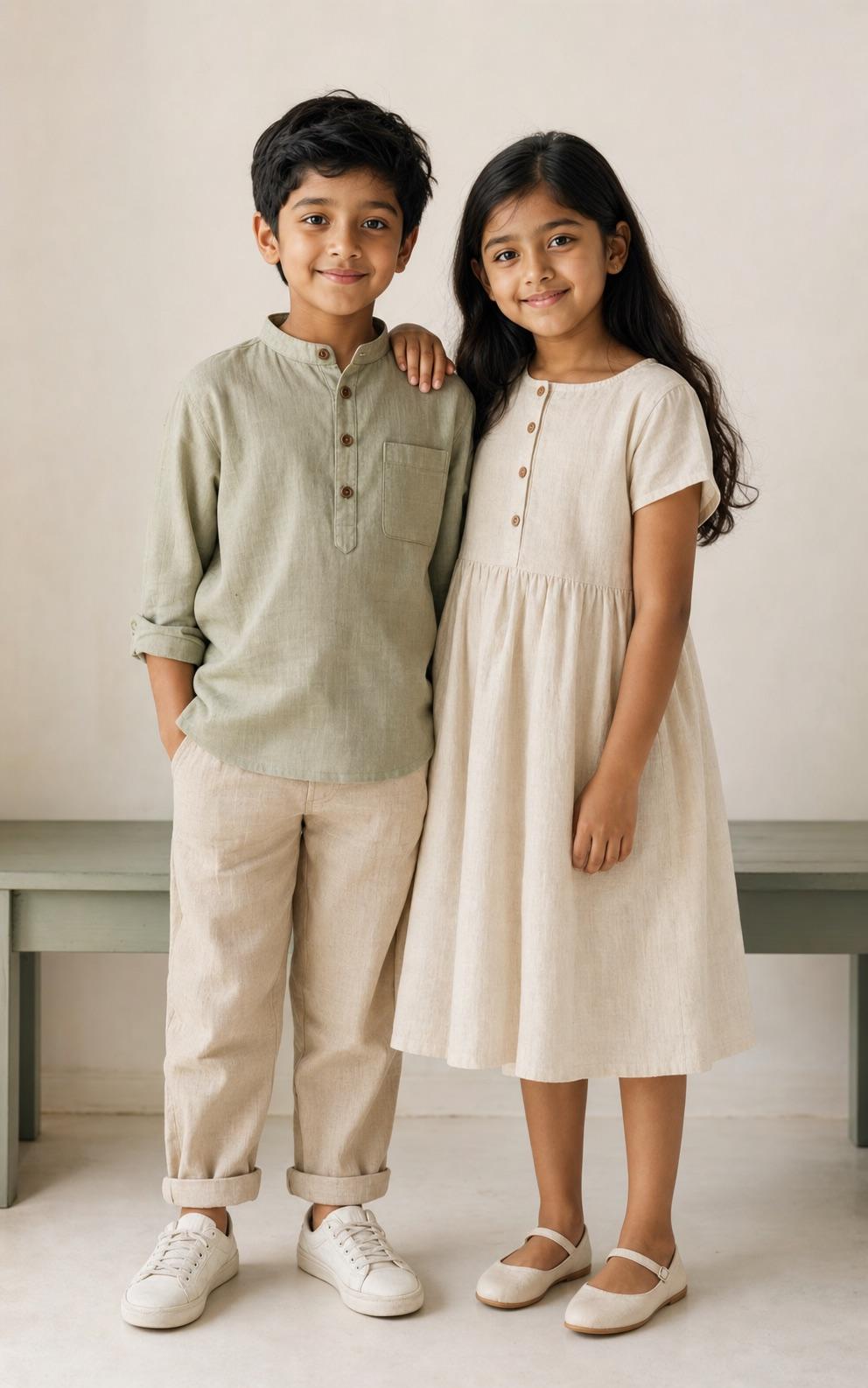
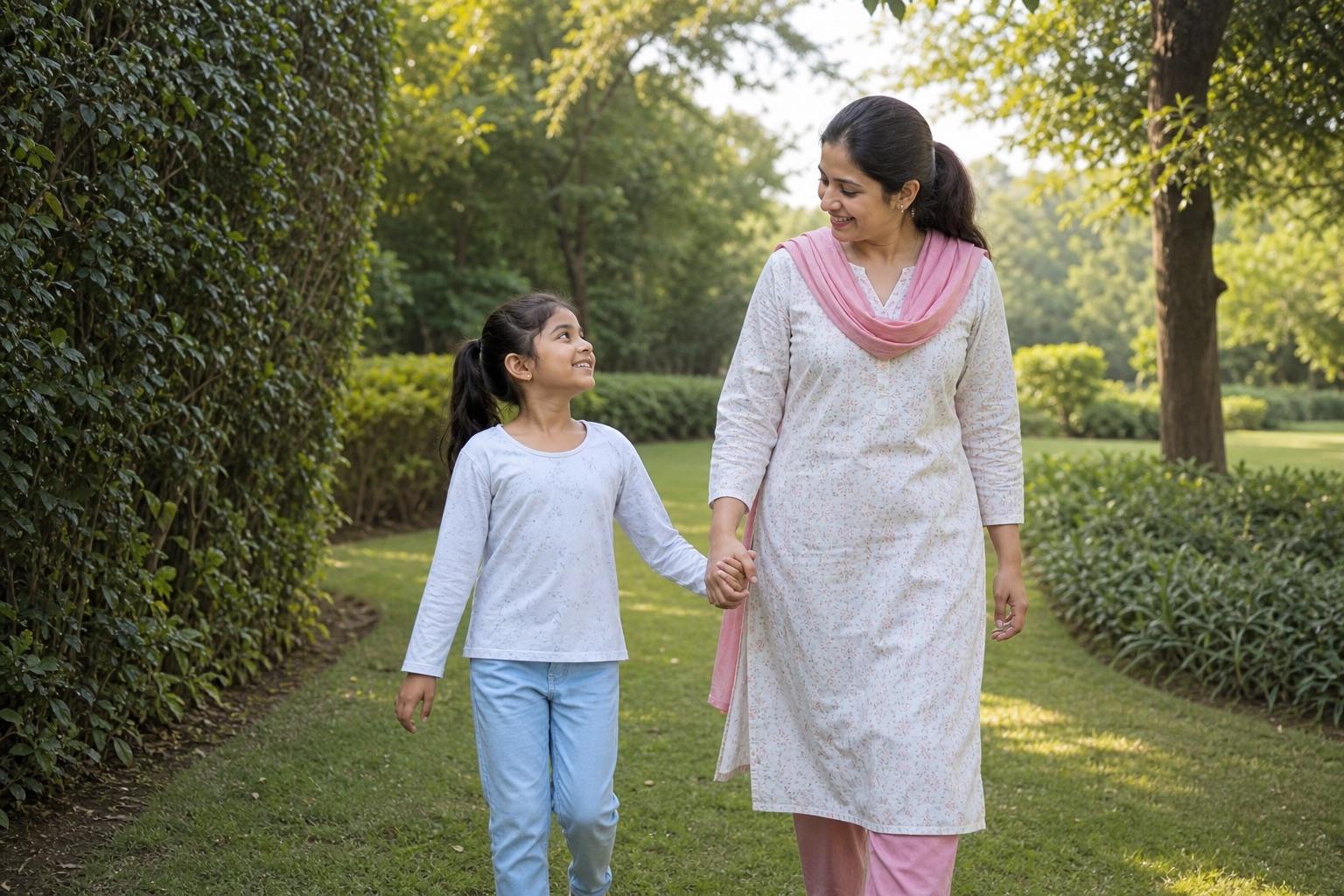
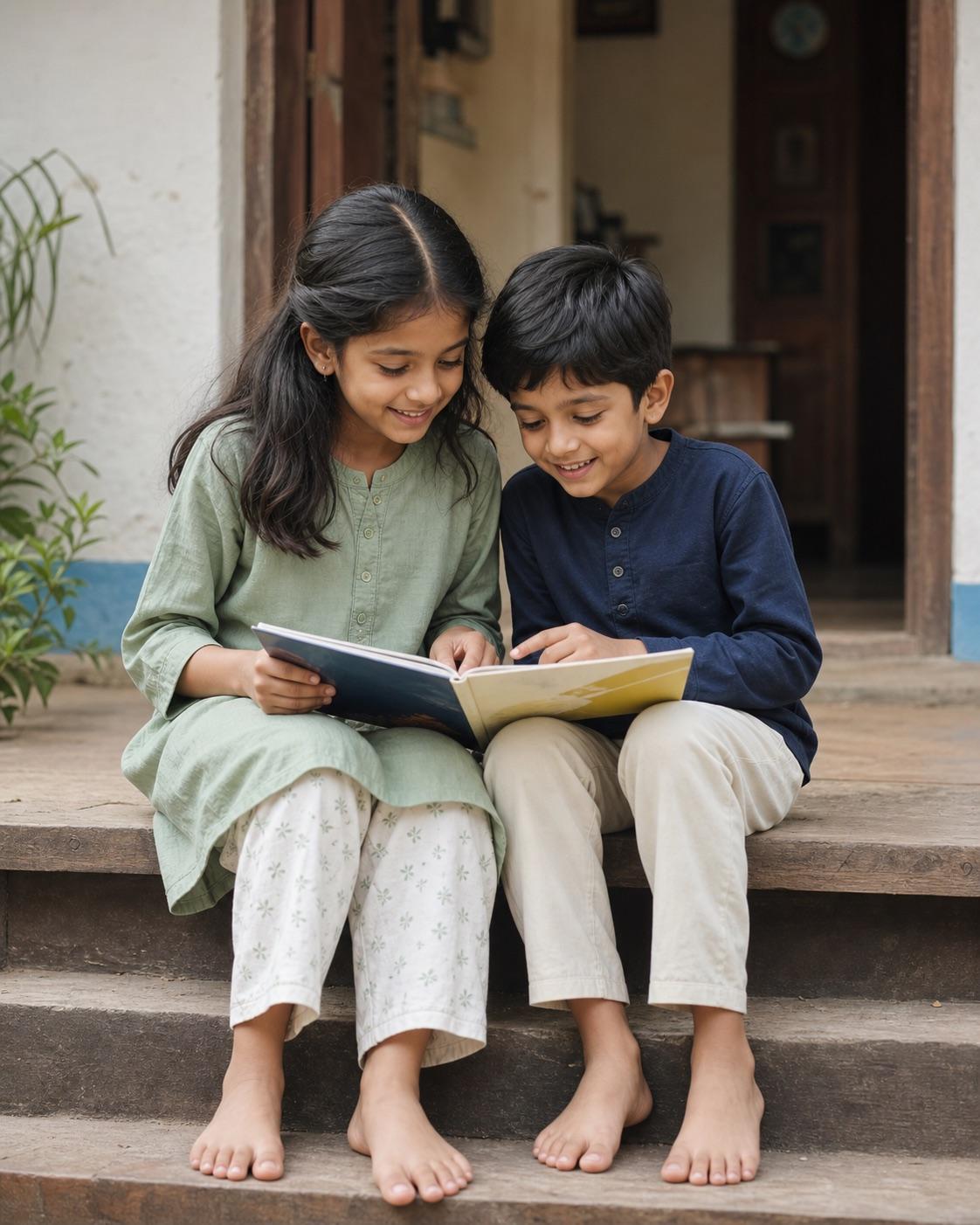
Use comfortable modest clothing, natural expressions and ordinary family or festival settings. Avoid mature makeup, pageant styling, revealing clothing, romantic poses, beauty standards intended for adults and commercial sexualized framing. For parent-child and sibling scenes, state that the interaction is familial. For Holi or other festivals, keep materials away from eyes and mouths and preserve natural skin tone.
Privacy matters even without an upload form
The Builder runs locally in the browser and this site does not accept photos, but users can still place unnecessary identifying information in text. Describe only visible details needed for the image. Avoid names, exact birth dates, school uniforms with readable badges, home addresses, vehicle plates, medical details and recognizable location data. Review the policies of any third-party editor before pasting a prompt or uploading an image there.
Use a rejection checklist
Reject an output if the child looks older or materially different, skin tone changes, clothing becomes revealing, makeup appears, anatomy is distorted, a baby appears unsupported, faces merge, private text appears or the pose becomes romantic or sexualized. A technically clean image can still be inappropriate. Keep the result private whenever the guardian is uncertain about context, dignity or future impact.