
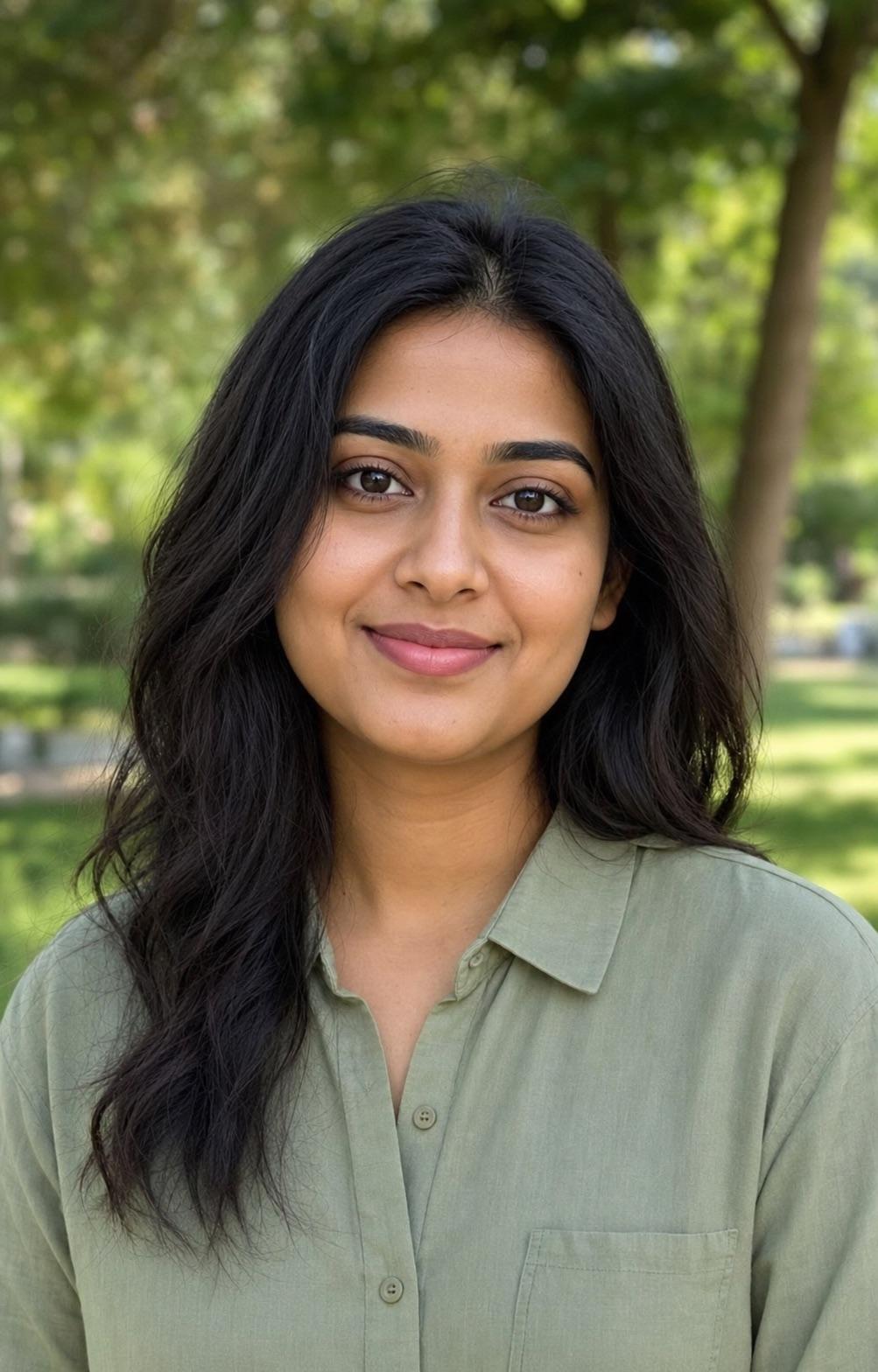
Create a natural outdoor display portrait of one consenting adult in a quiet green park. Preserve the person's exact face identity, actual age, hairstyle, skin tone, body proportions and natural expression. Use modest casual clothing without logos, a softly blurred foliage background, gentle open-shade daylight and a centered head-and-shoulders crop. Keep the face neutral in color and readable at small profile size, with a square-safe composition inside a 4:5 canvas. Remove distracting branches and identifying signs while keeping the setting believable. Do not add excessive makeup, beauty-filter skin, flowers covering the face, text, logos, unrelated people or celebrity resemblance.
Outdoor Nature Profile DP Prompt
A nature DP should feel open without letting foliage compete with the face. This prompt uses a quiet park, soft green blur and neutral facial light for a friendly profile image.
This site does not upload or generate images. Use the copied prompt in a compatible AI image tool.
Preservation rules
Keep identity instructions clear
- Use only with a consenting adult.
- Preserve face identity, actual age, natural skin tone and hairstyle.
- Keep the foliage soft and separate from the face.
- Remove identifying signs or location details from the background.
Variable controls
Change only what helps
- subject
- one consenting adult in a natural outdoor portrait
- outfit
- a modest casual shirt without visible logos
- background
- a quiet green park with soft foliage blur and no identifying signs
- lighting
- gentle open-shade daylight with accurate skin tone
- camera
- centered eye-level head-and-shoulders portrait
- mood
- friendly, natural and relaxed
- aspect Ratio
- 1:1 safe crop within 4:5
Best for
- casual profile pictures
- outdoor creator DPs
- friendly natural headshots
Avoid if
- the source has harsh overhead sunlight
- the background contains identifying home or location details
Four-step workflow
Use the prompt in a compatible tool
- 01
Start with a permitted source image
Use your own photo, a licensed image, or a likeness you have clear permission to edit.
- 02
Adjust the useful variables
Change the subject, outfit, setting, lighting, camera direction and crop to match the photo you actually have.
- 03
Copy to a compatible AI tool
Paste the prompt into a tool that accepts image or photo editing instructions. This site does not upload or generate the image.
- 04
Review before sharing
Check identity, hands, skin texture, clothing, background details and consent before you post or export the result.
Quick answers
Effect questions
How do I keep a green background from tinting skin?
Ask for neutral facial color and use foliage only as a softly blurred background.
What should I remove from the background?
Remove readable signs, addresses and distracting branches while keeping the park setting natural.
Related effects
Continue with a nearby task

Men DP Attitude Prompt
A small display picture needs a readable face more than a complicated scene. This prompt keeps the composition centered, the background simple and the expression confident without turning aggressive.

Professional Headshot DP Prompt
A professional DP should look approachable and credible at thumbnail size. This prompt keeps the background quiet, the expression natural and the face centered inside a square-safe crop.
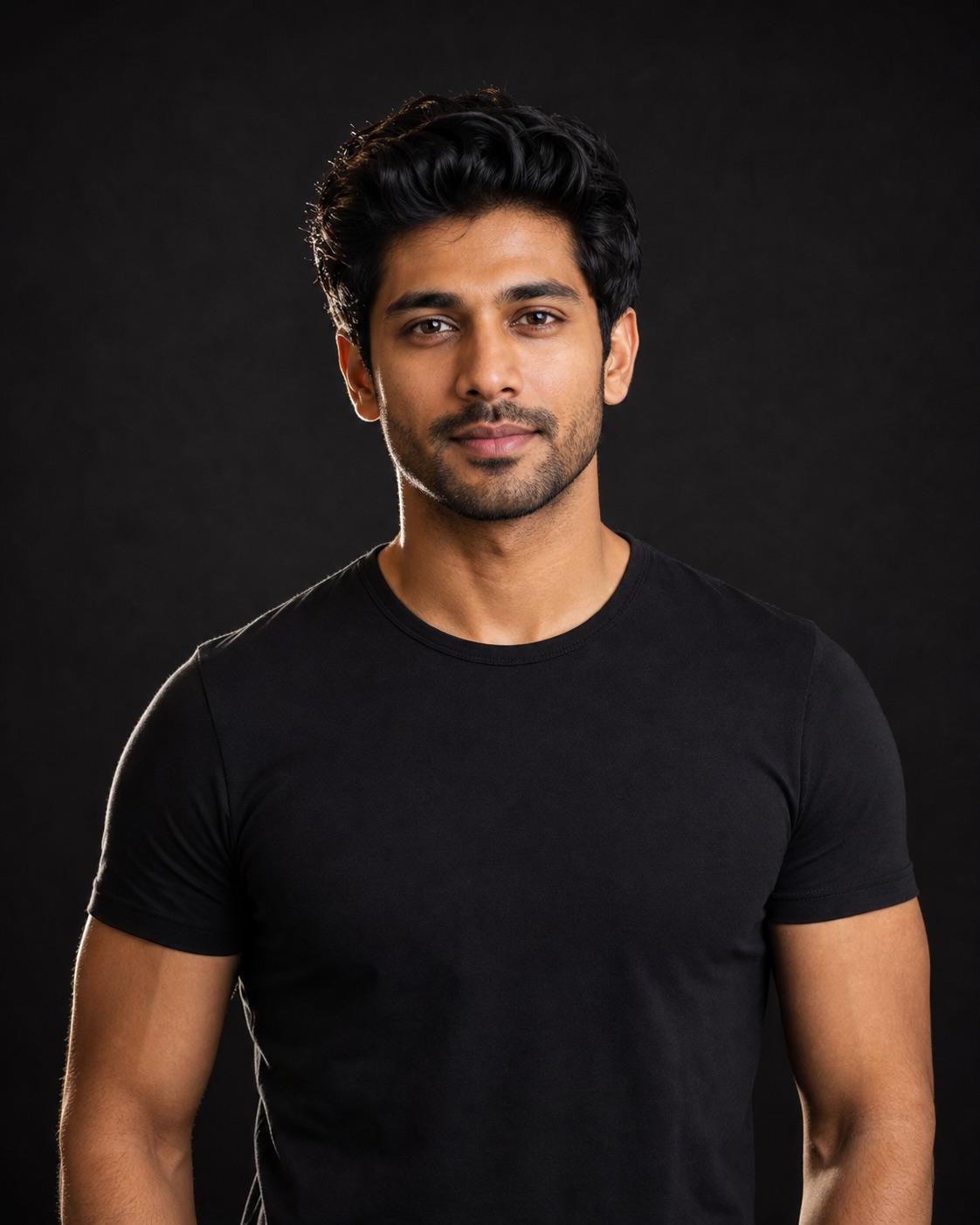
Black Shirt Attitude DP Prompt
The attitude comes from posture, eye direction and light rather than weapons, luxury props or an angry expression. A plain black shirt and restrained rim light keep the face readable.
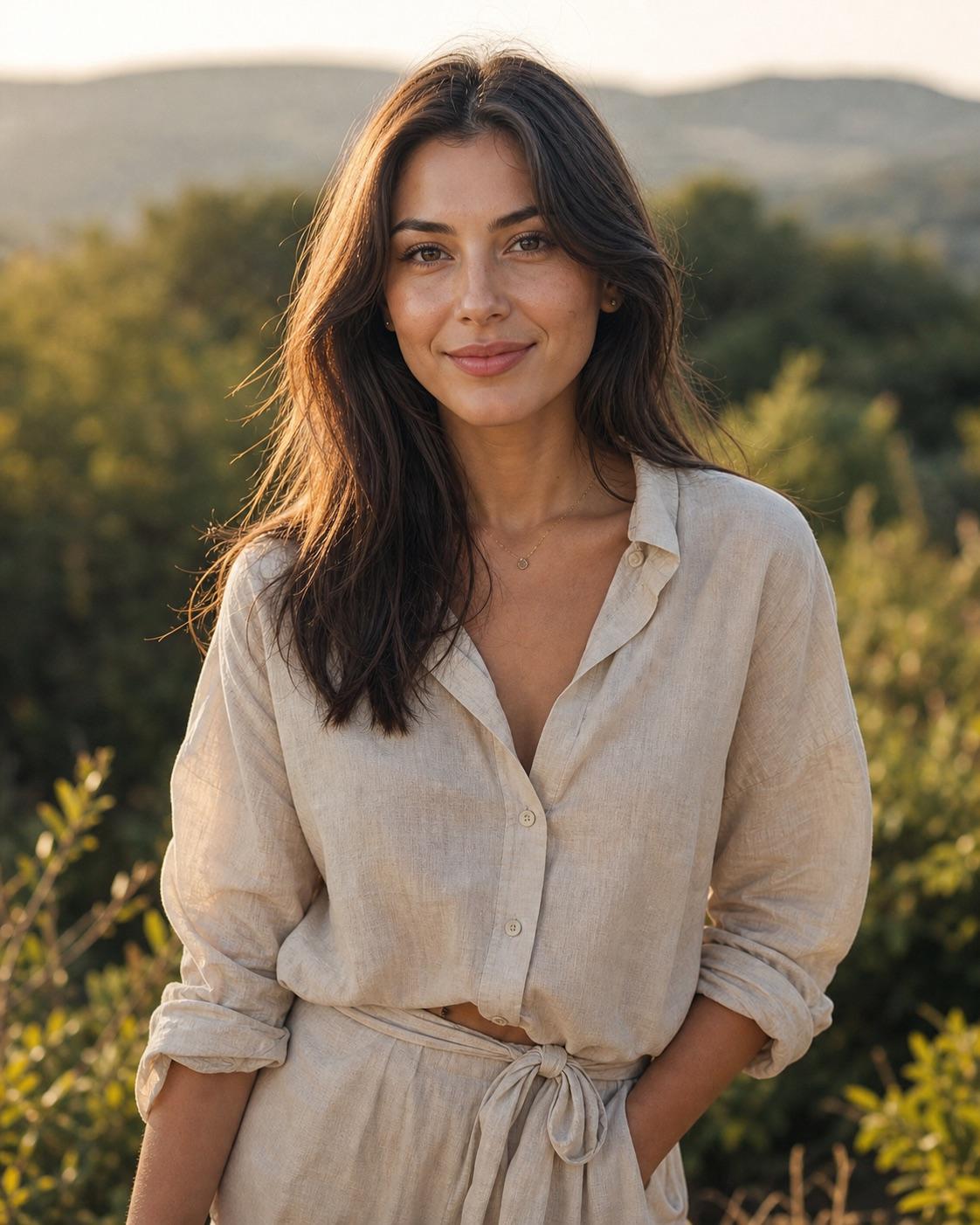
Warm Golden Hour Preset Prompt
A useful warm preset protects skin and highlight detail instead of turning the whole frame orange. This direction adds warmth selectively while keeping greens and shadows believable.